How to fix
Movies & TV app error 0xc00db3b2
on Windows
Resolve the Movies & TV app error 0xc00db3b2 on Windows 10 and Windows 11 effortlessly. Issues fixed in minutes with expert-tested solutions.

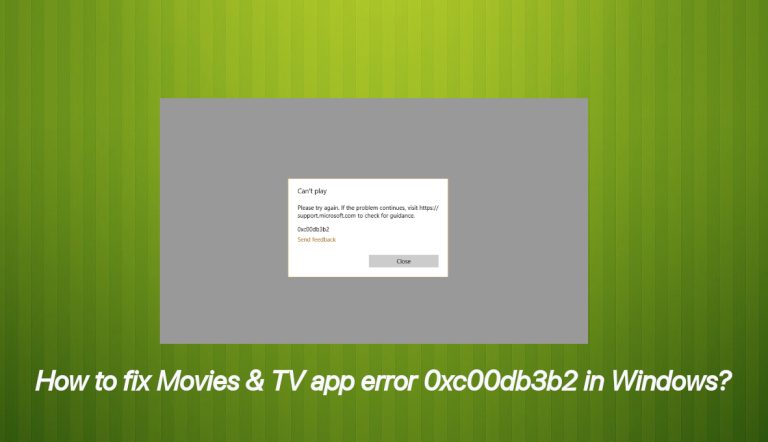
What causes How to fix Movies & TV app error 0xc00db3b2 in Windows?
- Absence of the HEVC Video Extension
- Codec-related problems
- Software glitches
- File corruption
- Incompatibility with certain video formats
Repairs Windows system files, removes malware, and restores a clean OS state — without reinstalling.
Hello, I constantly experience issues with the Movies & TV app because I see the error 0xc00db3b2. It's Windows 10, and I tried reinstalling the HEVC extension, but the error persists. Maybe you can help me to fix this or offer me insights why this happened at all?
It is common for users to be clueless when it is time to fix the Movies & TV app error 0xc00db3b2 in Windows because it often only states that the program can play and provides no explanation. Many Windows 10 users have[ref en-1] recently encountered a frustrating issue when attempting to play videos through the built-in Movies & TV application. That can happen due to many reasons.
However, your mentioned error, in particular, is the main one reported. The problem presents itself as the error code 0xc00db3b2, which appears abruptly and prevents the video from playing. While this issue may seem unexpected, it often emerges after a system update and appears to affect a wide variety of video formats, including advanced types like 360-degree videos.
This Movies & TV app error 0xc00db3b2 in Windows is particularly troublesome because it is not tied to a specific file or file type—it reflects a broader incompatibility or missing component in the system’s video playback infrastructure. After analyzing various user reports and technical observations, it’s clear that the root causes of this error can be traced back to codec-related problems, specifically around the HEVC (High-Efficiency Video Coding) extension[ref en-2].
One of the most common causes of the Movies & TV app error 0xc00db3b2 in Windows is the absence of the HEVC Video Extension, a component that is not bundled with Windows by default. This extension is essential for decoding modern high-resolution video formats, particularly those optimized for newer hardware like Intel’s 7th-generation processors and newer GPUs that support 4K playback.
Without this extension, the Movies & TV app lacks the capability to process certain video streams, resulting in playback errors. In some cases, users have the extension installed, but it fails to function correctly due to software glitches or file corruption, especially following Windows updates or driver changes.
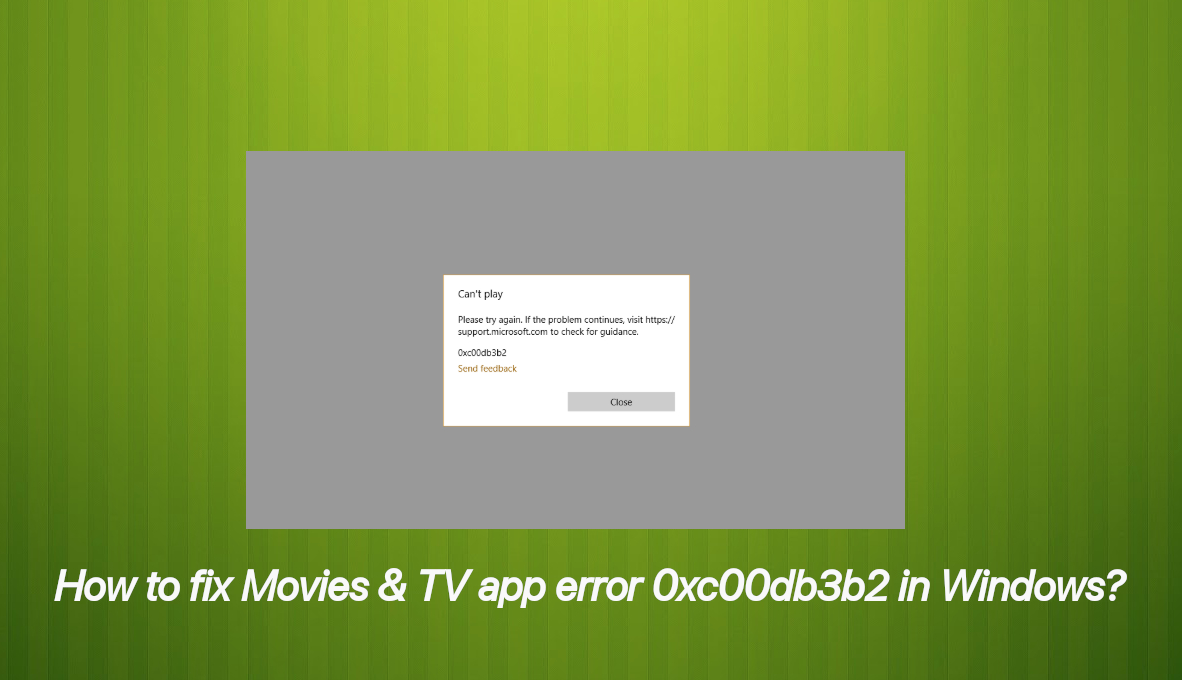
When this happens, the system may still recognize the extension, but the decoding process becomes unstable, leading to the 0xc00db3b2 error during playback. Another possible factor lies within the Movies & TV app itself. Like any application, it relies on internal data and cache to manage codecs and playback settings.
If this data becomes corrupted or out of sync, particularly after updates or system changes, the app may mismanage the decoding process, resulting in errors even if the correct codecs are present. Overall, Movies & TV app error 0xc00db3b2 in Windows is a symptom of deeper compatibility or configuration issues within Windows 10’s multimedia framework.
How to fix Movies & TV app error 0xc00db3b2 in Windows?
Whether due to a missing HEVC extension, a malfunctioning codec module, or internal inconsistencies in the app, the error highlights the importance of codec management and app integrity in ensuring smooth video playback on modern systems. Fixing the issue might not be as difficult as it seems. Mainly, when you rely on tools like [d1], which can help you improve the performance of the machine.
You can also rely on the more manual approach and follow the guide below, which will take you through the most reliable solutions. This way, you can be hands-on and fix error 0xc00db3b2 in Windows yourself.
1. Install the HEVC Video Extension
- Open the Microsoft Store.
- Search for HEVC Video Extensions.
- Install the official extension.
- Restart your PC and try playing the video again.
2. Reinstall the HEVC Extension
A full reinstall of the HEVC extension might help fix the issue immediately.
- Uninstall the current HEVC Video Extension via Apps & Features.
- Go to Settings.
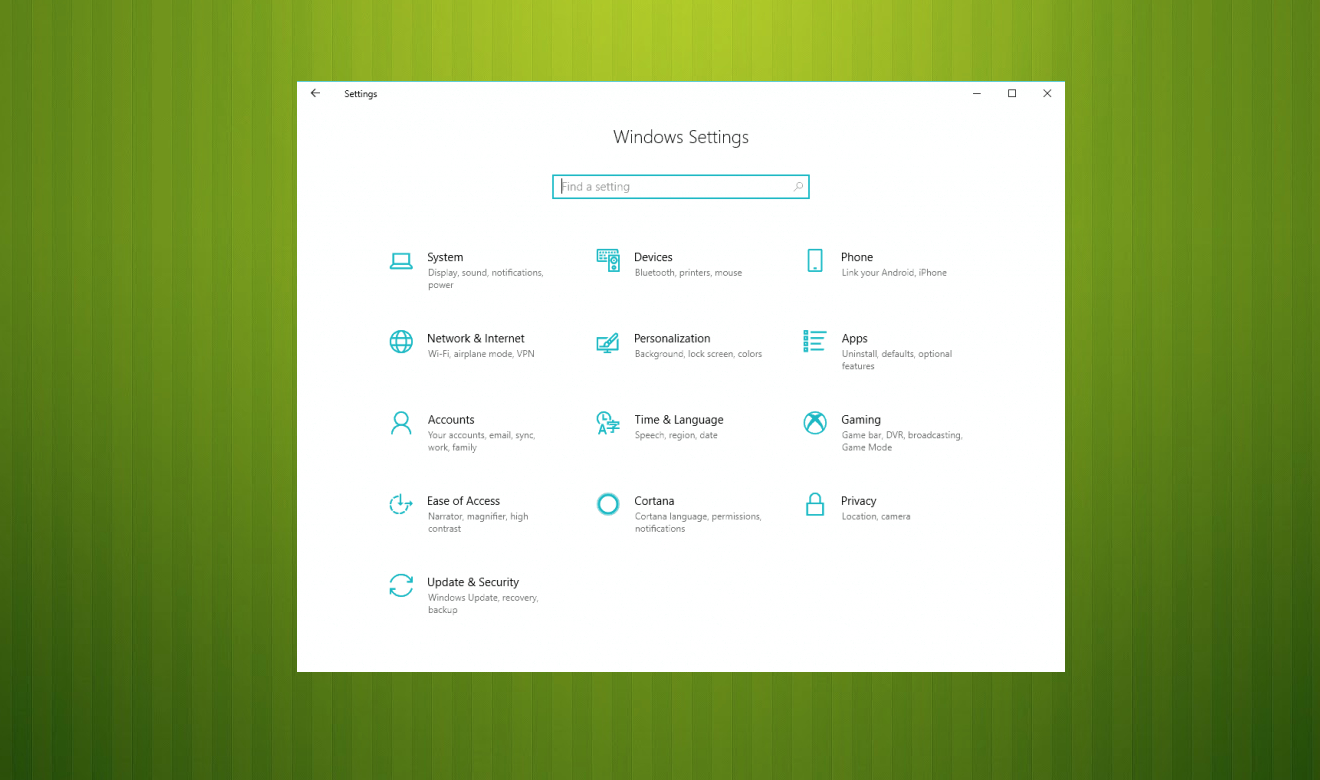
Movies tv app error 0xc00db3b2 settings - Choose Apps & Features and find the extension.
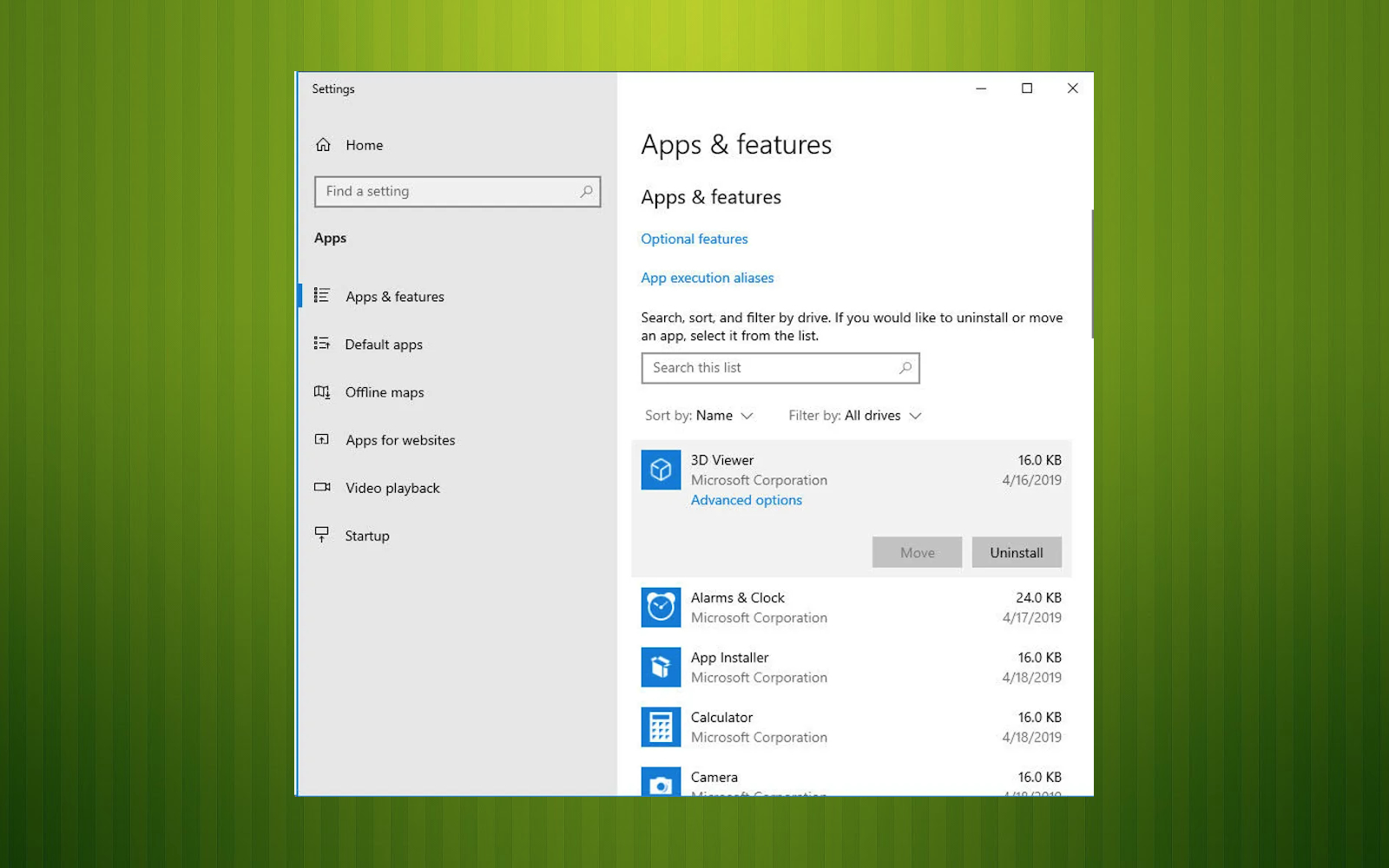
Movies tv app error 0xc00db3b2 apps - Click on it and then hit the button that says Uninstall.
- Reboot your PC.
- Open the Microsoft Store and install it again.
3. Repair or Reset the apps
To fix Movies & TV app error 0xc00db3b2 in Windows you might need to fix the particular movie app or other apps, because programs can interfere with each other.
- Press Windows key + R to open up a Run dialog window.
- Type or paste ms-settings:appsfeatures and hit the Enter key to open up the Apps & Features tab of the Settings app.
- Scroll down through the list of available apps and locate the Movies & TV app.
- Once you locate it, click on it once, then click Advanced Options.
- Inside the Advanced Options screen of Movies & TV, scroll down to the Reset tab and click on Reset.
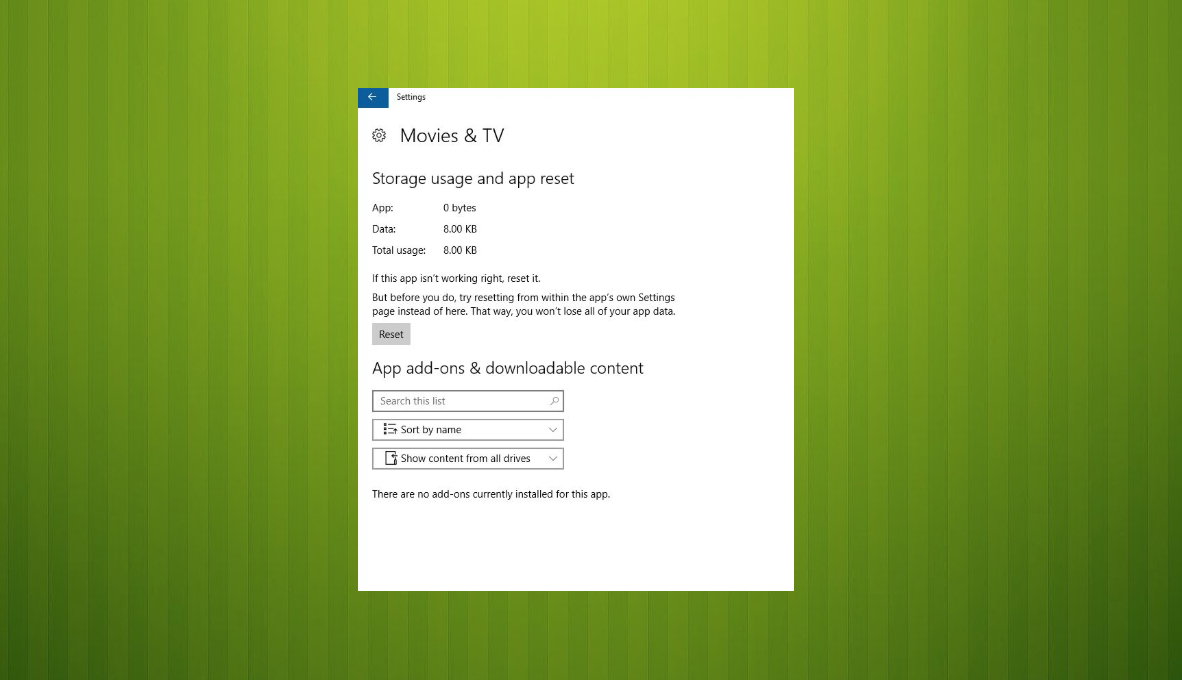
Movies tv app error 0xc00db3b2 reset - Click Reset once again at the confirmation prompt to kickstart the process.
- Once the process is complete, restart your computer and see if the issue is resolved after the next system startup.
Bottom line
To fix the Movies & TV app error 0xc00db3b2, ensure that the HEVC extension is installed and functioning correctly. Additionally, check for any software glitches or file corruption that may have occurred after a system update. If these solutions do not resolve the issue, consider seeking further technical assistance.
Frequently asked questions
The error 0xc00db3b2 typically occurs due to corrupted video files, outdated app versions, or missing codecs required for playback.
You can update the Movies & TV app by going to the Microsoft Store, clicking on 'Library', and selecting 'Get updates' to ensure you have the latest version.
If reinstalling doesn't help, try resetting the app by going to Settings > Apps > Apps & features, selecting Movies & TV, and clicking on 'Advanced options' to find the 'Reset' option.




Report an issue
What's wrong with this guide? We review every report and update or remove content.
Report received — thank you. We'll review and fix it.
You need a free account to submit a report.
Be the first to comment