How to fix
Skype Connection Problems
on Windows
Troubleshoot Skype connection issues on Windows 10 and 11 effortlessly. Get expert-tested solutions to restore your communication quickly. Fixed in minu…

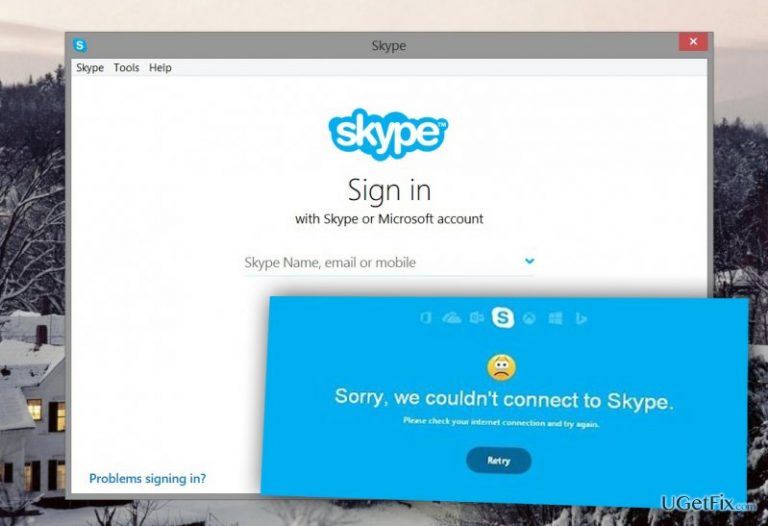
What causes How to Fix Skype Connection Problems?
- Poor Internet connection
- Outdated version of Skype
- Insufficient Skype Credit balance
- Another person's connection issues
Repairs Windows system files, removes malware, and restores a clean OS state — without reinstalling.
I’ve been dealing with several Skype Connection Problems for a while. It often takes several minutes to log in, and I receive a “Skype can’t connect” message. Sometimes it’s impossible to make a call, or they are ended due to some connection problems. It seems that my Internet connection is strong, but what else can cause these issues and how to fix them?
Skype Connection Problems are quite common among the users. There are three main reasons why these issues arise. It might happen due to poor Internet connection, outdated version of the Skype or Skype Credit balance. However, you should not forget that for disconnected calls or inability to make a call might be responsible another person. Maybe, something is wrong with their Internet connection. However, we will briefly review these main problems and give solutions how to fix Skype Connection Problems.
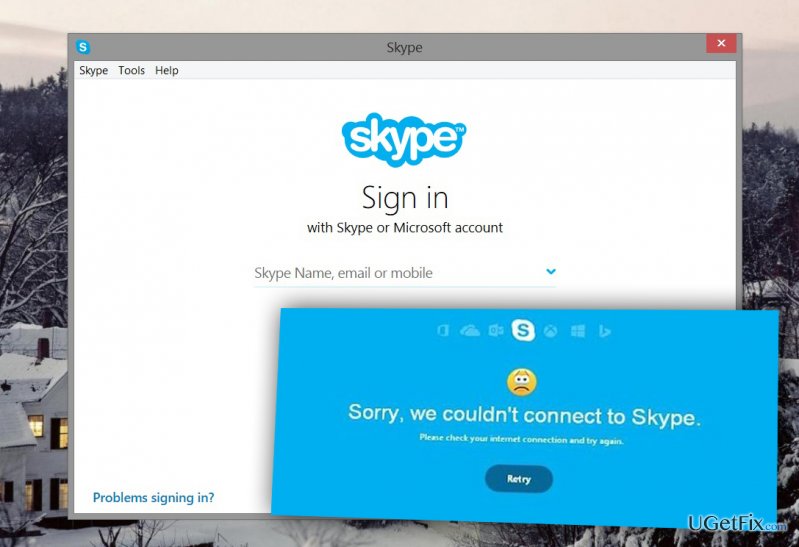
Poor Internet connection
Excellent Internet speed is crucial for using Skype. Even though you might think that your connection is good, you should still check it. Skype has some technical requirements for making regular and HD calls. The minimal upload and download speed for regular calls have to be 30Kbps, but Skype recommends having the speed of 100Kbps. Meanwhile, if you are going to make an HD call, your speed have to be at least 1.2Mbps and Skype recommends having 1.5Mbps speed. Therefore, you have to check your connection speed by following these steps:
- Login to Skype.
- Start a call.
- Click on Check settings button and select Test now.
- If Internet connection is low, you will be offered some tips to increase the speed. For example, closing file-sharing applications, pausing downloads, uploads or online video/audio streaming. Sometimes even closing several browser’s tabs helps.
Besides, if you use Wi-Fi connection, you can try moving closer to the router. However, if you need to make a serious business call, you should plug in Ethernet cable directly to your computer. It will make the connection stronger.
Outdated version of Skype
Program updates are crucial to maintaining better service and use all features properly. If you are not sure whether you use the latest version of Skype or not, you should check it and update it if necessary:
- Sign into Skype.
- Find Help menu and go to Check for Updates.
- If some updates are available, you will be able to download them by clicking the Download button.
- Wait for the download to complete, and then click Upgrade button in the pop-up window.
However, it’s easier to set automatic updates and do not worry about forgetting to upgrade Skype. Automatic updates are set by default; however, if you disabled them and wanted to activate them again, follow these steps:
- In the Skype’s menu bar select Tools and then Options…
- Click on Advanced tab and then select Automatic updates.
- Depending on your current settings, you have to click either Turn on automatic updates or Turn off automatic updates button.
Insufficient Skype Credit
When you face Skype Connection Problems when you try to call to a mobile or land-line phone, probably, the reason is insufficient credit. In this case, you should check these three tips:
- Check your credit. Login to Skype and go to Account. Here you can see the status of your credit.
- Verify the number and geographic location. Skype asks to do it when you still cannot call to particular number even though the credit is enough.
- Upgrade subscription / add Skype Credits. If you use limited subscription, you might have exceeded monthly calling cap. For this reason, you have to upgrade your subscription or buy more credits.
If these tips did not help to fix Skype connection problems, you should check their Heartbeat blog and look for their services’ status update. Whenever they have some issues, they inform users and provide expected solution time.
Bottom line
To fix Skype connection problems, check your Internet speed and ensure it meets the minimum requirements for calls. Update Skype to the latest version and verify your Skype Credit balance. If issues persist, consider checking the connection of the person you are trying to call.
Frequently asked questions
First, check your internet connection and restart your router if necessary. Then, ensure that Skype has the required permissions in the Windows 10 firewall settings.
Make sure your audio devices are properly configured in the Windows 11 sound settings, and check that Skype is set to use the correct microphone and speakers.
This could be due to unstable internet connectivity or outdated Skype software; try updating Skype and resetting your network settings if the problem persists.




Report an issue
What's wrong with this guide? We review every report and update or remove content.
Report received — thank you. We'll review and fix it.
You need a free account to submit a report.
Be the first to comment