How to fix
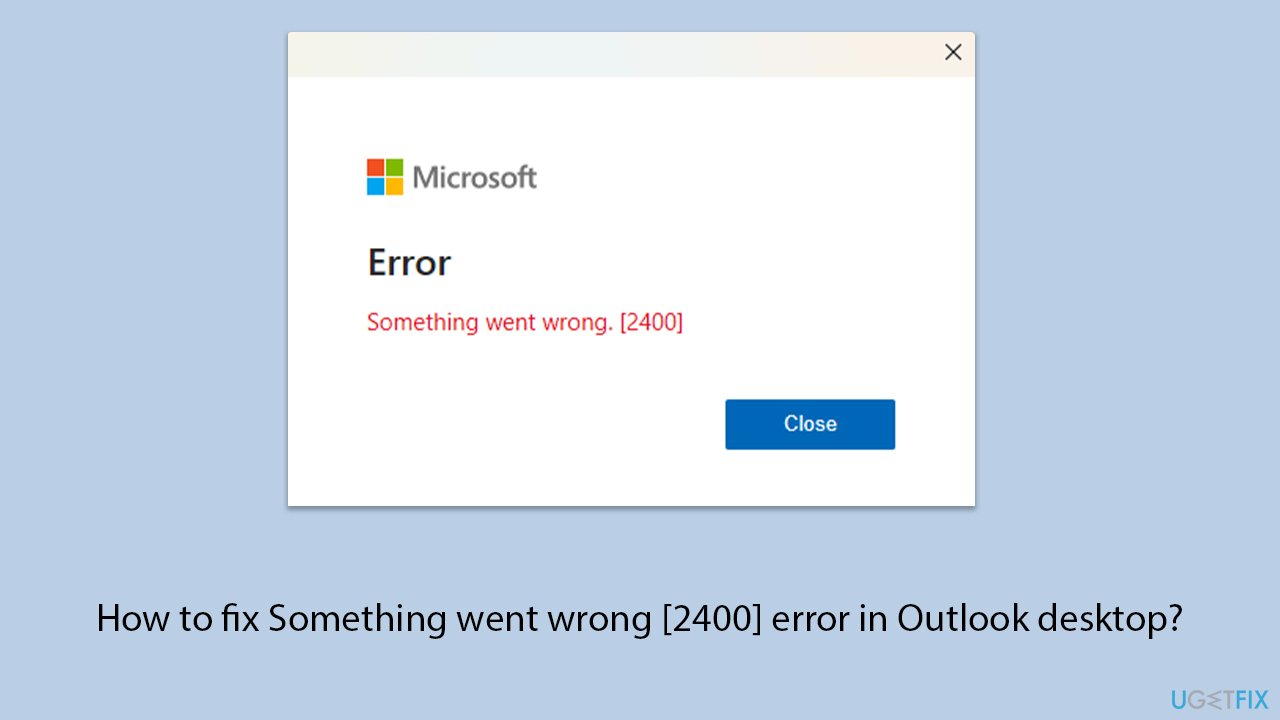
Something went wrong [2400] error in Outlook desktop
on Windows
Resolve the Something went wrong [2400] error in Outlook on Windows 10 or 11 with our expert-tested solutions. Fix it in minutes today!

![How to fix Something went wrong [2400] error in Outlook desktop?](https://ugetfix.com/wp-content/uploads/articles/askit/how-to-fix-something-went-wrong-2400-error-in-outlook-desktop-copy_en-768x432.jpg)
What causes How to fix Something went wrong [2400] error in Outlook desktop?
- Corrupted Outlook profile
- Conflicts with installed add-ins
- Outdated software versions
- Issues with email server configuration
- Corrupted OST files
- Problems during the Autodiscover process
Repairs Windows system files, removes malware, and restores a clean OS state — without reinstalling.
Something went wrong [2400] error in Outlook every time I try to launch it. The web version works fine but I want my app to work properly too. I am running Windows 11 23H3.
"Something went wrong [2400]" error in Outlook desktop is a common issue encountered by many users, leading to significant disruption in email communication and productivity. This error typically manifests when attempting to launch Outlook or access certain features, leaving you unable to use the application effectively. Understanding the reasons behind this error and potential solutions can help in addressing the problem efficiently.
Causes of the "Something went wrong [2400]" error
The "Something went wrong [2400]" error can occur due to a variety of reasons. One primary cause is a corrupted Outlook profile, which can prevent the application from starting correctly. Additionally, the error may arise from conflicts with installed add-ins, outdated software versions, or issues with the email server configuration. Corrupted OST files, which store a local copy of your mailbox data, can also lead to this error, as well as problems during the Autodiscover process when configuring mailboxes, particularly in environments using Exchange Online.
Potential solutions
Updating Outlook and Windows to ensure all the latest patches and updates are installed often contains fixes for known issues. Repairing the Outlook profile through the Account Settings may help; this involves navigating to the File tab in Outlook, selecting Account Settings, and then choosing Repair for the affected account.
Disabling and re-enabling add-ins can identify the culprit causing the issue. This is done by accessing the Add-ins menu under Options in Outlook, where you can selectively disable add-ins. Creating a new Outlook profile can help determine if the current profile is corrupted. This involves using the Mail Setup dialog in the Control Panel to add a new profile and set it as the default.
For more complex issues, such as those involving Exchange Online configurations, administrators may need to use PowerShell commands to correct any misconfigurations. The Microsoft Support and Recovery Assistant tool can also diagnose and fix various Outlook problems automatically, providing a comprehensive solution for persistent errors.
Lastly, consider using a PC repair tool like [d1] to fix any underlying Windows issues automatically, which can also contribute to resolving the Outlook error.
Bottom line
To fix the 'Something went wrong [2400]' error in Outlook, you can update Outlook and Windows, repair your Outlook profile, disable and re-enable add-ins, or create a new Outlook profile. If these solutions do not resolve the issue, consider using the Microsoft Support and Recovery Assistant tool or consult an administrator for more complex configurations.
Frequently asked questions
The error can be caused by outdated Outlook settings, corrupted files, or issues with your internet connection. Ensuring your Outlook is updated and repairing the Office installation can help resolve the issue.
To repair your Outlook installation, go to Settings > Apps > Apps & features, find Microsoft Office, select it, and choose 'Modify' to run the repair tool. Follow the prompts to complete the repair process.
Yes, you can reset Outlook settings by closing the application, then running 'outlook.exe /resetnavpane' from the Run dialog. This can help resolve configuration issues that may be causing the error.




Report an issue
What's wrong with this guide? We review every report and update or remove content.
Report received — thank you. We'll review and fix it.
You need a free account to submit a report.
Be the first to comment