How to fix
“The Recycle Bin on C:/ is corrupted” Error
on Windows
Resolve the "The Recycle Bin on C:/ is corrupted" error on Windows 10 quickly and easily. Follow our expert-tested guide for hassle-free solutions.

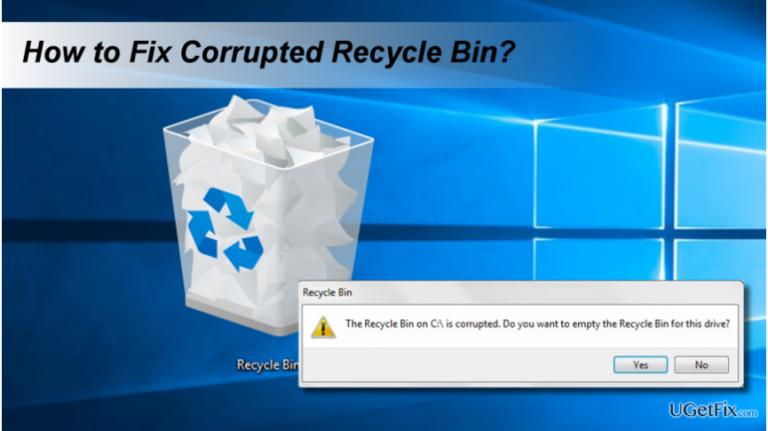
What causes How to Fix “The Recycle Bin on C:/ is corrupted” Error on Windows 10?
- Corrupted Recycle Bin
- Malware infection
- Malfunctioning core Windows files
- Installation of Windows Updates
- Improper permissions
Repairs Windows system files, removes malware, and restores a clean OS state — without reinstalling.
Hello, all. I’ve currently encountering an unusual Windows 10 bug – corrupted Recycle Bin. At the moment, I’m not able to delete any files or recover deleted ones. When I try to delete a random file from any Windows 10 location, an error occurs, which says: “The Recycle Bin on C:/ is corrupted.” What should I do in this situation?
“The Recycle Bin on C:/ is corrupted” is an error message that mainly strikes Windows 8 and 10 PCs. It emerges unexpectedly when a PC user attempts to delete some files from the system by right-clicking on it and selecting “Remove” from a drop-down menu. The “The Recycle Bin on C:/ is corrupted” error does not only prevent data from being removed, but also does not allow recovering it. Thus, if a PC owner notice that some of the important documents are missing and find them accidentally removed, clicking on the needed data inside the Recycle Bin folder and selecting “Recover” will also prompt the “The Recycle Bin on C:/ is corrupted” pop-up.
Possible “The Recycle Bin on C:/ is corrupted” error culprit
The exact reason of the Recycle Bin corruption on Windows 10 or 8 is not known yet. However, according to people’s reports, the problem often occurs after the installation of Windows Updates. However, Windows Update is not the only possible reason for the Recycle Bin corruption. It may get damaged by malware or malfunctioning of some core Windows files. To check for malware and fix damaged system files, we would recommend performing a full system scan with [d1] or another system optimization utility. If the scan did not fix corrupted Recycle Bin, another solution would be to delete permissions and re-install the corrupted Recycle Bin.
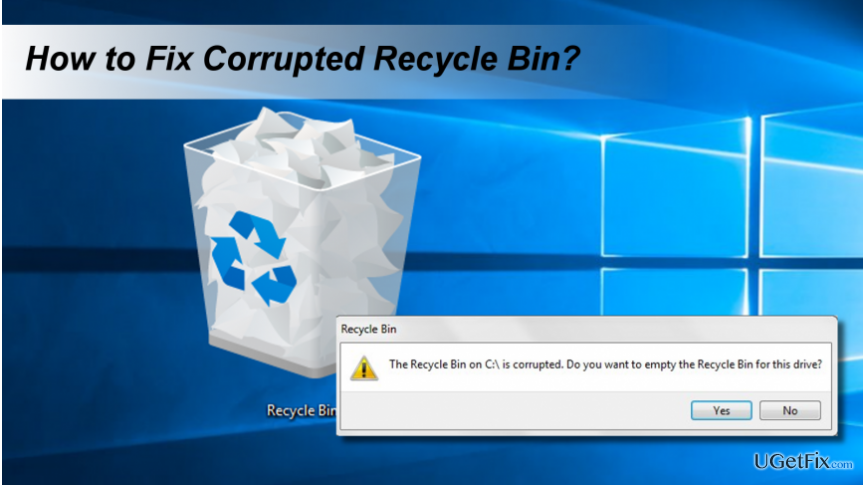
Fixing “The Recycle Bin on C:/ is corrupted” error
Solution 1. Run SFC and launch an elevated Command Prompt
- Right-click on Windows key and select Command Prompt (Admin).
- Type sfc / scannow and hit Enter.
- Wait for the System File Checker to run the scan and fix the existent problems related to Windows files.
- After that, type rd /s /q C:\$Recycle.bin command in the Command Prompt window and press Enter.
- Finally, reboot the system and check if the corrupted Recycle Bin has been fixed.
Solution 2. Remove permissions and re-install Recycle Bin
- Right-click on Windows key and select Control Panel.
- Open File Explorer Options and click on View tab.
- Uncheck the system protected operating files.
- The open each drive and locate the Recycle.bin folder and permissions with an additional recycle.bin.
- Delete the permissions and recycle.bin folders on each drive.
- Reboot your PC.
- After that, right-click on an empty space on the Desktop.
- Select Personalize and open Themes.
- Click Desktop Icon settings under Related Settings.
- Mark Recycle Bin and click Apply to save the changes.
Hopefully, you have managed to fix “The Recycle Bin on C:/ is corrupted” error successfully. If, after all, you have lost some important files that were kept in the Recycle Bin and opt for restoring them, you can use [rev id=”Data Recovery Pro”] tool or locate the copy of the files using Volume Shadow Copies.
Bottom line
To fix the 'The Recycle Bin on C:/ is corrupted' error, you can run the System File Checker (SFC) by launching an elevated Command Prompt and using the command 'sfc /scannow'. If the issue persists, consider deleting permissions and reinstalling the corrupted Recycle Bin. If none of these solutions work, performing a full system scan with a system optimization utility is recommended.
Frequently asked questions
Start by running the Command Prompt as an administrator and use the command 'rd /s /q C:\$Recycle.bin' to reset the Recycle Bin.
No, resetting the Recycle Bin does not delete any files; it merely restores the functionality of the Recycle Bin.
Yes, the steps to fix the corrupted Recycle Bin error are the same for both Windows 10 and Windows 11.




Report an issue
What's wrong with this guide? We review every report and update or remove content.
Report received — thank you. We'll review and fix it.
You need a free account to submit a report.
Be the first to comment