How to fix
“We can’t install some updates because other updates are in progress” error
on Windows
Resolve the “We can't install some updates because other updates are in progress” error on Windows 10 and 11 effortlessly. Expert-tested solutions await…

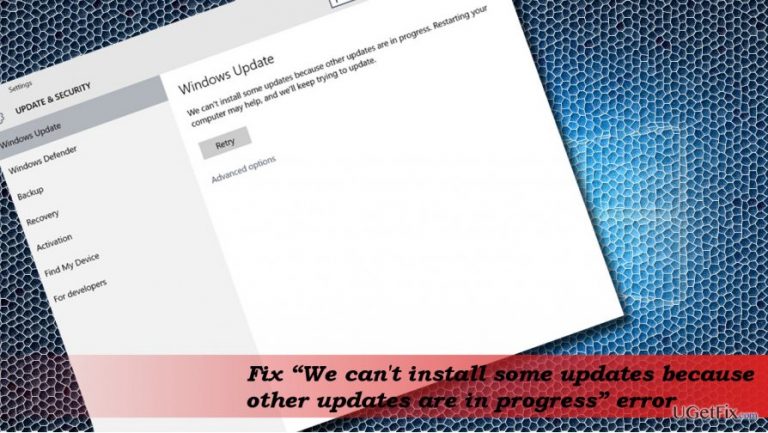
What causes How to fix “We can’t install some updates because other updates are in progress” error on Windows?
- System is currently working on earlier updates
- Earlier updates might not have been installed properly
- Microsoft Installer service (msiserver) is damaged
- Windows Update service is buggy
- Rebooting the system may not be sufficient
Repairs Windows system files, removes malware, and restores a clean OS state — without reinstalling.
I can’t install Windows updates. Whenever I try to do so, I keep getting this message “We can't install some updates because other updates are in progress. Restarting your computer may help and we'll keep trying to update.” Is there anyone else encountering this same problem?
Windows 10 OS has an Automatic Updates feature. The system is connected with the Microsoft server and receives the latest Windows Updates automatically. The PC’s owner is informed about the updates that are being installed and if the installation is successfully initiated, he or she receives a notification, which asks to restart the system or set up the time for the restart to complete the installation. If needed, the PC’s owner can hassle the installation of updates by opening Settings app, opening Updates & Security, and clicking on Check for Updates button.
Sadly, but Windows Update service is the most buggy of all. Up until now, not a single update was immune to various issues and, we assume, that people are getting accustomed to that. In this post, we would like to discuss an issue encountered by many people – the error “We can't install some updates because other updates are in progress.” The problem occurs soon after the PC’s owner presses the Install Update button. The “We can't install some updates because other updates are in progress” error means that the system is currently working on the earlier updates, which might not have been installed properly. Therefore, as one of the most possible solutions is to reboot the system to finish up installing the other updates.
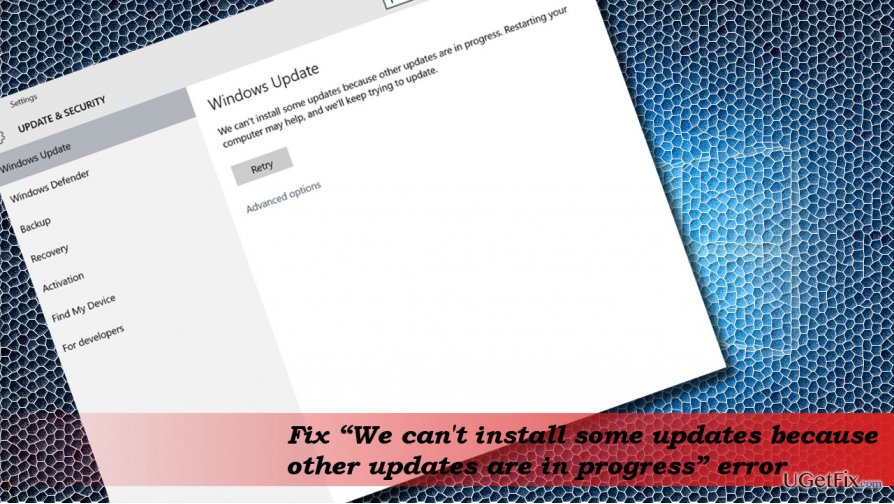
Unfortunately, in most of the cases, it’s not enough to restart the system to fix “We can't install some updates because other updates are in progress” error. That could mean that the Microsoft Installer service (msiserver) is damaged.
Fixing “We can't install some updates because other updates are in progress” error on Windows 10
As we have already said, first of all try to reboot your system. If that did not help, navigate to the official Microsoft’s website and download the Windows Update Troubleshooter. If these general solutions for Windows Update issues did not help, try these methods:
Re-register Windows Installer Service
- Press Ctrl + Alt + Del and open Task Manager.
- Open Services tab and find msiserver service.
- Right-click on it and select Stop.
- Then right-click on Windows key and select Command Prompt (Admin).
- Copy and paste the below given commands and press Enter after each:
MSIEXEC /UNREGISTER
MSIEXEC /REGSERVER - Finally, open Task Manager as explained above and find the msiserver.
- Right-click on it and select Start.
Use the Registry Editor
- Press Windows key + R, type regedit, and press Enter.
- Navigate to the HKEY_LOCAL_MACHINE\\SYSTEM\\CurrentControlSet\\Control\\Session Manager key.
- On the left pane find and right-click on the PendingFileRenameOperations registry string (REG_MULTI_SZ).
- Select Delete and click Yes to confirm.
- Then navigate to the HKEY_LOCAL_MACHINE\\SOFTWARE\\Microsoft\\Windows\\CurrentVersion\\Installer key.
- Find and right-click on the InProgess registry string (REG_SZ).
- Select Delete and press Yes to confirm.
- Close Registry Editor and restart the system.
Reset Windows Update Components
Windows Update components may sometimes stop working. This may be influenced by older Windows Updates or some important system’s changes. The guide explaining how to rest the components can be found here.
If, after all, you cannot install the required updates because of the “We can't install some updates because other updates are in progress” error, try using Windows Update Assistant.
Bottom line
To fix the error, first try rebooting your system. If that does not resolve the issue, download the Windows Update Troubleshooter from the official Microsoft website. If none of these solutions work, further investigation may be needed.
Frequently asked questions
You can resolve this issue by restarting your computer, which often clears any stuck updates. If the problem persists, try running the Windows Update Troubleshooter from the Settings app.
To check for stuck updates on Windows 11, go to Settings > Windows Update and look for any updates listed as 'Pending' or 'Downloading.' If found, manually stop them and restart the update process.
Yes, you can use Command Prompt to reset the Windows Update components by executing commands like 'net stop wuauserv' and 'net start wuauserv' to restart the update service.




Report an issue
What's wrong with this guide? We review every report and update or remove content.
Report received — thank you. We'll review and fix it.
You need a free account to submit a report.
Be the first to comment