How to fix
Win0rr02x012417ml.club pop-up
on Windows
Eliminate the Win0rr02x012417ml.club pop-up on Windows 10 or 11 effortlessly. Follow our expert-tested tips for a smooth experience, fixed in minutes.

What causes How to fix Win0rr02x012417ml.club pop-up?
- Scammers exploiting Microsoft trademarks
- Bogus claims of computer infection
- Attempts to provoke identity theft
- Encouragement to call rogue tech support
- Installation of third-party software that may be malware
Repairs Windows system files, removes malware, and restores a clean OS state — without reinstalling.
Hello. I‘ve been warned twice already that my personal information is in danger and that I must call tech-support to prevent the loss. The message indicated on the Win0rr02x012417ml.club site. The message seems to be generated by Microsoft Official Support, but I have doubts about that. I can‘t open a browser with Chrome (other web browsers do not throw this warning). Could you please tell me what I should do and is it dangerous?
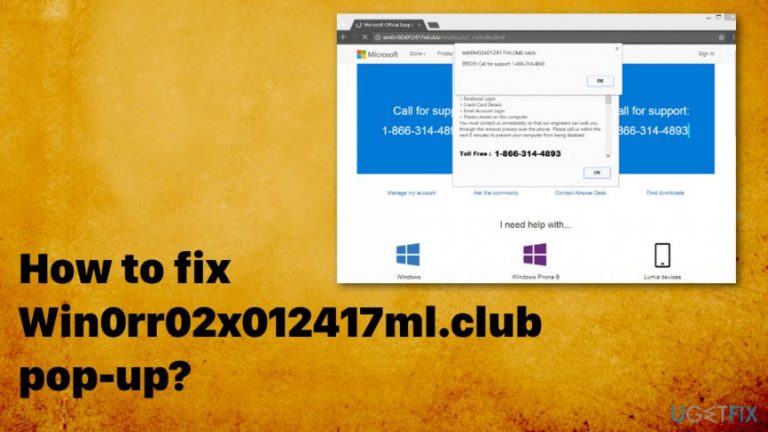
Before explaining the origin and the aims of the Win0rr02x012417ml.club pop-up, we would like to ask you NOT to dial the tech-support number provided on this alert! This notification is yet another rogue Microsoft Support Alert, which has been developed by tech support scammers.[ref en-1]
The aim of Win0rr02x012417ml.club pop-up is to scare computer owners into thinking that their computers are infected with multiple cyber threats, which is why personal information (Facebook logins, email logins, credit card details, photos, etc.) may be expropriated by cyber crooks.[ref en-2]
While these days tech support scammers experiment with the new scams techniques (lottery winning pop-ups, free coupons, etc.), the Win0rr02x012417ml.club scam is based on the old technique. The notification contains bogus claims about a supposed computer infection due to which the user is about to experience identity theft. To make it persuasive, crooks exploit Microsoft Official Support name as a sender and misuse Microsoft‘s trademarks.
However, it‘s not difficult to understand that the generated pop-up is a scam if it contains a non-Microsoft email address or telephone number. Microsoft does NOT spread tech support alerts via web browsers. All Microsoft contacts are provided on the official Microsoft‘s website so that people could communicate with the support team anytime.[ref en-3]
The aim of Win0rr02x012417ml.club virus is to make people call the rogue telephone number, which is given on the alert. This way, scammers may try to establish a remote connection with the target computer or provoke the PC‘s user to install third-party software, which may later appear to be malware or even virus. Therefore, you should rush to remove Win0rr02x012417ml.club pop-up!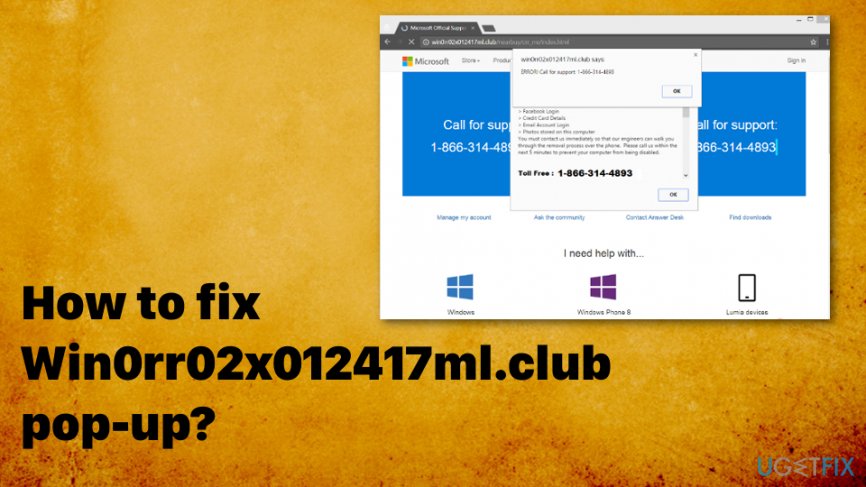
How to fix Win0rr02x012417ml.club pop-up
Win0rr02x012417ml.club pop-up alert may be thrown to the screen after clicking on corrupted advertisements or links embedded on a compromised website. In this case, the only solution would be to install a powerful anti-malware, which would block websites the content of which is doubtful. Nevertheless, in most of the cases, Win0rr02x012417ml.club scam is triggered by malware, namely adware.
Such programs are usually installed via third-party software bundles when people select Quick installation or follow the installation wizard by simply hitting the Next button without analyzing the provided information. Anyway, if you have started receiving Win0rr02x012417ml.club scam during your web browsing sessions, we would recommend installing [d1] and running a thorough system scan with it. This tool can eliminate malware traces from the system, so the only thing you will have to perform manually is the web browser‘s reset and PUP removal. If you are not aware of how to do that, the guide given below will help you.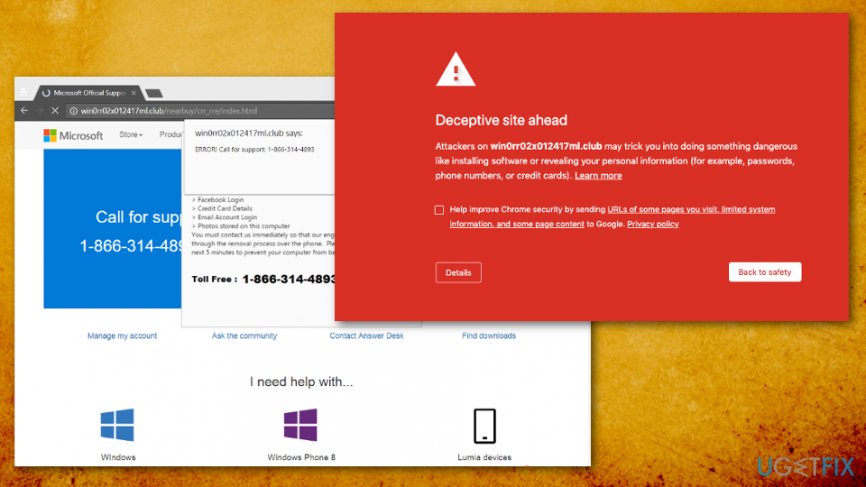
Fixing Win0rr02x012417ml.club error manually
It is also possible to fix Win0rr02x012417ml.club error manually. Nevertheless, don‘t forget that malware may be sneaky enough to install corrupted files in several system‘s locations, which is why after removing the main file manually, the pop-up may suddenly reappear after some time. If, however, you opt for fixing this issue manually, please do the following:
- Open the list of programs that have recently been installed. For that, navigate to:
Start > Control Panel > Programs and Features > Add/Remove Programs (Windows 7, XP).
Right-click on Win key > select Control Panel > Uninstall a Program (Windows 8, 10). - Carefully check what programs have been recently installed. The best way to do that is to sort the programs by date. Select unknown programs and click Uninstall. To confirm the removal, click OK/Uninstall.
- After that, reset your web browser, which throws the fake Win0rr02x012417ml.club pop-up as explained below.
Resetting web browsers
Google Chrome
- Open Google Chrome and then look for a Menu button (three bars located in the top right corner). Click it, select Tools on a drop-down menu and click Extensions.
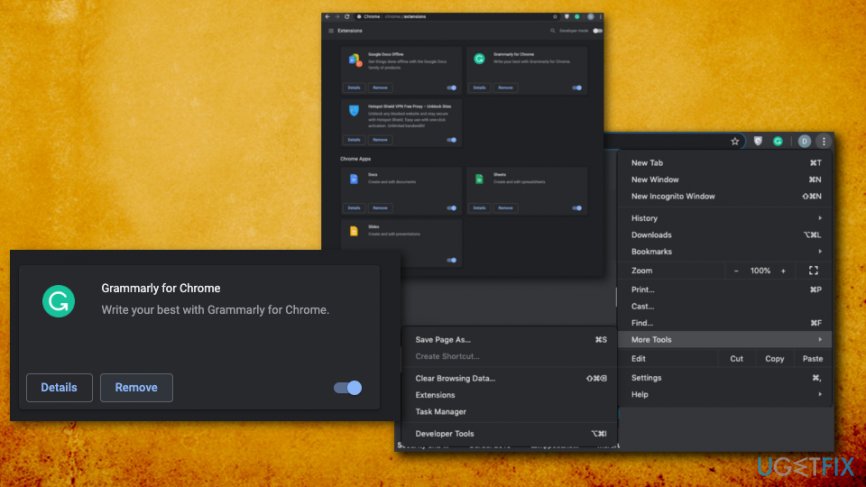
Fix win0rr02x012417ml club pop up remove extension - Locate suspicious browser extensions and click on the trash icon placed next to them or the button Remove. Confirm the removal by clicking Remove.
- Click the Menu button again and select Settings.
- Scroll down and find Show advanced settings option.
- Open Advanced settings and find the Reset settings button. Read all information provided on the notification and, if you agree with all conditions, click Reset.
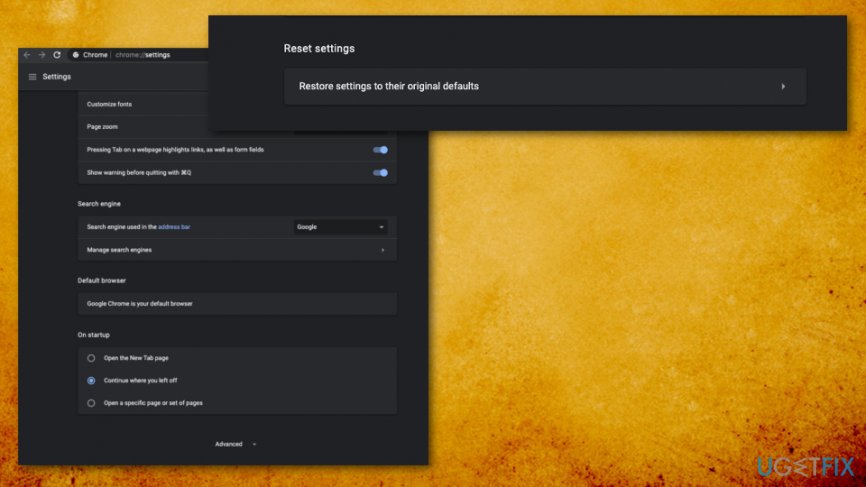
Fix win0rr02x012417ml club pop up reset browser
Mozilla Firefox
- Open Mozilla Firefox. Find the Menu button (three bars) and click it.
- Open the Add-ons section and open the Extensions tab.
- Locate suspicious add-ons or extensions click Remove button next to each of them.
- Click the Menu button again, then on the "?" button and then select Troubleshooting Information.
- Click on Refresh Firefox on the right pane.
- To confirm the changes, click Refresh Firefox again.
Internet Explorer
- Click on the Gear icon at the top right corner of the screen and select Manage Add-ons.
- Find all suspicious add-ons and extensions, Right-click on them and select Disable.
- Then click on the Gear icon again and select Internet Options.
- Click Advanced and select Reset.
- Mark Delete Personal Settings box and then click Reset to confirm the changes.
Bottom line
To fix the Win0rr02x012417ml.club pop-up, avoid calling the provided tech-support number and remove the pop-up immediately. Ensure that your browser and security software are up to date. If these steps do not resolve the issue, consider seeking professional help.
Frequently asked questions
The Win0rr02x012417ml.club pop-up is a deceptive advertisement that can appear in browsers, potentially leading to unwanted software downloads or phishing attempts on Windows 10 and Windows 11.
To stop the pop-up, clear your browser cache, reset browser settings, and run a full system scan with a reliable antivirus program on Windows 10 or Windows 11.
Yes, ensure that pop-up blockers are enabled in your browser settings and that you have disabled any suspicious extensions that may allow such pop-ups on Windows 10 or Windows 11.




Report an issue
What's wrong with this guide? We review every report and update or remove content.
Report received — thank you. We'll review and fix it.
You need a free account to submit a report.
Be the first to comment