How to fix
“Windows cannot be installed on Dynamic Disk” error
on Windows
Resolve the "Windows cannot be installed on Dynamic Disk" error quickly on Windows 10 or Windows 11 with expert-tested solutions for smooth installation.

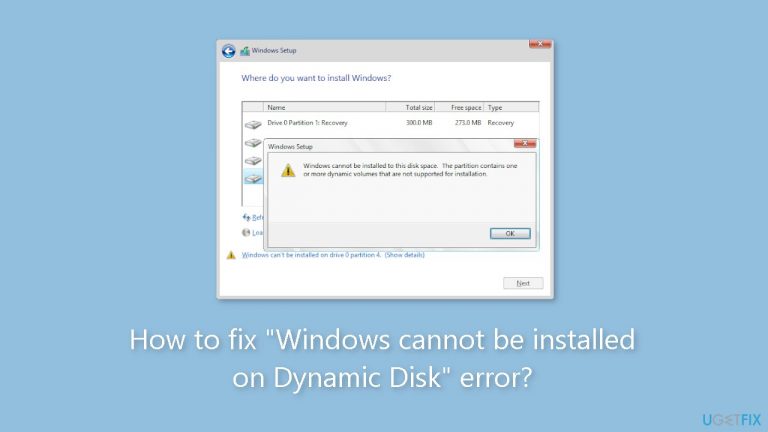
What causes How to fix “Windows cannot be installed on Dynamic Disk” error?
- Dynamic disks are incompatible with the Windows installation process.
- The selected hard disk contains one or more dynamic volumes.
- Dynamic volumes prevent installation on the desired hard disk space.
- Windows installation only supports installations on basic disks.
Repairs Windows system files, removes malware, and restores a clean OS state — without reinstalling.
Hello. I tried to install Windows but I received the "Windows cannot be installed on Dynamic Disk" error. Is there a way to fix this?
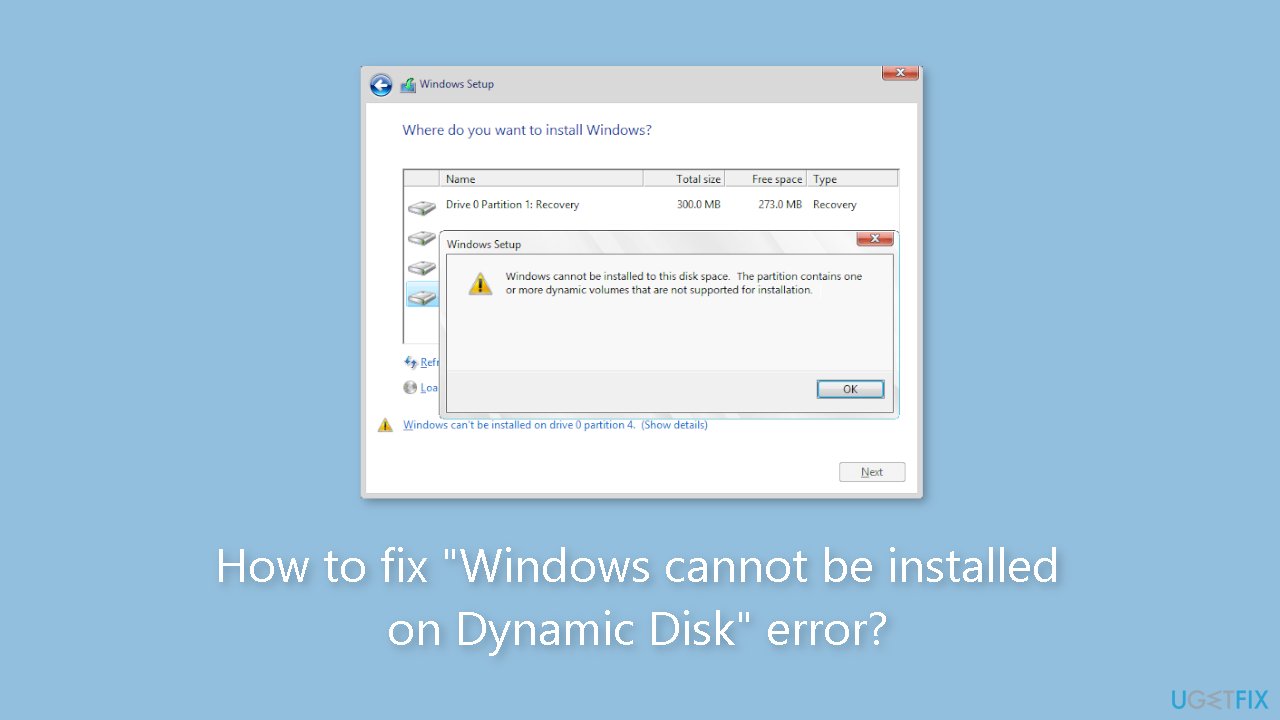
When attempting to install the Windows operating system on their computer, some PC users may encounter the "Windows cannot be installed on Dynamic Disk" error. When this error occurs, the full error message usually reads: "Windows cannot be installed to this hard disk space. The partition contains one or more dynamic volumes that are not supported for installation."
This error can have serious consequences for users because it prevents them from installing Windows on the desired hard disk space. In Windows, dynamic disks are a type of disk configuration that provides advanced features such as software-based RAID,[ref en-1] spanning, and mirroring. These dynamic volumes, however, are incompatible with the Windows installation process.
The error message indicates that the selected hard disk contains one or more dynamic volumes, preventing Windows installation. This can be aggravating for users who are attempting to install a new version of Windows or perform a clean install on their system.
Users have several options for dealing with this problem. Because the Windows installation process only supports installations on basic disks, one option is to convert the dynamic disk back to a basic disk. Converting the disk back to basic will delete any dynamic volumes and allow for a clean Windows installation.
Another option is to backup any important data on the dynamic disk, then delete all volumes and recreate the disk as a basic disk during the Windows installation process. This entails erasing the disk's existing volumes and starting over with a basic disk configuration compatible with Windows installation.
In this guide, you will find 2 steps that should help you fix "Windows cannot be installed on Dynamic Disk" error. You may also try to use a maintenance tool like [d1] that can fix most system errors, BSODs,[ref en-2] corrupted files, and registry[ref en-3] issues if you experience any other OS issues. Otherwise, follow the step-by-step instructions below.
Method 1. Use the Disk Management Tool
- Press the Windows key + R to open the Run dialog.
- Type diskmgmt.msc in the Run dialog box and press Enter.
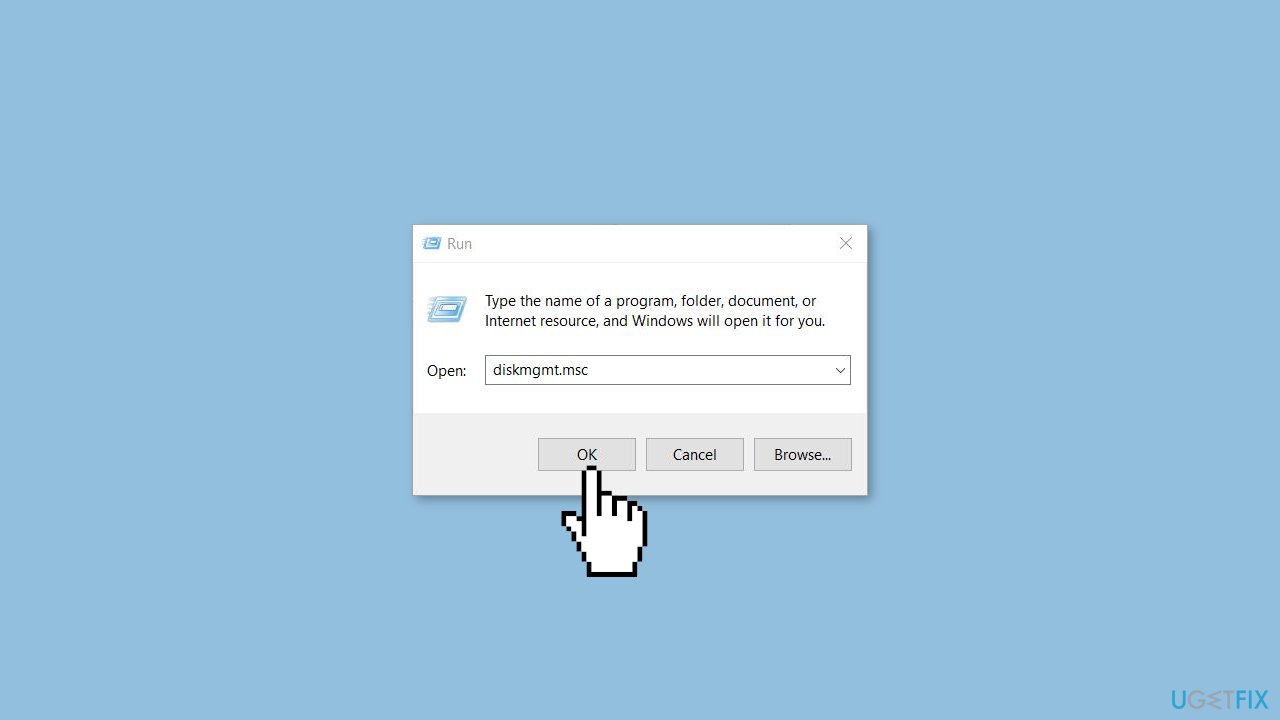
- The Disk Management window will open.
- Right-click on each volume on the dynamic disk that needs converting.
- Select Delete Volume from the context menu.
- Repeat the previous step for all the partitions on the dynamic disk.
- After deleting all the partitions, right-click on the dynamic disk, now shown as unallocated disk space.
- Choose Convert to Basic Disk from the context menu.
Method 2. Run DISKPART
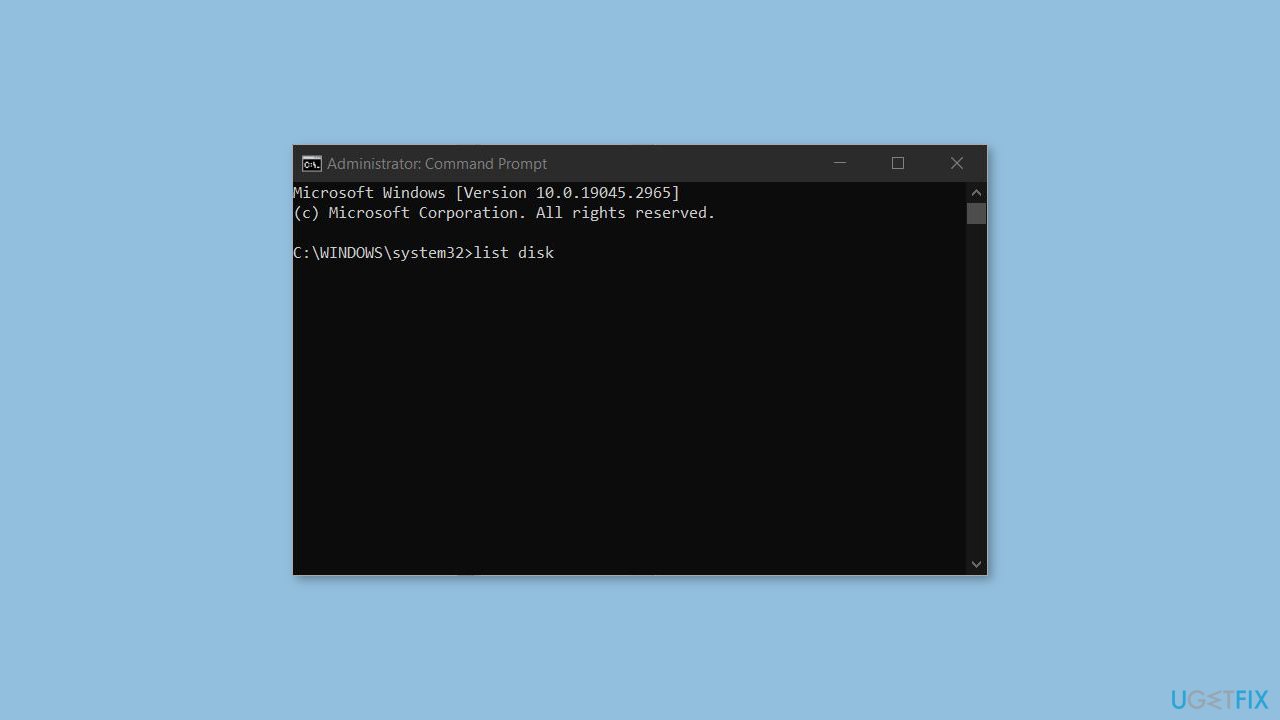
- Open the Command Prompt as an Administrator.
- Run the following commands and press Enter after each one:
list disk
select disk n (“n” refers to the disk number of the dynamic that you want to convert)
list volume select volume m (“m” is the number of the volume on the dynamic disk)
delete volume (repeat these two commands to delete all volumes)
select disk n
convert basic
- When the conversion is complete, exit the Command Prompt.
Bottom line
To fix the 'Windows cannot be installed on Dynamic Disk' error, you can convert the dynamic disk back to a basic disk, which will delete any dynamic volumes. Alternatively, you can back up important data, delete all volumes, and recreate the disk as a basic disk. If these methods do not work, consider using a maintenance tool to address other system issues.
Frequently asked questions
This error indicates that Windows cannot be installed on a dynamic disk, which is a disk type that supports advanced features like spanning and mirroring. To resolve this, you may need to convert the dynamic disk to a basic disk.
You can use Disk Management to delete all volumes on the dynamic disk, which will convert it to basic, but this will erase your data. To keep your data, consider using third-party software that can convert dynamic disks to basic without data loss.
Once you convert the dynamic disk to a basic disk and ensure all partitions are correctly formatted, you should be able to install Windows without encountering the error. Make sure all necessary backups are in place before proceeding.




Report an issue
What's wrong with this guide? We review every report and update or remove content.
Report received — thank you. We'll review and fix it.
You need a free account to submit a report.
Be the first to comment