How to fix
“You are about to be logged off” Error
on Windows
Resolve the "You are about to be logged off" error on Windows 10 and 11 easily. Proven solutions to get you back to work, expert-tested!

What causes How to Fix “You are about to be logged off” Error on Windows?
- System error
- Misconfigured power settings
- Third-party firewall issue
- Malware infection
- Trojan activity
Repairs Windows system files, removes malware, and restores a clean OS state — without reinstalling.
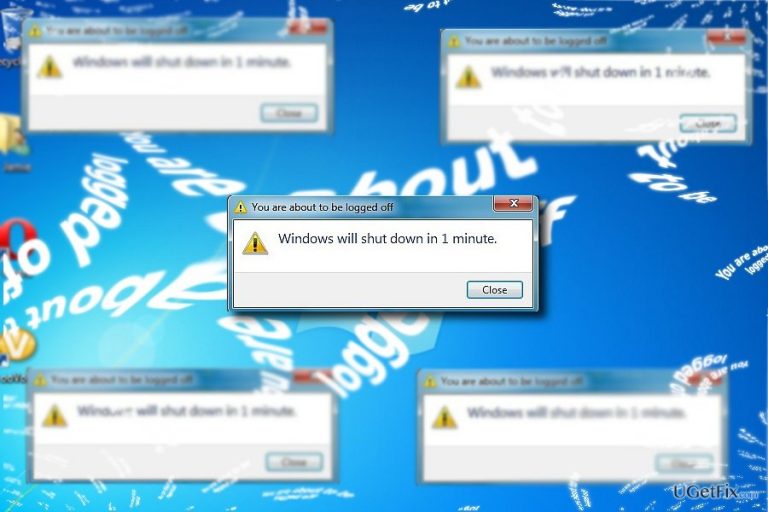
I really want to know what the heck is happening with my computer. The message “You are about to be logged off. Windows will shut down in 1 minute.“ alert appears before the OS shuts down. It often happens when the computer is active, in other words, during work sessions. Could it possibly be a virus?
“You are about to be logged off. Windows will shut down in 1 minute“ error might be the result of different reasons. Usually, it indicates a system error or misconfigured power settings. Observing past events, the issue might be related to a third-party firewall issue. Thus, you might shut down the application temporarily and attempt to perform a system shutdown.
Alternatively, the issue might have been caused by malware. Forcing shutdown or restart process is common for trojans. They also can:
- Spy on users‘ activities and steal personal files
- Deliver file-encrypting threats
Thus, in order to detect the root cause of the issue, you should first scan the device with System File Checker or use alternative options. 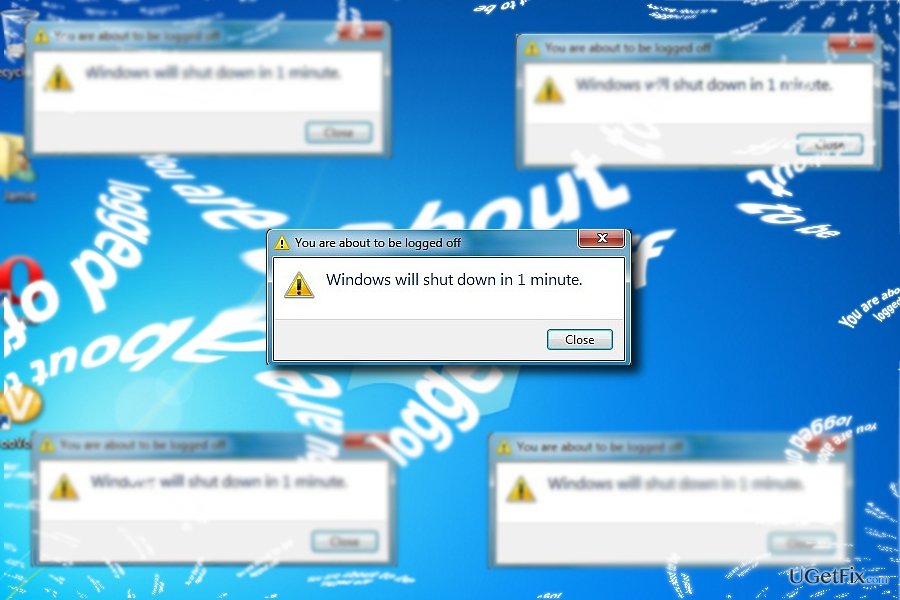
Option 1. Run System File Checker
- Click Windows+X.
- Choose Command Prompt(Admin).
- Type sfc /scannow.
- Wait for the process to complete.
In case the program does not identify any issues, proceed further.
Option 2. Detect the cause of the problem with Process Monitor or alternative tool
The credits for this method go to the user under the name of molotov.
- You can set this utility for it to log the shutdown procedure.
- Reboot the device. When Windows logs on, you will not see any message indicating the running application.
- Before shutting down the PC again, exit a third party firewall.
- Upon restarting the system again, you will be able to access the log file with the recorded information about teh boot process.
Option 3. Terminating malware on the system
In case the notification indicates additional information stating “Windows has encountered a critical problem and will restart automatically in one minute,” the trojan is likely to have infected the operating system.
Additionally, you might notice the .exe process, consuming enormous CPU data memory processes. In that case, you will need to employ an anti-spyware application to curb the infection. [d1] might be of service in that case. Since the malware is quite old, the program should not encounter any problems. In addition, you should check whether the following registry keys are deleted:
HKCU\SOFTWARE\Microsoft\Windows\CurrentVersion\Run Regedit32
HKEY_CURRENT_USER\Software\Microsoft\Windows\CurrentVersion\Run “Inspector”
HKCU\SOFTWARE\Microsoft\Windows\CurrentVersion\Internet Settings\{ EPC }
HKEY_CURRENT_USER\Software\Microsoft\Windows\CurrentVersion\Settings “net”
HKCU\SOFTWARE\Microsoft\Windows\CurrentVersion\Policies\Explorer\DisallowRun
HKEY_CURRENT_USER\Software\Microsoft\Windows\CurrentVersion\Policies\System “DisableRegedit” = 0
Bottom line
To fix the "You are about to be logged off" error, you can run the System File Checker, use Process Monitor to detect the cause, or terminate any malware on the system. If these methods do not resolve the issue, further investigation may be necessary.
Frequently asked questions
This error is often triggered by a conflict with third-party software or corrupted user profiles on Windows 10. Checking for updates and uninstalling recently added applications may help resolve the issue.
To troubleshoot this error on Windows 11, try running the System File Checker tool to repair corrupted files and ensure that your system is fully updated. Additionally, consider creating a new user profile if the problem persists.
Typically, this error does not affect your files directly, but it can lead to unsaved work being lost if the system logs you off unexpectedly. It's advisable to save your work frequently and back up important files.




Report an issue
What's wrong with this guide? We review every report and update or remove content.
Report received — thank you. We'll review and fix it.
You need a free account to submit a report.
Be the first to comment