How to fix
“Your Apple ID is blocked or disabled” error
on Windows
Resolve the "Your Apple ID is blocked or disabled" error effortlessly on Windows 10 and 11. Expert-tested solutions ensure swift access. Fixed in minutes!

What causes How to fix “Your Apple ID is blocked or disabled” error?
- Failed to log in correctly
- Someone else trying to guess the password
- Incorrectly answering security questions
- Malware infection
- Entering other account information incorrectly
Repairs Windows system files, removes malware, and restores a clean OS state — without reinstalling.
Hello, I have an issue with my iPad Air for a while. I can't update or purchase anything from the app store. I forgot my password and failed to answer security questions. I tried the recovery and changed my password a few times, but I still can't update my apps because my Apple ID is now disabled. How can I fix this?
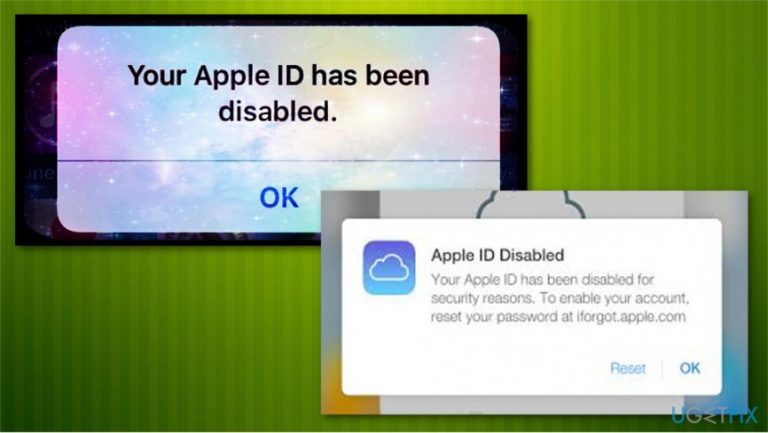
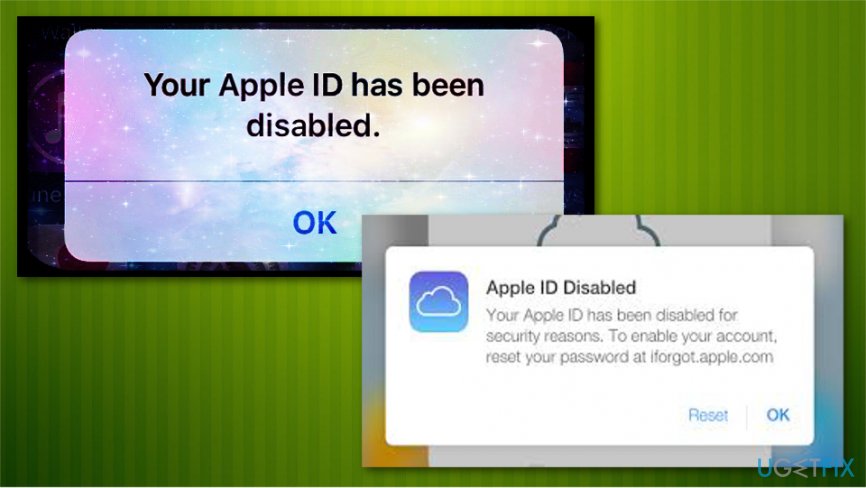
Apple ID is a service used to log in to Apple-based applications, like iTunes[ref en-1], App Store, iCloud, iMessage. This error message might be displayed because you failed to log in correctly, or somebody else was trying to enter your account simply trying to guess your password. When you forget your password and fail to enter the correct one repeatedly these attempts are restricted. You can try to enter the password three times within 24 hours. Apple can display a number of different messages regarding the same error:
- "This Apple ID has been disabled for security reasons."
- "You can't sign in because your account was disabled for security reasons."
- "This Apple ID has been locked for security reasons."
After you failed to answer the security questions[ref en-3] you might have encountered the error "Your Apple ID is locked or disabled". The ID becomes locked or disabled for security reasons, and you can unlock it after you verify your identity. This may happen if you enter your other account information incorrectly too many times.
This may also happen because of the malware[ref en-2] infection. Account blocking might be and automatic Apple reaction to the attack. You need to scan your system with anti-malware tool if you think this might be a malware issue. [d1] is perfect for the job.
If someone is trying to log in with your information but enters random password Apple recognizes this as a threat and blocks account to keep your data safe. This is not a permanent lock and you can fix it. There is more information on that below so you can reactivate your account by following these steps.
Learn how to reactivate your Apple ID account and fix this error
The first thing you should do before attempting password recovery is scanning your system with anti-malware programs. In case you computer is injected with key-logging malware, all your passwords and other important information can be read, as it is sent to cybercriminals. If you are sure you performed the incorrect password entry, follow these steps and reset your Apple ID account.
Method 1: Reset your Apple ID password on the website
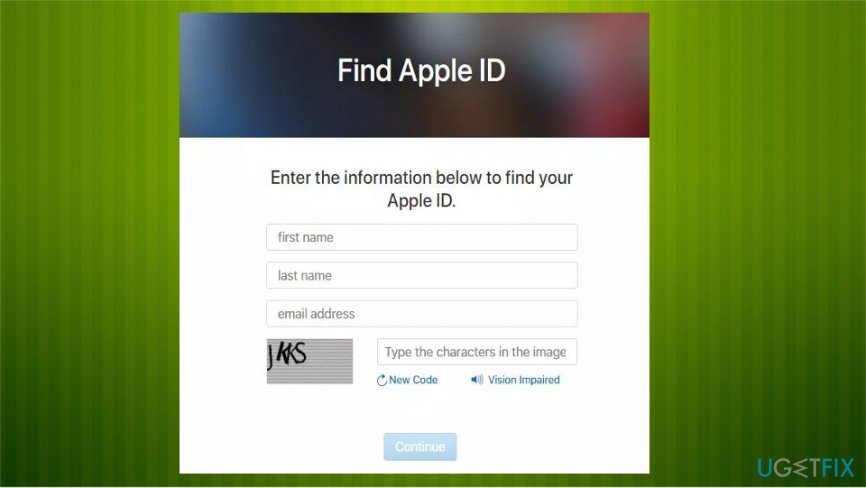
- Visit iforgot.apple.com and, when you are greeted with the entry field, type your first name, last name and email address. Click Continue.
Locked apple id fix method1 - You may choose to get your password via email or you can answer security questions to unlock the account.
- Next, head to your Inbox and choose Reset now.
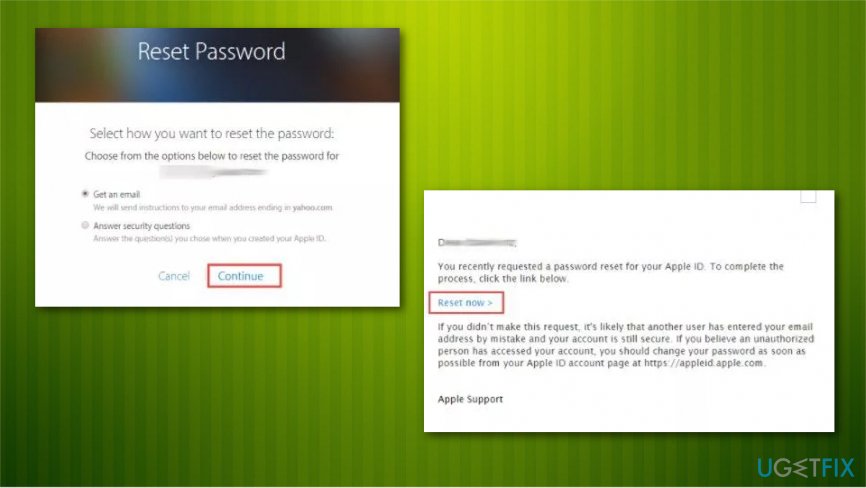
Locked apple id fix resseting pass - Enter the new password and click on Reset Password.
Update your security questions after this by following Apple's website instructions.
Method 2: Reset your Apple ID using iPhone or iDevice
Open Preferences on your trusted device. Then choose Apple Profile, Passwords & Security and click on Change Password. Follow the onscreen instructions.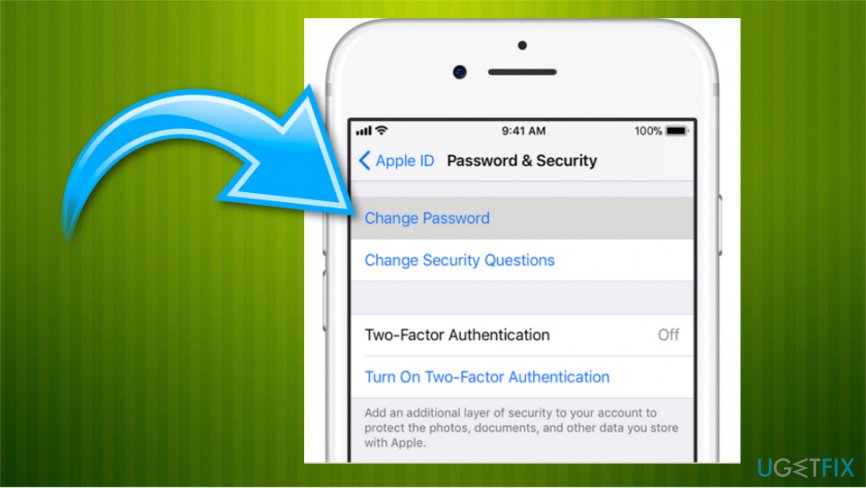
Method 3: contact Apple Support
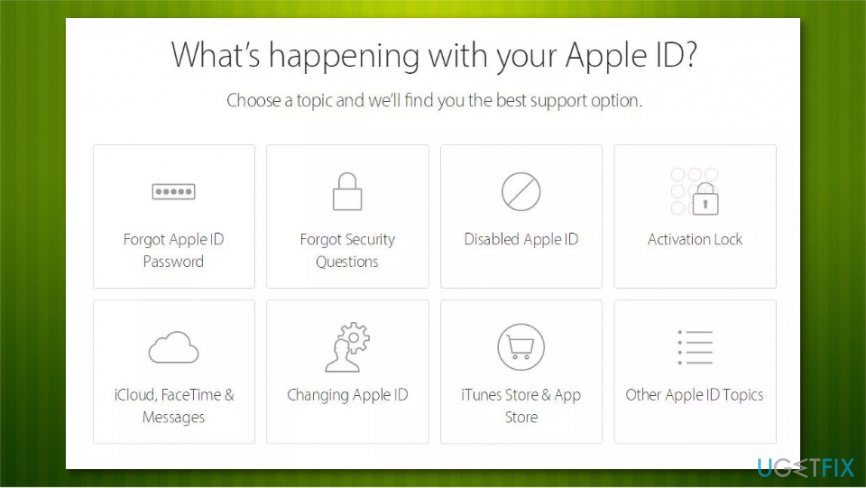
If you still have trouble with this issue call Apple directly and ask them to assist you over the phone. Visit getsupport.apple.com then select Apple ID and choose Disabled Apple ID. Set up a call or online chat with an Apple employee.
Bottom line
To fix the 'Your Apple ID is blocked or disabled' error, you can try recovering your account by verifying your identity and changing your password. Additionally, scan your system for malware if you suspect an infection. If none of these steps work, consider contacting Apple Support for further assistance.
Frequently asked questions
You can unblock your Apple ID by visiting the Apple ID account page in a web browser on your Windows device and following the prompts to reset your password or unlock your account.
If you encounter this error in iTunes on Windows 10 or Windows 11, try signing out of your Apple ID and then signing back in, or reset your password on the Apple ID account page.
Yes, you can use Windows to troubleshoot your blocked Apple ID by accessing the Apple support website or using iTunes to manage your account settings.




Report an issue
What's wrong with this guide? We review every report and update or remove content.
Report received — thank you. We'll review and fix it.
You need a free account to submit a report.
Be the first to comment