How to recover
Files Encrypted by BitKangoroo
from Windows
Easily recover files encrypted by BitKangoroo on Windows 10 or 11. Follow expert-tested methods to restore your data quickly and safely, with zero trace…

What leads to How to Recover Files Encrypted by BitKangoroo?
- Malicious ransomware designed to lock files
- Infiltration via executable files
- Deployment through spam email attachments
- File extensions changed to .BitKangoroo
- Presence of ransom note in infected folders
Repairs Windows system files, removes malware, and restores a clean OS state — without reinstalling.
BitKangoroo ransomware has stolen files from me and I want them back. How do I recover my documents safely? I only have backups of a few of my important files but there are so much of them still trapped by this nasty virus…
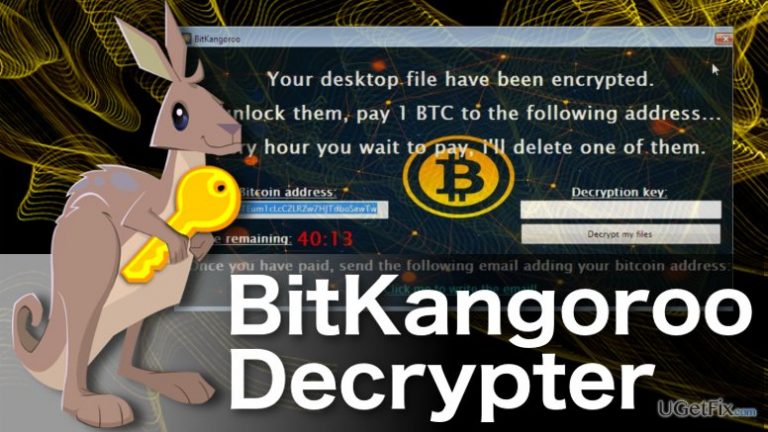
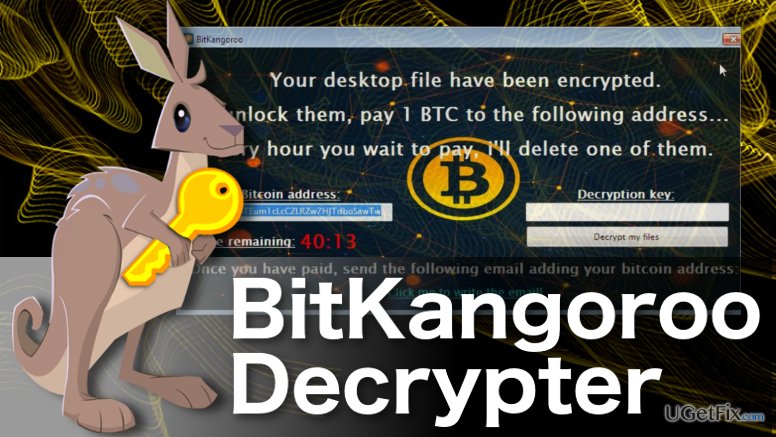
If we were to sum up this parasite in one sentence, we could say that BitKangoroo is a malicious ransomware designed to lock computer files and rob victims of their money. Nevertheless, this virus is much more complex than tha, and this brief generalization does not even come half way to describing all of the ransomware functionalities. We could write a whole chapter discussing merely the techniques that the virus uses to spread around or infiltrate systems. But we are not going to elaborate much on that. All you need to know about that is that the virus typically infiltrates computers by deploying one of its executable files BitKangoroo.exe or bitkangoroo.exe or IEAgent .exe by deception, typically via spam email attachments. What you should be aware of, though, is the visible aspect of the program’s behavior on the infected computer. Knowing the most salient virus features will help you to identify it easier and take action to remove it from your system quicker. Pay attention to the file extensions -- when infected with BitKangoroo, they will be replaced with .BitKangoroo. You should also notice unfamiliar new document called BitKangoroo.exe which will be placed in every folder with .BitKangoroo-marked files. This is a ransom note which explains how the encrypted files can be recovered. The criminals behind this virus will ask you to contact them via [email protected] email address, but you should not do that. The experts have already come up with a free virus decrypter, so there is no need to pay the ransomware developers for the questionable data recovery tool that may damage your system even more than it already is. Below you will find a comprehensive tutorial in which we will explain how to use the BitKangoroo decryptor and safely recover your files.
Step 1. Getting started
Before you download the BitKangoroo decrypted or commence with any other data recovery steps, make sure that the virus executable as well as the rest of its malicious components are eliminated from your system completely. Use [rev id=”Reimage”] or similar tools to carry out smooth virus elimination. You may also backup your files using CryptoSearch tool to make sure your files won’t be lost in case of some unexpected recovery error.
Step 2. Downloading the BitKangoroo decrypter
Right now, you may be wondering what could it be that I wouldn’t know about downloading a simple application? Well, if you are an experienced computer user, you may have no problems with that. Less tech-savvy users, on the other hand, should keep in mind that the decryption software MUST be downloaded only from the ORIGINAL creator. Currently, there is only one official tool BitKangoroo decrypter, and it has been developed by the well-known malware researcher Michael Gillespie. Don’t go clicking random download buttons that scream “free BitKangoroo decrypter!”. Click this link to download the official tool.
Step 3. BitKangoroo decryption:
- After downloading the BitKangorooDecrypter.exe launch the file to open the decrypter
- In the window of the decrypter click “Select Directory” button and select partitions, folders or individual files you want to decrypt.
- When the desired items are selected click “Decrypt” to start the decryption process. The deciphering will be carried out automatically, so you will have to wait until the “Done” message appears on the screen -- this means your files have been decrypted.
- Restart your device and run an additional scan with a reliable antivirus suite to make sure your files are safe from being encrypted again by some residue BitKangoroo file.
Bottom line
To recover files encrypted by BitKangoroo, you can use the free virus decrypter developed by experts. Avoid contacting the criminals or paying for questionable recovery tools. If the decryption tool does not work, consider seeking professional help.
Frequently asked questions
You may notice that your files have unusual extensions or cannot be opened. Additionally, a ransom note might appear in your folders, indicating that your files have been encrypted.
Immediately disconnect from the internet to prevent further damage and run a full antivirus scan to remove the malware. Then, consider using file recovery software or restoring from backups if available.
Yes, you can try using free decryption tools such as Emsisoft Decryptor, which are specifically designed for certain ransomware types, or explore file recovery software options.




Report an issue
What's wrong with this guide? We review every report and update or remove content.
Report received — thank you. We'll review and fix it.
You need a free account to submit a report.
Be the first to comment