

Ugnius Kiguolis
Owner and editor of ugetfix.com · 870 guides on this site
Ugnius Kiguolis owns and edits ugetfix.com. He is responsible for the site's Windows guides: what causes each error, how to fix it and how to get files and settings back. Every guide he signs is checked against current Microsoft and vendor sources before it is published and again when the facts change.
 Fix
FixHow to fix Windows keeps adjusting input device volume automatically
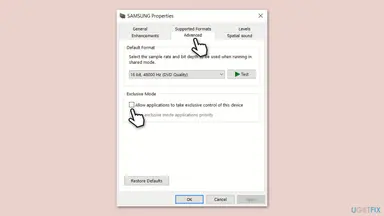
Windows has no switch of its own that lowers your microphone while you talk. The level is usually moved by a call app's automatic gain, by an app that took exclusive control, or by the headset's driver when you plug it in. Find out who moves the slider first, then turn that one off.
 Fix
FixHow to fix Windows activation error 0xC004F213?
Error code 0xC004F213 means Windows reported that no product key was found on your device, so it cannot match a licence to this PC. It usually follows a hardware change such as a new motherboard, or a reinstall where the licence was not linked. Start with the Activation troubleshooter, then enter your key.
 Uninstall
How to uninstall Bonjour on Windows 11 and 10
Bonjour is Apple's zero-configuration networking service. It often arrives with iTunes or other software, and Windows does not need it. Stop its service, uninstall it in Settings or Control Panel, and use its own commands if the uninstaller fails.
 Fix
FixHow to fix the BthA2DP.sys blue screen (BSOD) in Windows 11 and 10
BthA2DP.sys is a Windows driver file tied to Bluetooth audio. When a blue screen names it, the Bluetooth driver was running when Windows stopped. Start by updating the Bluetooth driver from your PC maker, then reinstall or roll it back.
 Optimize
How to extract audio from YouTube videos: what is allowed and what works
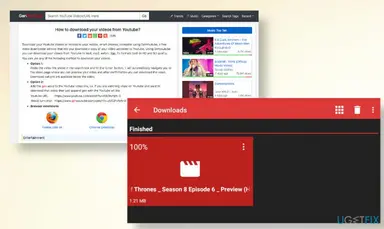
You can extract the audio of a video you uploaded: download it from YouTube Studio, then pull the sound out of the file with Audacity. For someone else's video, YouTube's Terms of Service do not allow a download without permission, so the safe route is to ask for the file. This guide shows both, and why converter sites are the risky part.
 Fix
FixHow to fix "0x8096002A: No error description available" in Windows?
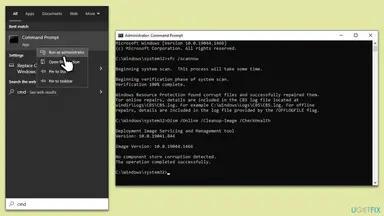
"Error 0x8096002A: No error description available" appears when File Explorer cannot extract an archive and has no text for the reason. Microsoft has not published a meaning for this code, so the fixes below are the ones users report and the ones that follow from Windows' documented file rules. Start by extracting the same file with a different archive tool.
 Fix
FixHow to fix Windows stuck at shutting down screen?
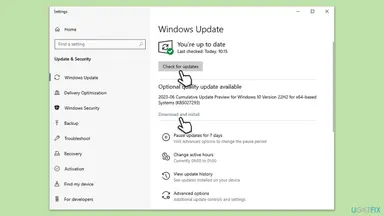
When Windows is stuck at the shutting down screen, a program, a driver or the Fast Startup file is not finishing its part of the shutdown. A full shutdown test and a Fast Startup check take about five minutes and tell you where to look next. Holding the power button works as a last resort, but it skips the clean closing of your files.
 Fix
FixHow to fix NVIDIA Container high CPU usage on Windows?
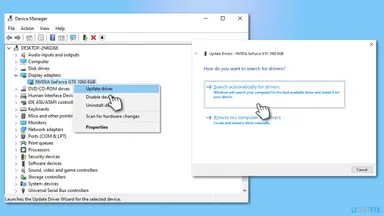
NVIDIA Container is a background program that NVIDIA's driver and app start for their own services. It should be quiet most of the time, so a constant high CPU reading points to a stuck service, the in-game overlay, a scheduled task or a bad driver. Check which instance is busy first, then follow the fixes in order.
 Fix
FixHow to fix Steam library folder not writable error in Windows?
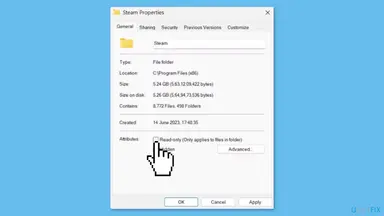
The message "Steam library folder is not writable" means Steam tried to use a folder for your games and could not save anything in it. It usually appears when you install or update a game, or when you add a new drive in the storage settings. Start with Steam's own Repair Folder button, then work down the list.
 Optimize
How to use the Steam Notes feature: open, pin and manage notes
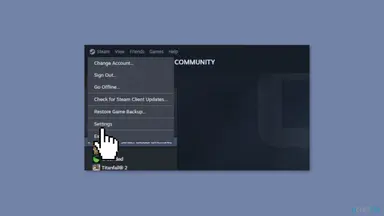
Steam Notes is a notepad built into the Steam overlay. Press Shift + Tab in a game, open Notes , and write; the note is saved for that game, synced to your other PCs and also available on the game's page in the Steam client.
 Fix
FixHow to fix "An error occurred, please try again later" on YouTube?
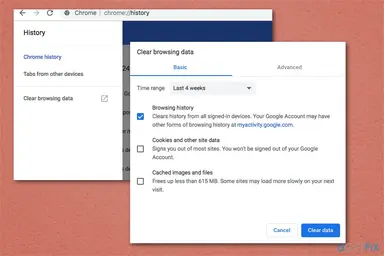
The YouTube message "An error occurred, please try again later" is a general playback error, and YouTube's Help Center does not explain it or its Playback ID. The cause is usually on your side (extensions, ad blockers, old site data, connection) or a short fault at YouTube. Test in the order below and stop when the video plays.
 Fix
FixHow to fix Event ID 161 Volmgr error in Windows 11 and 10
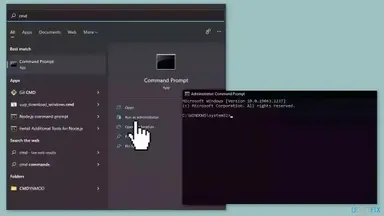
Volmgr Event ID 161 is a symptom, not the crash itself: Windows tried to save a memory dump after a crash and could not. Two things are wrong at once, the crash and the failed dump. Start by making sure a dump can be written, then look for what crashes the PC.
 Fix
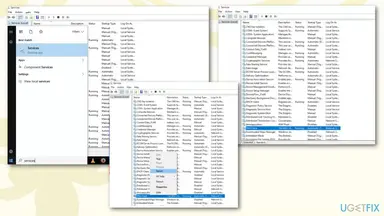
FixHow to fix "This site can't be reached" in Chrome on Windows?
"This site can't be reached" is Chrome's general page for a connection that failed before the site answered. The cause can be the site, your network or something on your PC. Test first, then work through the fixes in order.
 Fix
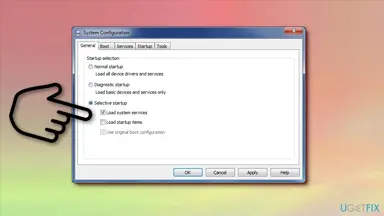
FixHow to fix Modern Setup Host high CPU usage in Windows 10 and 11?
Modern Setup Host (SetupHost.exe) is the Windows process that downloads and prepares a feature update, so it works hard while an update is being set up. A few busy minutes are normal. If it stays high for hours, the update is stuck or the PC cannot keep up, and the fixes below deal with each case.
 Uninstall
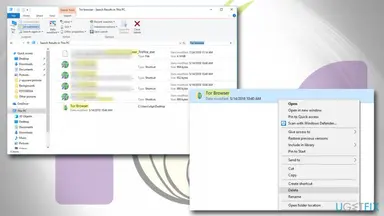
How to Uninstall Tor Browser on Windows 11 and 10
Tor Browser from the Tor Project has no uninstaller, so you will not find it in the Windows list of programs. You remove it by closing it and deleting its folder. This page shows where that folder is, how to find it when it is not on the Desktop, and what to do when it will not delete.
 Fix
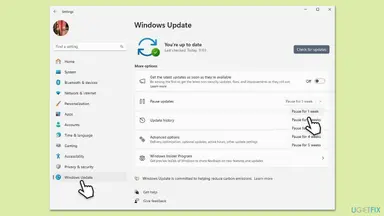
FixHow to fix Windows update stuck on "Working on updates"?
The black screen with a spinning circle and "Working on updates" is Windows finishing an update while it restarts. Most of the time it only needs time. If the percentage has not moved for hours, there are safe ways out, from one forced restart to Startup Repair and a reset of Windows Update.
 Fix
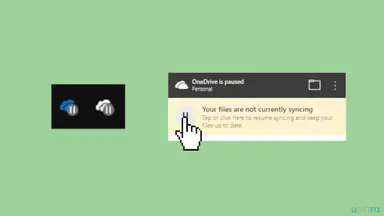
FixHow to fix "We can't get to this file right now because computer syncing is paused"?
Microsoft does not document this exact message, but users report it when they open a OneDrive photo that is not stored on the PC while OneDrive sync is paused. Your files stay in the cloud. Resume syncing from the OneDrive icon next to the clock first.
 Fix
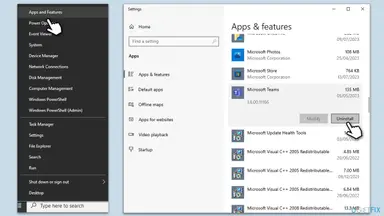
FixBluebook not opening on Windows: fix "An unexpected error has occurred"
Bluebook closes with "An unexpected error has occurred, closing the app" or does not open at all. On Windows the first thing to check is the version, because College Board lists Windows 11 24H2 as the required minimum and Windows 10 is below it. If your PC meets the minimum, the fixes below cover restarting, the required update, free space, the clock, leftovers and a clean reinstall.
 Fix
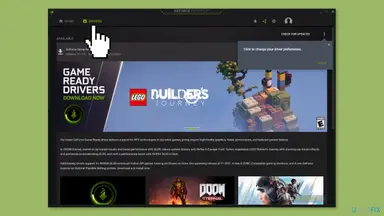
FixHow to fix GeForce Now error 0x800b1004 in Windows?
GeForce Now error 0x800b1004 appears with "There was a problem connecting to GeForce Now" when the app cannot reach NVIDIA's streaming servers. NVIDIA has not published a description of the code itself, so the fixes below remove what usually blocks that connection. Start with NVIDIA's own network test, then turn off any VPN.
 Fix
FixHow to fix BlueStacks not installing in Windows?
The BlueStacks installer fails for a short list of reasons: a damaged download, missing permissions, an old graphics driver, missing Windows updates or security software in the way. This guide starts with the quickest checks and ends with the riskier ones. Every fix says what you should see when it worked.
 Fix
FixHow to fix ZIP or RAR files extracting slowly in Windows 11?
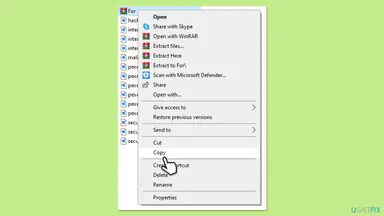
ZIP or RAR files that extract slowly in Windows 11 are usually held back by how you extract them, by antivirus scanning of every unpacked file, or by a slow or crowded drive, not by the archive itself. Start with the Extract command instead of dragging files out of the archive, then check in Task Manager what the PC is waiting for.
 Fix
FixHow to fix "Oops! Something went wrong" error on YouTube?
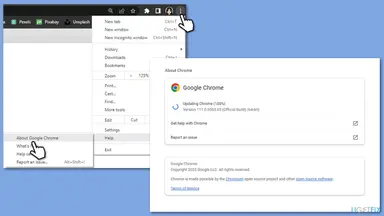
This YouTube message is a general one: the page, your sign-in or a request behind the page failed, and YouTube does not say which. Google's own help page lists a short set of causes, and you can test each on your PC in minutes. Start by refreshing the page and signing in, then work down the fixes below.
 Fix
FixHow to fix Valheim crashes and errors?
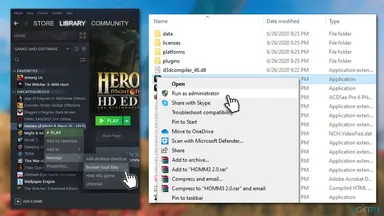
Valheim can close without a message, freeze with "Valheim.exe is not responding", or show a Unity error box. The cause is almost always on the PC: damaged game files, an old graphics driver or mod leftovers. Start with the Steam file check, then the driver.
 Uninstall
How to uninstall UltraViewer completely and stop remote access
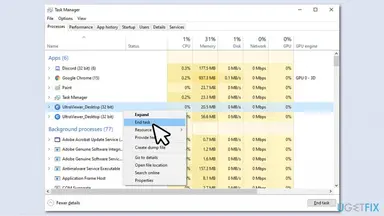
UltraViewer is a legitimate Windows remote desktop program that scammers often ask people to install. Windows does not need it, so you can remove it. Close it first, uninstall it in Settings, then check for leftovers and for other programs the caller added.