How to fix
2147500037 error code
on Windows
Resolve the 2147500037 error code in Windows 10 or 11 quickly with our expert-tested solutions. Enjoy seamless performance and zero traces left.

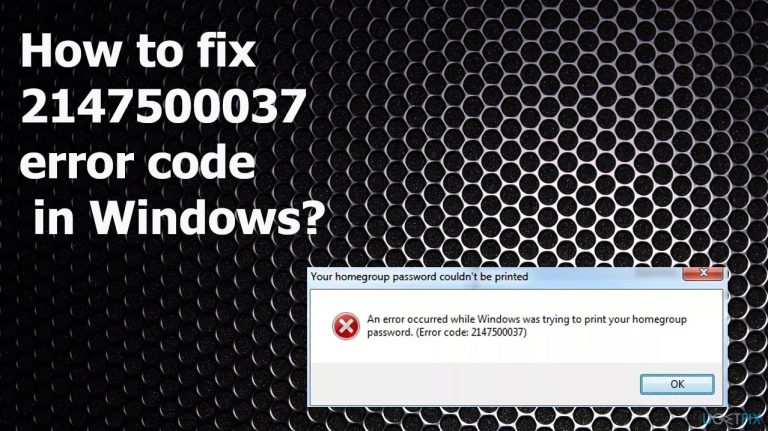
What causes How to fix 2147500037 error code in Windows?
- Incorrect browser configurations
- Corrupted programs
- Presence of potentially unwanted programs (PUP)
- Bad memory issues
- General Windows bugs
Repairs Windows system files, removes malware, and restores a clean OS state — without reinstalling.
Hello. I need help with the 2147500037 error code. I get the error when trying to print the homegroup password. The issue occurs on my Windows 10 computer. It has been a while, but I cannot find the proper solution online. Can you help me?
The 2147500037 error code in Windows can appear in various devices running Windows 8, 7, or 10 and 11. The issue can sometimes appear during printing using the PDF file or when users want to boot into Safe Mode, create System Restore points or defragment the hard drive. Users[ref en-1] have reported this error online many times, but the solution that could work for everyone is not found. This is the error that appears when Internet Explorer is not the default browser. The bug has not been solved by Microsoft, however.
Particular fixes for this issue rely closely on the main reason why and when the error code appears on the screen in the first place. Mainly, the error is caused by incorrect browser configurations, so people see the issue due to the web browser issue. Corrupted programs and even PUP[ref en-2], or third-party application presence can trigger the 2147500037 error code in Windows.
Bad memory issues and general Windows bugs can lead to problems with the performance and even errors like this. Since there are many possibilities, users need to check all the solutions before they find the one that solves the problem for them. The quick way to solve issues with malware[ref en-3] and corrupted or missing files on the system would be to run the tools like [d1] that can find issues with the machine and clear them properly from the system alongside the virus leftovers.
The sudden 2147500037 error code appearance in Windows can deliver the message that Windows cannot print the document or do anything else that triggers the Windows explorer to fail. The error is related to the home group settings and other Windows built-in features, so access to the network or printer fails. Make sure to rely on tips and methods below to fix the issue properly.
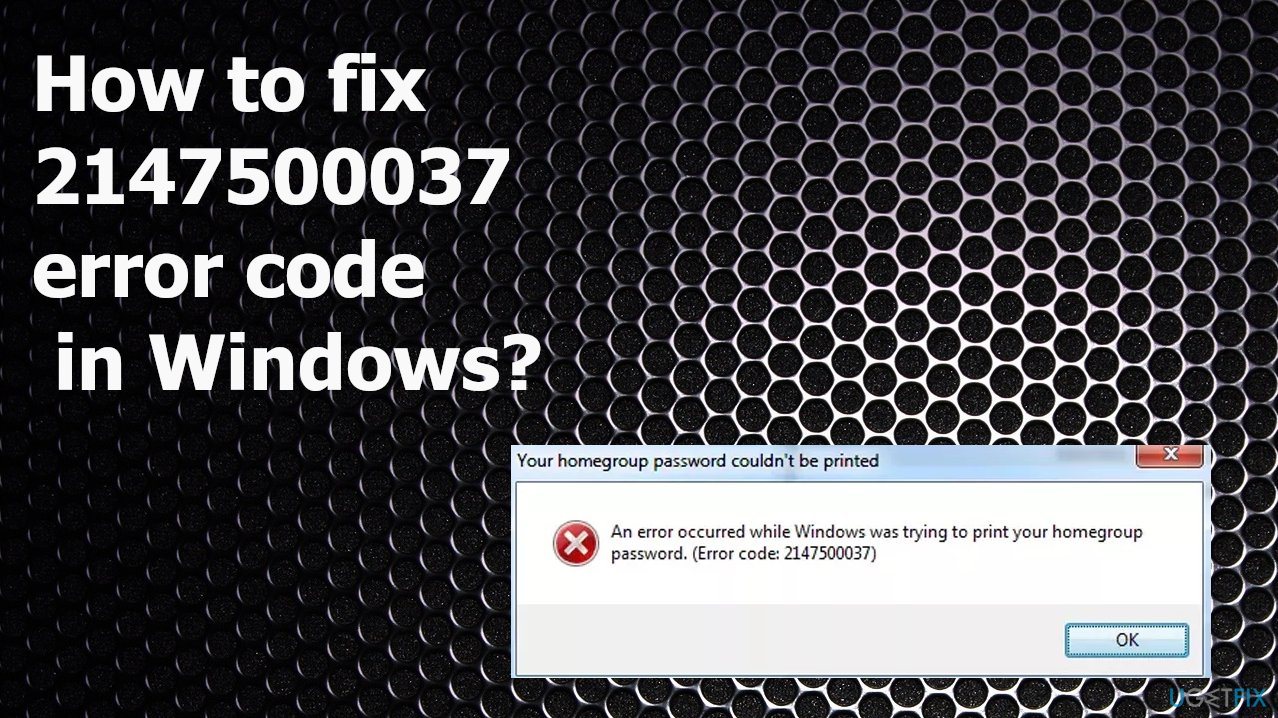
1. Troubleshoot the issue
- Go to Control Panel.
- Type Troubleshooting in the search bar on the Control Panel.
- Click on View all on the left navigation pane.
- Click on Home group.
- Click on Advanced on the Homegroup troubleshooter dialog box.
- Click on Run as administrator.
- Click on Next and follow on-screen instructions.
2. Uninstall the recent Windows update
- Right-click on the Start.
- Select Run.
- Type appwiz.cpl.
- Once the Program and features window will present.
- Click on View installed updates.
- Find the updates you have installed recently.
- Right-click on the correct one and select Uninstall.
- Confirm with Yes.
- You can also search for the latest upgrade and install that.
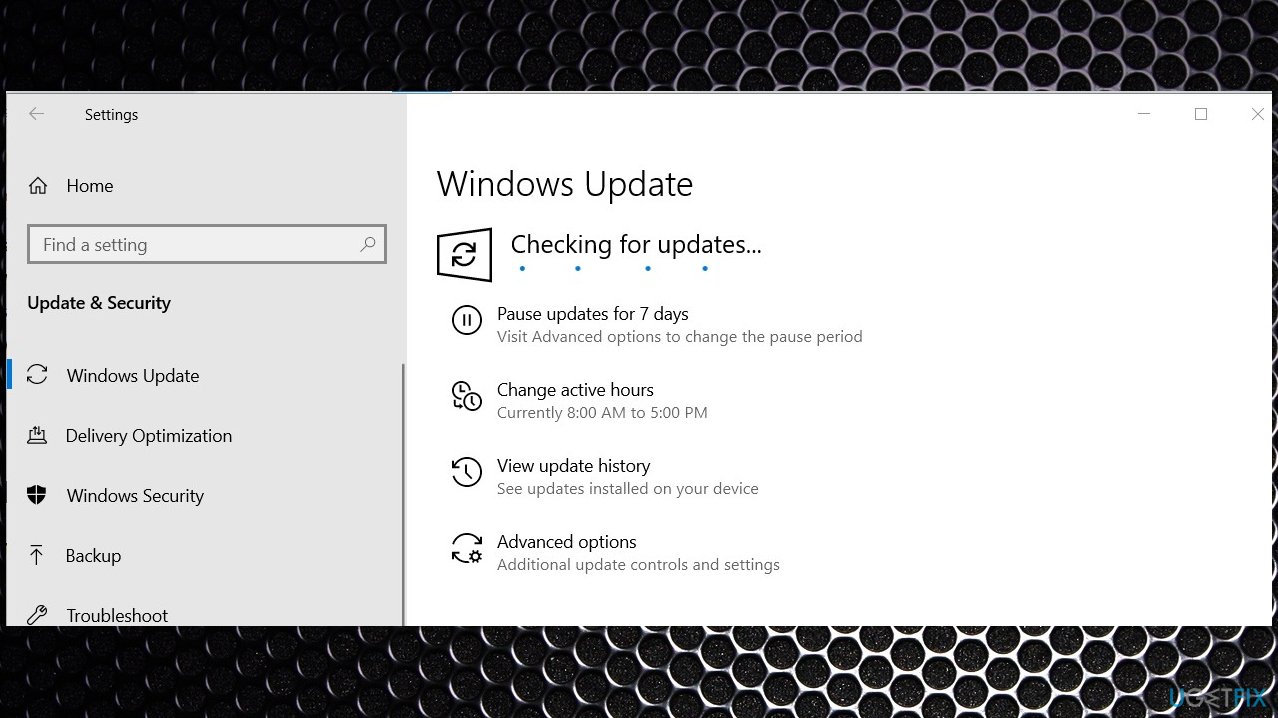
2147500037 error code windows update
3. Run SFC scan
- Press Windows key + X and select Command Prompt (Admin).
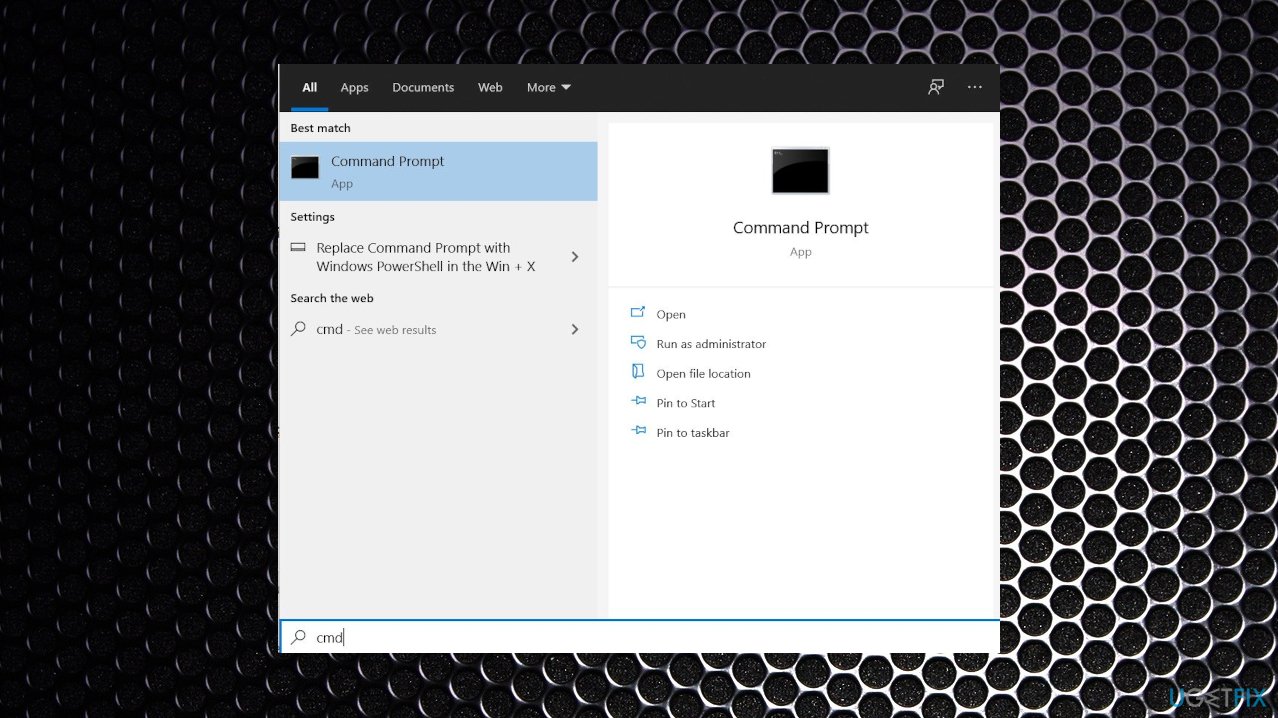
2147500037 error code cmd - Type sfc /scannow and press Enter.
- Wait for the process to end.
- Then copy and paste the commands given below. Enter has to follow each of them:
DISM /Online /Cleanup-image /Scanhealth
DISM /Online /Cleanup-image /checkhealth
DISM /Online /Cleanup-image /Restorehealth.
4. Reset the default web browser
- Click the Windows Start button and click the Settings icon.
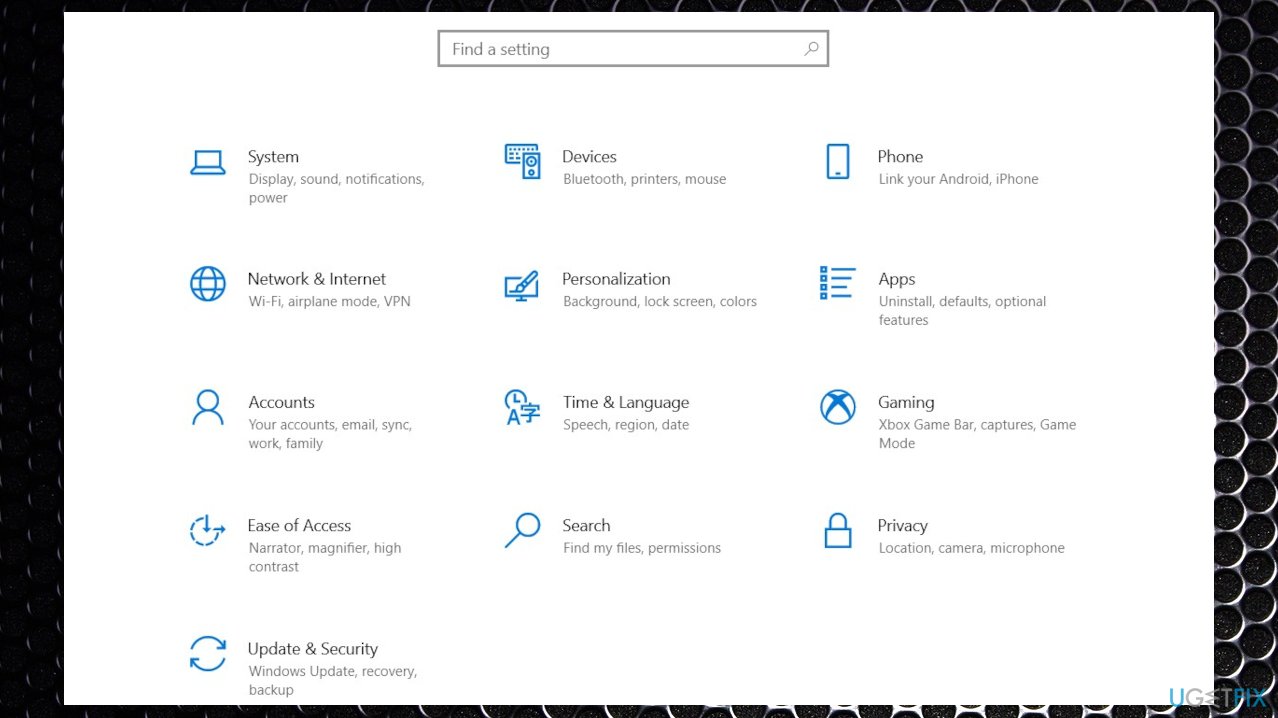
2147500037 error code settings - Select Apps.
- From the left navigation panel, go to Default apps.
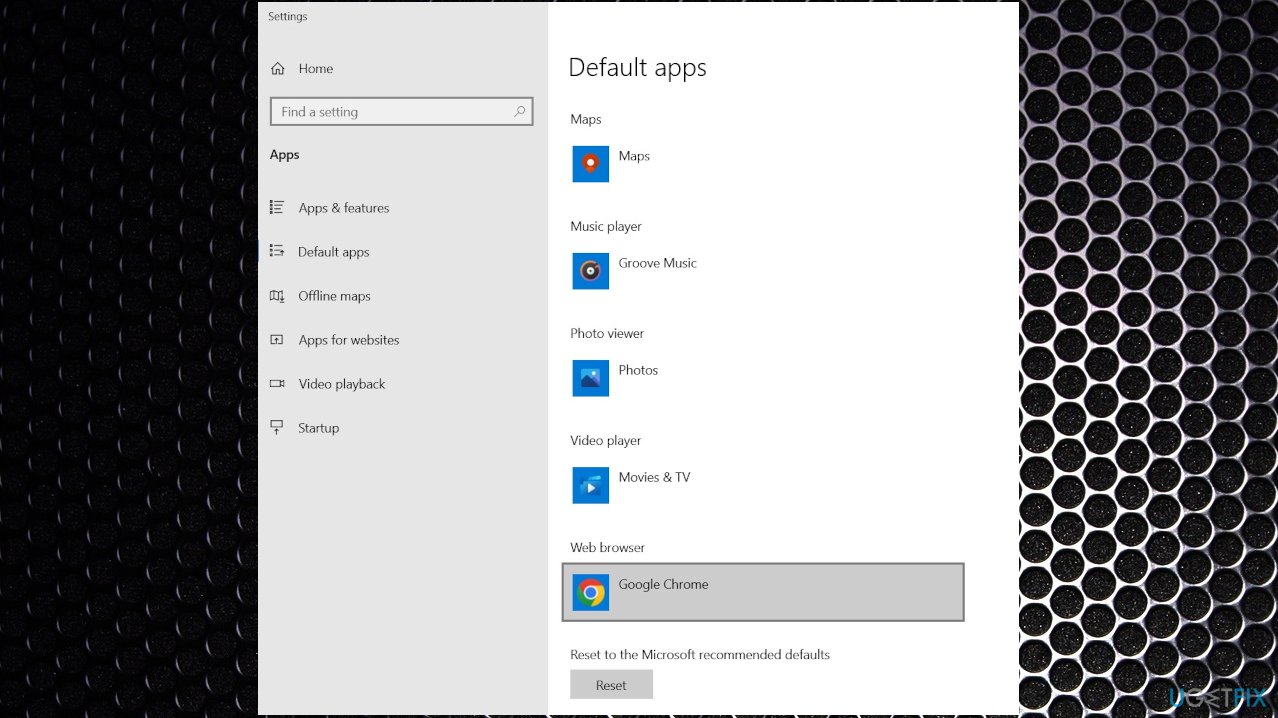
2147500037 error code windows default - You’ll see Microsoft Edge under the listing.
- Click the Microsoft Edge icon, and you’ll see a pop-up with a list of your installed browsers select Internet Explorer.
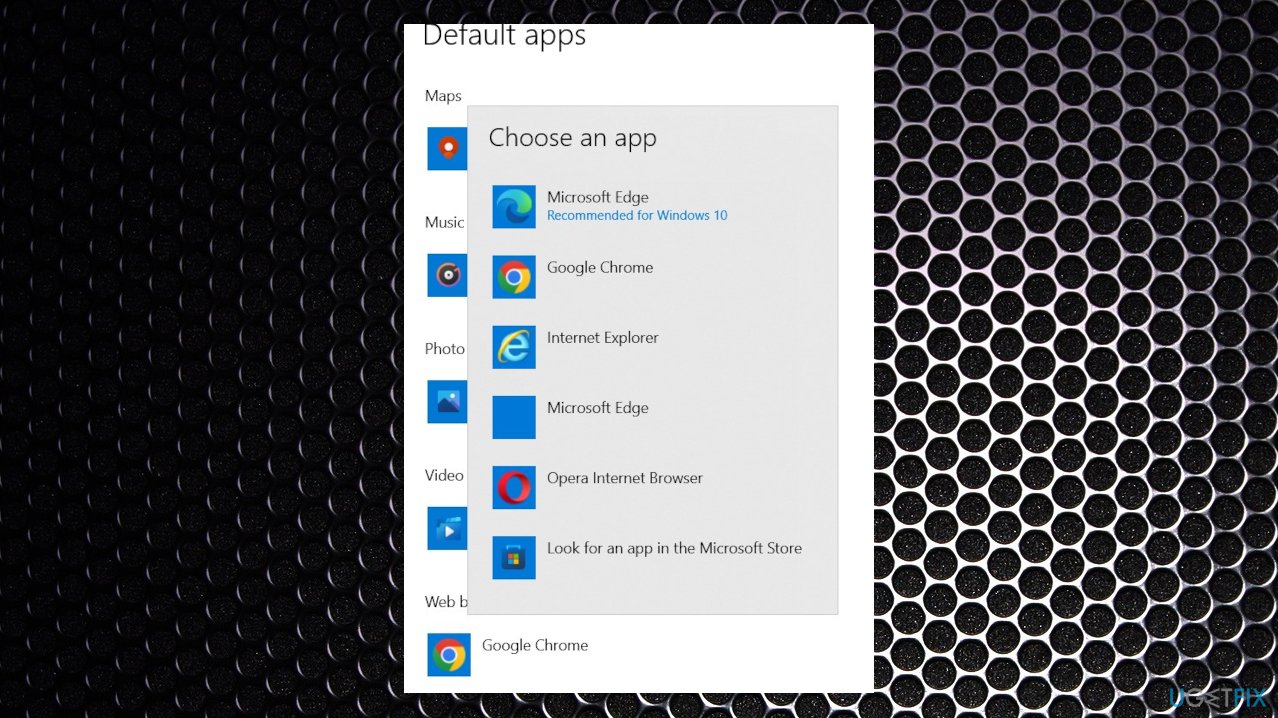
2147500037 error code windows default apps - This should fix the issue.
Bottom line
To fix the 2147500037 error code, users should check their browser settings, run malware scans, and ensure their system files are intact. If these solutions do not resolve the issue, users may need to explore additional troubleshooting methods or seek further assistance.
Frequently asked questions
The 2147500037 error code in Windows 10 is often caused by issues with system files, corrupted user profiles, or conflicts with third-party applications.
To troubleshoot the 2147500037 error on Windows 11, try running the System File Checker tool and performing a clean boot to identify any conflicting applications.
Yes, you can fix the 2147500037 error without reinstalling Windows by using the DISM tool and ensuring your Windows updates are current.




Report an issue
What's wrong with this guide? We review every report and update or remove content.
Report received — thank you. We'll review and fix it.
You need a free account to submit a report.
Be the first to comment