How to fix
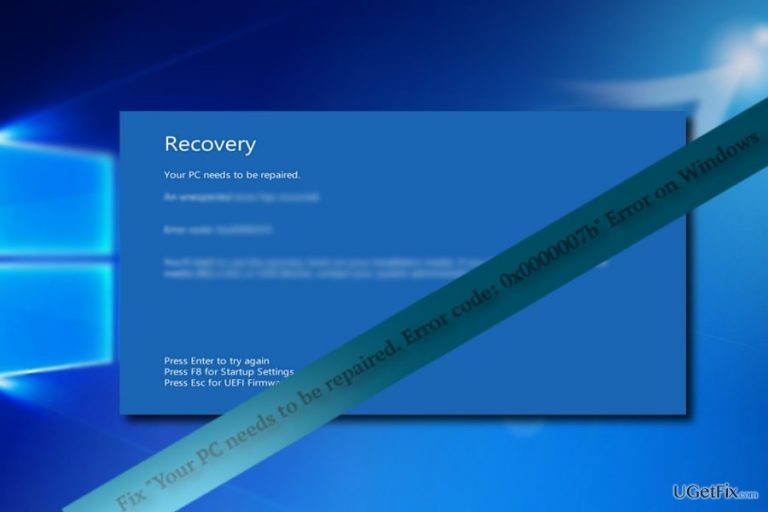
“Your PC needs to be repaired. Error code: 0x0000007b” Error
on Windows
Resolve the frustrating 0x0000007b error on Windows 10 or 11 effortlessly. Get expert-tested solutions and fix your PC in minutes!

What causes How to Fix “Your PC needs to be repaired. Error code: 0x0000007b” Error on Windows?
- Associated with a particular program
- Webroot Antivirus issues
- Inaccessible Boot Device error
- Tech support scams
- Counterfeit BSOD screens
Repairs Windows system files, removes malware, and restores a clean OS state — without reinstalling.
“Your PC needs to be repaired. Error code: 0x0000007b” error usually appears on Windows 7, but Windows 10 users may encounter this error as well. Above the error code, more specific information indicates the possible problem. Thus, depending on the cause, solutions vary as well. If this error is associated with a particular program, you may attempt to reinstall it. Usually, Minecraft gamers report this problem. In relation to this Webroot, Antivirus users may have encounter temporal issues.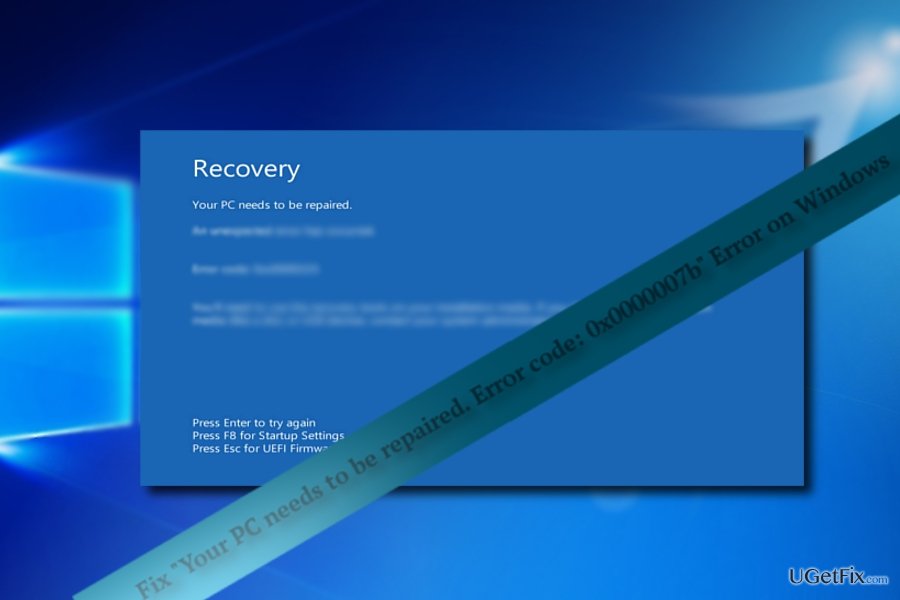
On April 24, the news went viral about the occurred error in the signature update resulting Webroot applications to quarantine dozens of legitimate applications. Fortunately, the company issues the patch. However, even now users may encounter a similar problem.
Alternatively, the error might be associated with "INACCESSIBLE BOOT DEVICE error code: 0x0000007b". More information how to solve the error is provided in the latter link.
In addition, note that in some cases, such BSOD are the result of tech support scams. Some hackers have mastered ways to forge realistic BSOD screen. Thus it is crucial to determine whether it is counterfeited or caused by the internal issue. If the screen contains any phone number or email address – it is a scam. Thus, in that case, you may benefit from [rev id=”Reimage”].
Option 1. Reboot the computer into Safe Mode
If the error indicates the file associated with the program, then you will need to need to uninstall the program. However, naturally, you may fail at doing so due to the BSOD screen. In order to enter the operating system, will need to reboot the computer into safe mode.
- Restart the device, if the Windows logo before the BSOD screen, tap F2 or F8 (depending on the model of the computer). Windows 10 users get redirected to the repair environment after second or third attempt.
- Opt for Advanced options.
- Choose Safe Mode.
- Then, locate the application and uninstall it.
- Reboot the device.
Option 2. Refresh the operating system
If you have managed to enter the operating system, you may enter Recovery settings. Then you will be presented with three options: reset the PC, revert to the earlier build, or use the advanced settings. Resetting the computer helps solve in most of the cases.
Windows 8 users have the privilege to use Refresh your PC without affecting your files function. It will refresh the system files without affecting your programs and applications.
Option 3. Reinstall latest updates
In some cases reinstalling some updates helps repair issues associated with the damaged files. You should access the option via Safe Mode.
Bottom line
To fix the 'Your PC needs to be repaired. Error code: 0x0000007b' error, you can reboot the computer into Safe Mode to uninstall problematic applications or refresh the operating system through Recovery settings. If these solutions do not resolve the issue, consider seeking professional technical support.
Frequently asked questions
This error typically occurs due to issues with the boot configuration, corrupted files, or hardware changes that affect the disk controller settings.
You can attempt to resolve this error by booting into Safe Mode and running the Startup Repair tool, or by using the Command Prompt to rebuild the Boot Configuration Data (BCD).
To minimize the chances of encountering the 0x0000007b error, ensure that all drivers are up to date, perform regular system maintenance, and avoid abrupt shutdowns.




Report an issue
What's wrong with this guide? We review every report and update or remove content.
Report received — thank you. We'll review and fix it.
You need a free account to submit a report.
Be the first to comment