How to fix
Can you get Minecraft Java for free if you purchased Windows 10 edition
on Windows
Unlock Minecraft Java for free with your Windows 10 Edition purchase! Discover how to optimize your gaming experience with expert-tested tips.

Why does Can you get Minecraft Java for free if you purchased Windows 10 edition occur?
- Players must have purchased Minecraft: Java Edition before October 19th, 2018
- Not all players are eligible for the free copy
- Account migration may be required for older Minecraft accounts
- The free version is redeemable via the Mojang account
- The specific button for redemption must be present in the account
Repairs Windows system files, removes malware, and restores a clean OS state — without reinstalling.
I heard that you can get Minecraft java for free if you have the Windows 10 edition. Is that when you have the Windows 10 already or when you get the upgrade. How to know if you are eligible for the free copy of Minecraft java editions? Is it true even?
Microsoft acquired the Minecraft developer Mojang in 2014 and launched the Windows 10 beta version of the game the same year.[ref en-1] While the Java edition of the game is sticking around it seems that the future of the game is in the Bedrock Edition, which has the cross-platform play feature.
The short answer to the question "can you get Minecraft Java for free if you purchased Windows 10 edition?" is yes. It is possible to get the free version when you already have the Minecraft game before. Not everyone can do that, however. And it is not as easy as installing a browser extension or checking for Windows updates. Players who have purchased the Minecraft: Java Edition before October 19th, 2018, can get the game for Windows for free.
The question about Minecraft Java for free if you purchased Windows 10 edition surfaced in the internet forums for a while.[ref en-2] It is possible to redeem the free copy of Minecraft with the bedrock edition on Windows 10. Players who purchased the game before the October changes can get the game for free via their Mojang account.
If you purchased the game after that time, the particular function is not there. If you are not sure when the purchase was made, you need to check if the particular button for this is there. Pressing it creates the token and redirects you to the Microsoft redemption page.
If your account is the older Minecraft account, you might need help with the account migration.[ref en-3] You need to migrate the account to claim the code for Minecraft for Windows 10. You must be signed in to your account to redeem the code, and you cannot move this license once the code is gotten, it gets saved on the Mojang account.
Getting the Minecraft: Bedrock Edition for Windows 10
- Open your go-to browser.
- Navigate to www.mojang.com.
- Click the Account button at the top right corner.
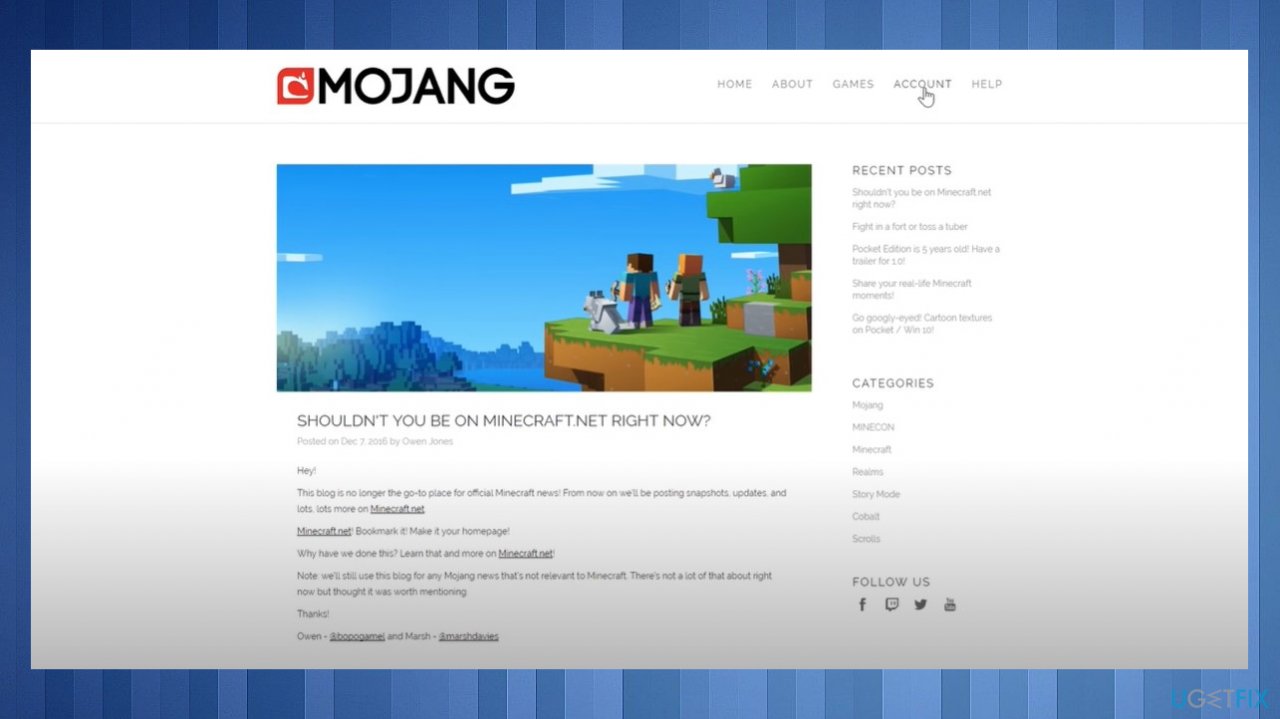
Can you get minecraft for windows 10 for free account - Choose the Log in.
- Fill in the Email field.
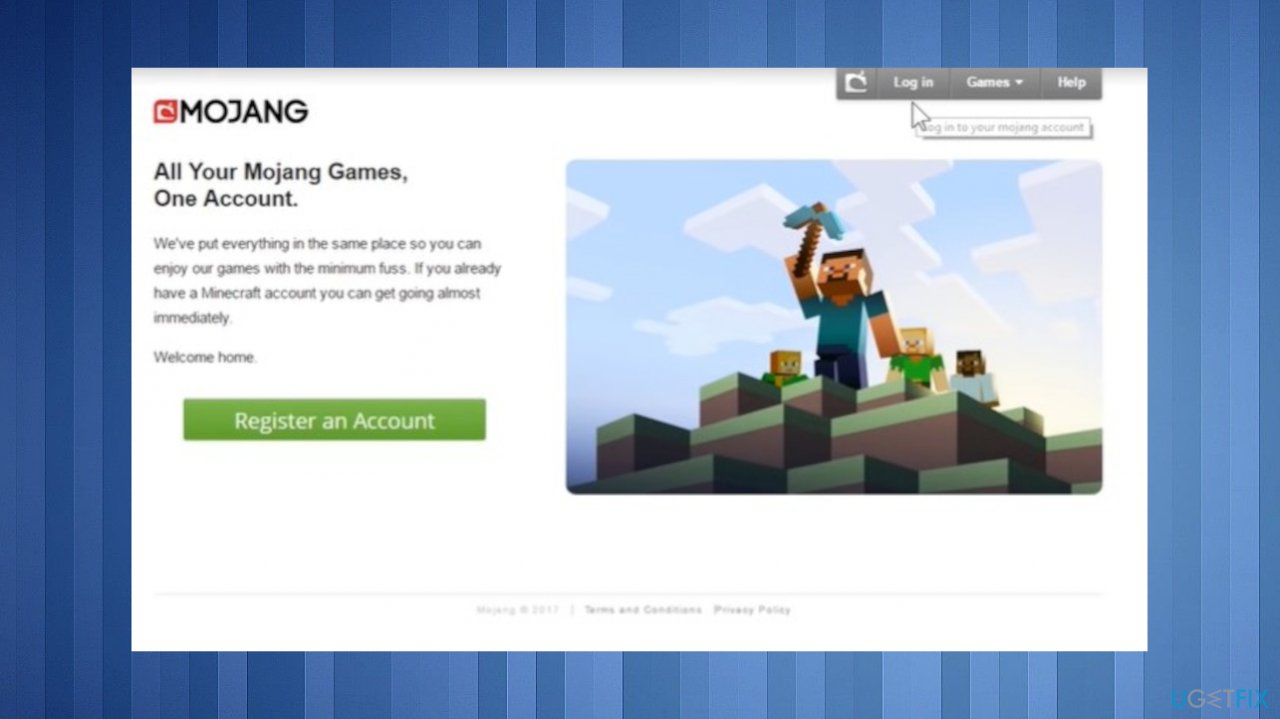
Can you get minecraft for windows 10 for free login - Type in the email address that is associated with your Mojang account.
- Click and fill the password field.
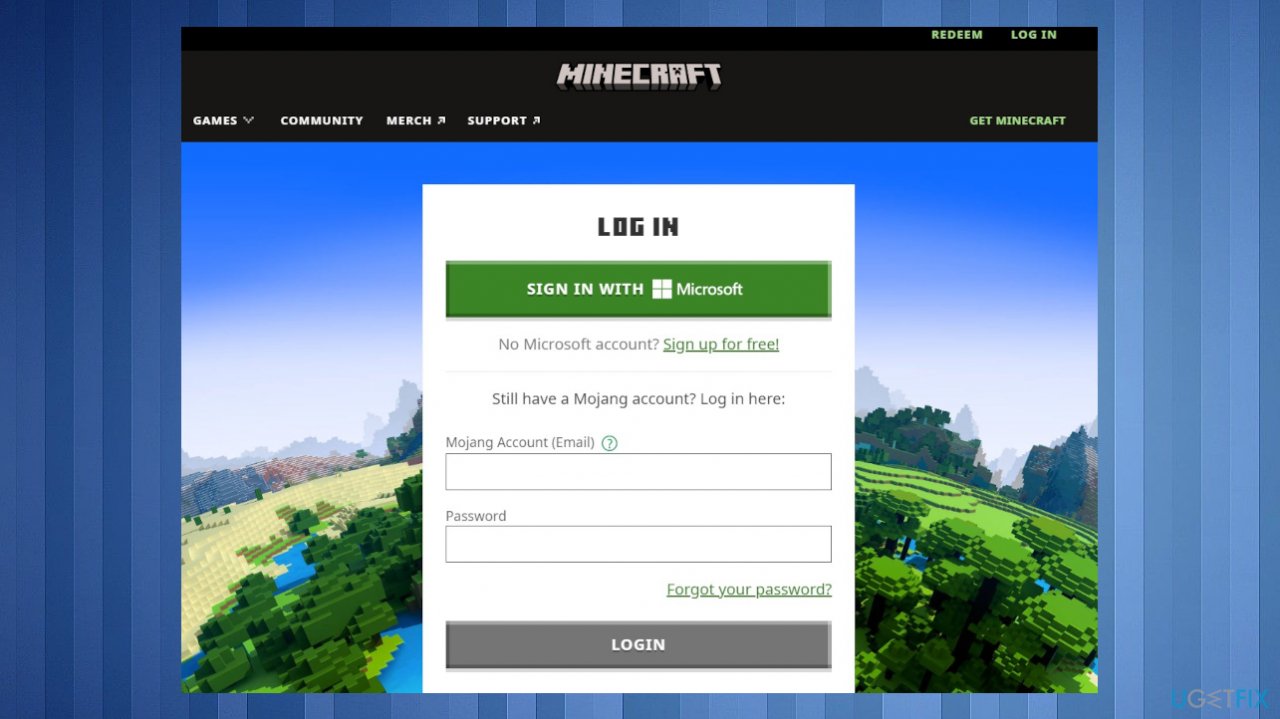
Can you get minecraft for windows 10 for free passwords - Click the Log in button to proceed.
- Select the Redeen button under Minecraft: Bedrock Edition for Windows 10.
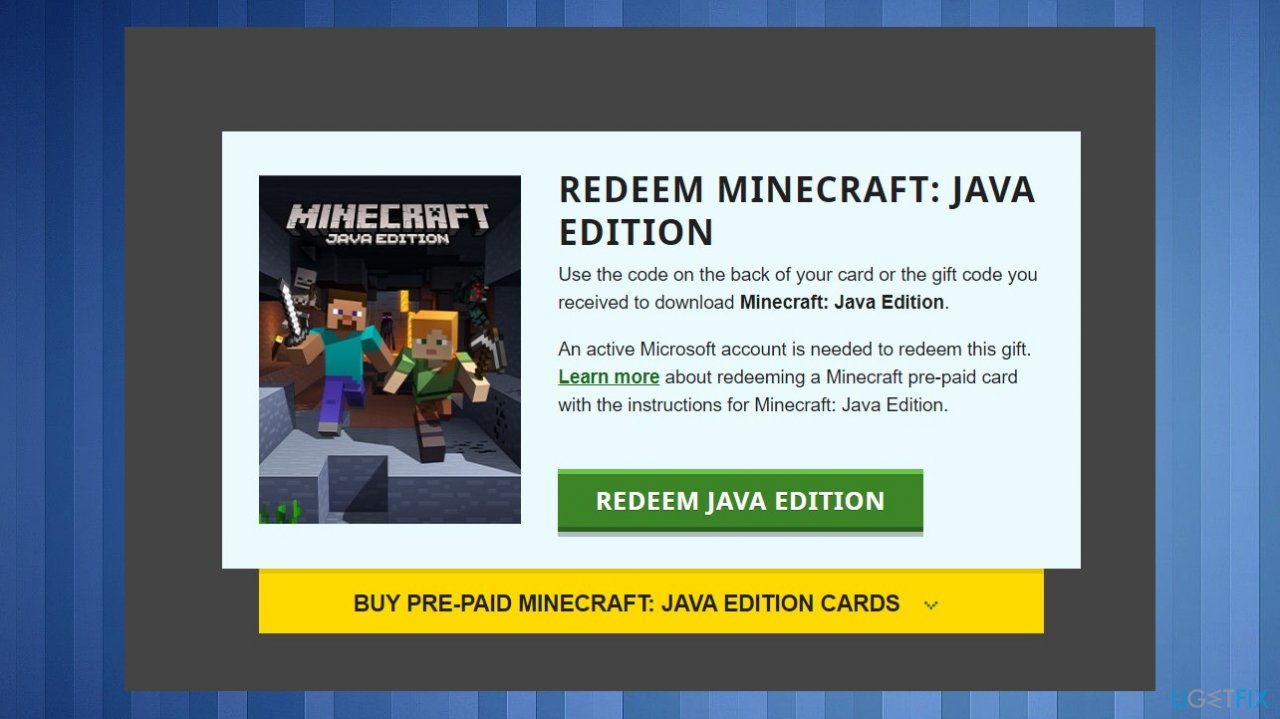
Can you get minecraft for windows 10 for free game - You should be redirected to the Microsoft Store.
- Hit Redeem button.
- Go to Minecraft: Bedrock edition for Windows 10.
- Download the game.
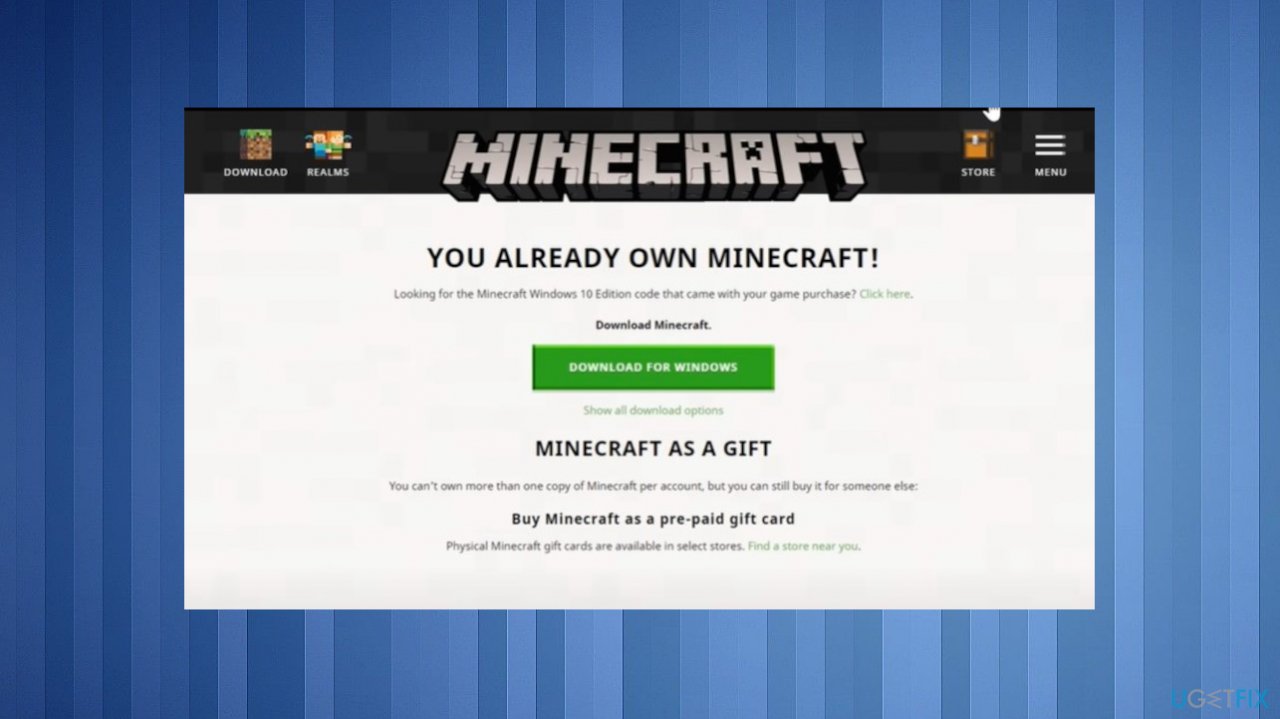
Can you get minecraft for windows 10 for free redeem - Click the Open button to launch the game.
- Now you can enjoy the newest version of the Minecraft game.
Bottom line
Players who meet the eligibility criteria can redeem their free copy of Minecraft Java through their Mojang account. If you encounter issues, ensure your account is migrated and check for the redemption button. If none of these solutions work, consider reaching out to Mojang support for assistance.
Frequently asked questions
No, purchasing Minecraft for Windows 10 does not grant you a free copy of Minecraft Java Edition, as they are separate versions with different features.
Currently, there are no official discounts or upgrade paths offered by Mojang for players who own Minecraft for Windows 10 to get Minecraft Java Edition.
To optimize your Windows settings for Minecraft, ensure your graphics drivers are updated, adjust in-game video settings for performance, and close unnecessary background applications.




Report an issue
What's wrong with this guide? We review every report and update or remove content.
Report received — thank you. We'll review and fix it.
You need a free account to submit a report.
Be the first to comment