How to fix
“Resident denied the change of KernelFaultCheck” Error
on Windows
Resolve the "Resident denied the change of KernelFaultCheck" error on Windows 10 and 11 quickly and effectively with expert-tested solutions. Fixed in m…

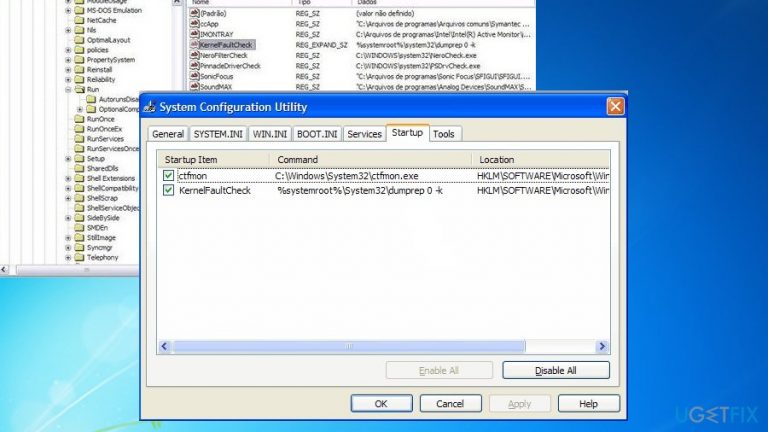
What causes How to Fix “Resident denied the change of KernelFaultCheck” Error?
- System failure
- Standard system crash
- BSOD (Blue Screen of Death)
- Malware intervention
- Incompatibility with game or app
- Corrupted system
Repairs Windows system files, removes malware, and restores a clean OS state — without reinstalling.
I tried installing the game, but the process failed, the computer got restarted and got “Resident denied the change of KernelFaultCheck (category system Startup global entry) based on your black list.” The message appears me every few minutes. Why I cannot install the game and what does the message actually means?
“Resident denied the change of KernelFaultCheck (category system Startup global entry) based on your black list” error[ref en-1] indicates a serious system failure. It may also appear after a standard system crash or BSOD (“Blue Screen of Death”) screen.[ref en-2] Users who encounter the latter may look for the solution in this article.
In fact, KernelFaultCheck command is another name for dumprep.exe[ref en-3] tools which stands for Windows Error Reporting Dump Reporting Tool. It belongs to legitimate Windows processes. Though KernelFaultCheck notification may signal not only hardware defect but malware intervention.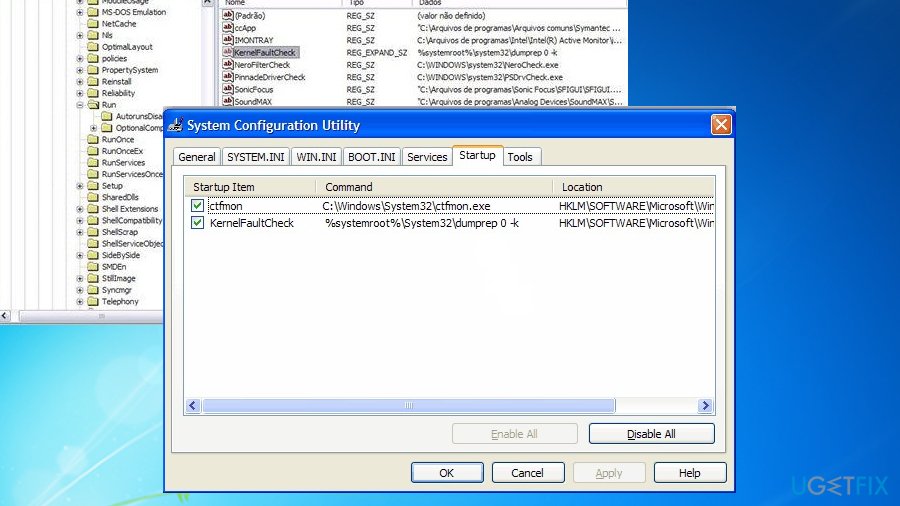
Observing the elaborate structure of certain trojans, such as QakBot or Emotet, the notification should not be ignored.
Scan your system for malware. You might also do so after rebooting the PC in Safe Mode. Here are the solutions if you are concerned about the presence of this file.
Option 1. Scan the system for malware infections
If you tried to install a game or app which caused a system failure, it either means that your system is not compatible with it or it is highly corrupted. In order to prevent virus invasion, install a couple of different anti-malware tools.
Scan the system with an anti-virus tool and afterward with malware removal utility such as [d1]. Reboot the system in Safe Mode and then repeat the procedure.
Option 2. Change Error reporting settings
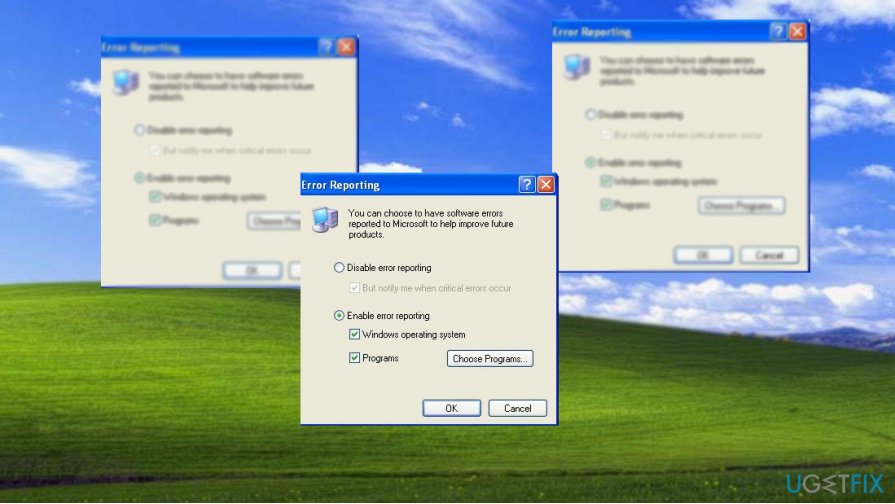
Windows XP version users can modify certain settings in order to make the notification less bothersome.
- Enter Control Panel, go to System and then Advanced tab.
- Choose Settings button for Startup and Recovery.
- At write debugging information, expand the menu, choose (none) and click OK.
- Next, click the Error Reporting button and choose Disable error reporting.
- You may leave But notify me when critical errors occur checked. Click OK to close the window.
Option 3. Repair damaged system files
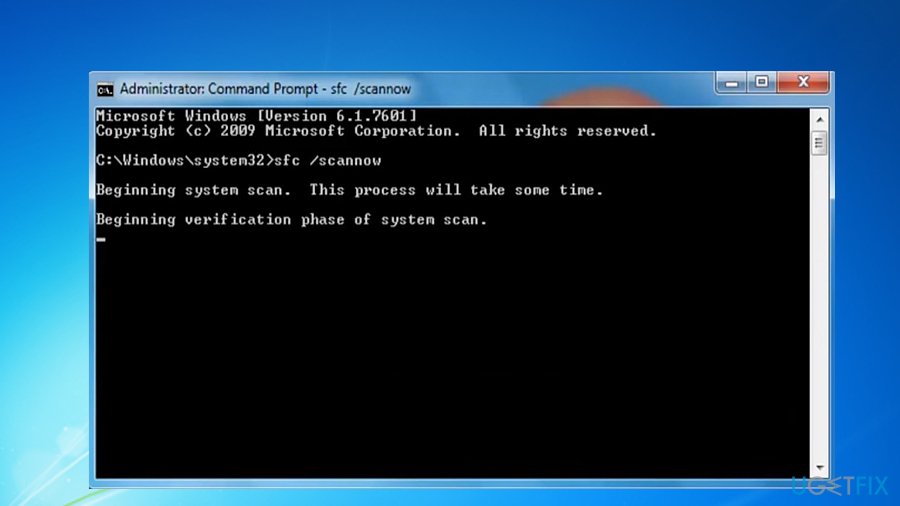
Speaking of a system crash, System File Checker is one of the viable ways to repair damaged files as long as they are not corrupted by malware.
- Run Command Prompt as administrator. Click on the Start bar and then type cmd in blank space or search bar.
- Right-click on it and choose run as administrator. Once it launches, enter sfc /scannow.
- Click Enter and wait for the procedure to end.
Bottom line
To fix the 'Resident denied the change of KernelFaultCheck' error, users can scan their system for malware infections, change error reporting settings, or reboot the system in Safe Mode. If these solutions do not resolve the issue, further investigation into system compatibility or potential hardware defects may be necessary.
Frequently asked questions
This error typically occurs due to conflicts with third-party security software or system file corruption. You can troubleshoot it by checking your security settings or running the System File Checker tool.
To fix this error on Windows 11, try disabling any conflicting antivirus programs and then execute a DISM scan to repair system images. Additionally, ensure your Windows is up to date.
Yes, updating Windows can help resolve this error as updates often include fixes for known bugs and security vulnerabilities. Make sure to check for updates in Windows Update settings.




Report an issue
What's wrong with this guide? We review every report and update or remove content.
Report received — thank you. We'll review and fix it.
You need a free account to submit a report.
Be the first to comment