How to fix
Link Windows 10 license with your Microsoft Account
on Windows
Easily link your Windows 10 license to your Microsoft Account and enjoy seamless activation. Expert-tested, this guide ensures a hassle-free setup.

Why does How to link Windows 10 license with your Microsoft Account occur?
- Replaced motherboard without linking license to Microsoft account
- Windows 10 activation issues after hardware changes
- Upgraded from previous Windows versions without proper license association
- Failure to check Windows activation status before making changes
- Using a Local Account instead of a Microsoft account
Repairs Windows system files, removes malware, and restores a clean OS state — without reinstalling.
Being unaware of the Windows 10 activation issues, I have replaced the motherboard with a new one and immediately after that I received Action Center alert „Activate Windows. Go to Settings to activate Windows.“ I have a license, but is it going to be deactivated each time I innitiate changes?
Starting with the Windows 10 Anniversary Update (1607), Microsoft introduced a feature allowing people to link product key, a.k.a. digital license, to the Microsoft account?
Prevent Windows 10 re-activation issues by linking Microsoft account with the digital license
Instead of the traditional product key, Windows 10 uses digital licenses (previously known as digital entitlement). Poeple who did not install Windows 10 from scratch, but upgraded to it from Windows 7, Windows 8, Windows 8.1, or others, received a digital license, which purpose is to address the „most commonly encountered activation issues on Genuine Windows devices including those caused by hardware changes." This license is supposed to activate the copy of Windows 10 automatically after Windows reinstall, clean install or hardware changes.
By introducing digital license Microsoft has taken a big step ahead becase Windows product key can be linked both to the hardware and Microsoft account. Consequently, the PC‘s owner don‘t have to contact Microsoft support necessarily if Windows 10 activation errors occur after motherboard, processor or hard drive changes. Starting with the Windows 10 Anniversary Update, people can re-activate Windows 10 by associating their Microsoft account with the digital license. Then they have to sign into the system with a Microsoft account and run Windows Activation Troubleshooter.
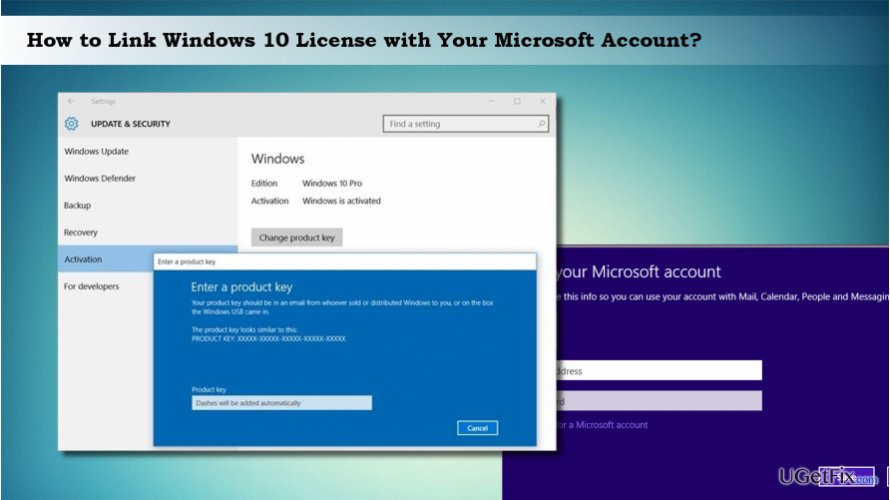
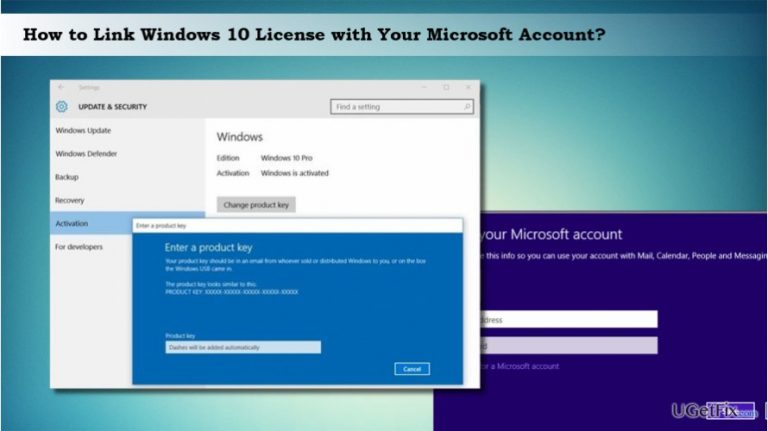
Linking Windows 10 digital license with your Microsoft Account
If you are signing into your PC with a Microsoft account, association of Windows 10 license with the Microsoft account is executed automatically. If, however, you are signing into the system with the Local Account, you‘ll need to do that manually.
IMPORTANT: before you start Windows 10 license association with the Microsoft account, make sure that your Windows 10 system is poperly activated. To check that, you should:
- Press Windows key + I and select Update & Security.
- Click on Activation.
- If Windows 10 has successfully been activated, you should see "Windows is activated with a digital license."
If there are no Windows 10 activation problems, you can proceed with the steps provided blow. Otherwise, you should run Windows Activation Troubleshooter. After that, you‘ll have to connect your digital license to your account to make the system remember the product key even after initiated important hardware changes.
NOTE: after all, your account type will be changed from local to Microsoft account.
- Press Windows key + I to open Settings app.
- Click on Accounts and select Your info on the left pane.
- Click on the Sign in with your Microsoft account instead link.
- Enter your Microsoft account credentials and click Sign in.
- Now type your current password and click Next.
- Finally, select Set a PIN button or Skip this step link.
Bottom line
To prevent Windows 10 re-activation issues, link your digital license with your Microsoft account. Ensure your Windows 10 system is properly activated by checking the Activation settings. If issues persist after following these steps, consider contacting Microsoft support for further assistance.
Frequently asked questions
To link your Windows 10 license, go to Settings > Update & Security > Activation, and click on 'Add an account' under 'Windows activation'.
Yes, if you already have a Microsoft Account, simply sign in to your account in the Activation settings to link your Windows 10 license.
Yes, linking your license allows you to easily reactivate Windows 10 on a new device or after a hardware change using your Microsoft Account.




Report an issue
What's wrong with this guide? We review every report and update or remove content.
Report received — thank you. We'll review and fix it.
You need a free account to submit a report.
Be the first to comment