How to fix
Should I install Windows 10 Update KB4033637
on Windows
Is Windows 10 Update KB4033637 worth it? Discover benefits, potential issues, and expert insights to optimize your system. Expert-tested for performance.

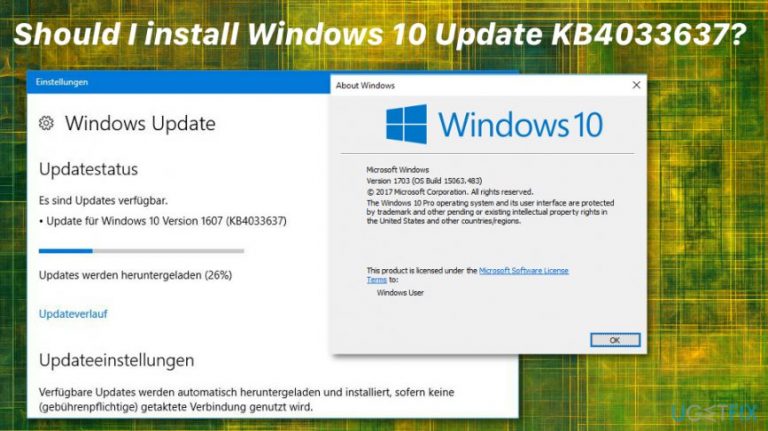
Why does Should I install Windows 10 Update KB4033637 occur?
- No description about the purpose of the update
- Lack of information on what flaw it addresses
- Reported system breakdowns and freeze-ups after installation
- Dissatisfaction with Microsoft's upgrade strategy
- Confusion over the cost of the upgrade
Repairs Windows system files, removes malware, and restores a clean OS state — without reinstalling.
Something‘s fishy with the Windows 10 Update KB4033637. There is no description about the purpose of the update nor what flaw it is actually oriented. Do you know what it patches ‘cause there is no information about it on the Web?
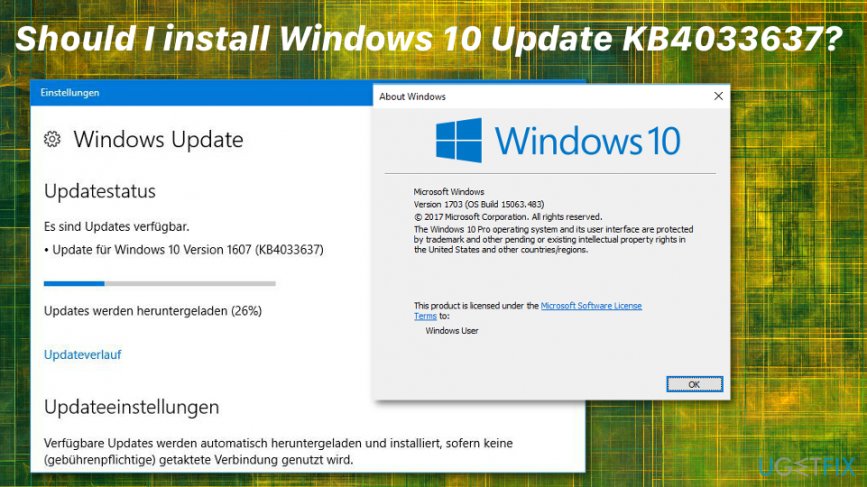
Windows 10 Update KB4033637 is the system update issued by Microsoft that caused a lot of problems when it was released. Naturally, more tech-savvy users got concerned about the secrecy enshrouding the update. What is more, its functionality raises doubts as well. Some users, who reported having installed the suggested update, said that it caused regular system breakdowns and freeze-ups.
However, the company did not issue an official explanation about the Update KB4033637. It is expected to deliver it soon due to still lingering dissatisfaction due to the Windows 10 upgrade strategy. On the other hand, after discontent users under the protection of a consumer protection group issue a lawsuit against Microsoft unfair upgrade strategy.[ref en-1]
Their dissatisfaction with the update KB4033637 is evident taking into the account that the company declared the upgrade to be without charge only to clarify later that it would cost money. In response, Microsoft declared not to employ such an active marketing strategy again.
Microsoft Surface users may only second the opinion of the mentioned users. The study revealed that 25% of the branded products are likely to cause their owners’ system failures after using them approximately 2 years.
Certainly, the company needs time, human as well as technical resources to significantly improve their production and earn users’ trust again. The case of WannaCry, which succeeded in wreaking major havoc in the global cyberspace, also fosters such assumptions.[ref en-2]
On the other side, it is commendable that Microsoft maintains an open attitude towards criticism. After the arrival of Windows 10, there have been still multiple reports about the existing bugs and system errors.[ref en-3] 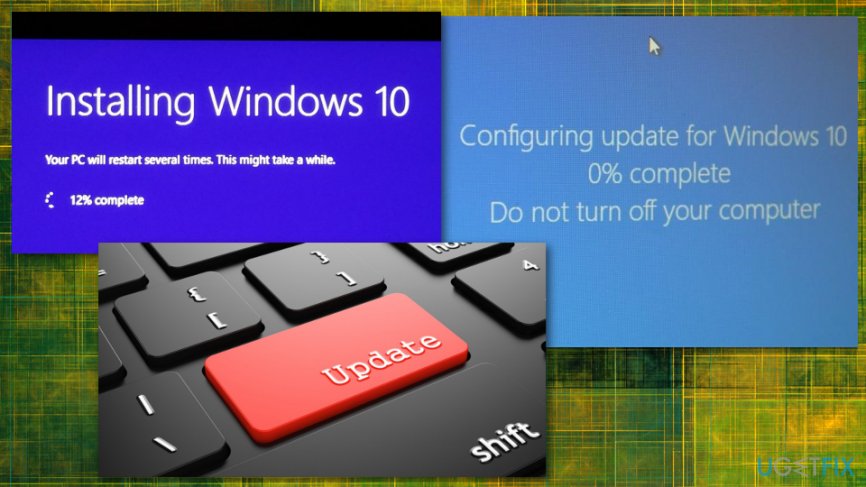
2018 Update:
Microsoft issued an explanation for this incident regarding KB4033637 and stated:
This update includes diagnostic and functional improvements for determining the applicability of updates in Windows 10 Version 1607. The files and resources in this update ensure that feature updates are installed seamlessly to improve the reliability and security of Windows 10
Following the report, Microsoft released a few new bug-free versions of Windows updates. If you haven't checked those out, you can install a more recent update of the operating system but check if there are no complains about it on the internet.
Fix for Update KB4033637 and its issues
Note that some ransomware threats disguise under Windows updates. Usually, such an update may occur after you open a shady email attachment or download a tool from a dubious source. Beware of such deception. Keep your security software updated. [d1] is one of the tools lowering the chance of encountering malware.
In case the system already installed corrupted KB4033637, and you haven't got the more recent update yet, you can uninstall the mentioned update via Uninstall updates function in the Windows update section in the Settings.
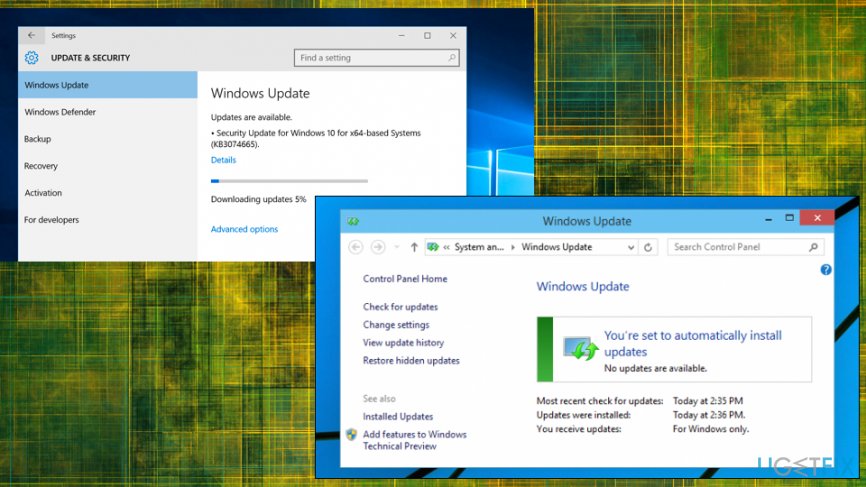
Since the issue is fixed and there are various other updates, you should opt for the more recent one that is bug-free.
Bottom line
Microsoft issued an explanation stating that the update includes diagnostic and functional improvements for determining the applicability of updates in Windows 10 Version 1607. If issues persist after installing the update, users should consider seeking further assistance or exploring alternative solutions.
Frequently asked questions
Windows 10 Update KB4033637 includes optimizations that enhance system stability and performance, particularly for users experiencing slowdowns. It also addresses various security vulnerabilities, making your system safer.
To check if Windows 10 Update KB4033637 is installed, go to Settings > Update & Security > Windows Update > View update history. This will show you a list of installed updates.
If you encounter problems after installing Windows 10 Update KB4033637, you can uninstall the update by going to Settings > Update & Security > Windows Update > Uninstall updates. Additionally, consider running the Windows Troubleshooter to resolve any configuration issues.




Report an issue
What's wrong with this guide? We review every report and update or remove content.
Report received — thank you. We'll review and fix it.
You need a free account to submit a report.
Be the first to comment