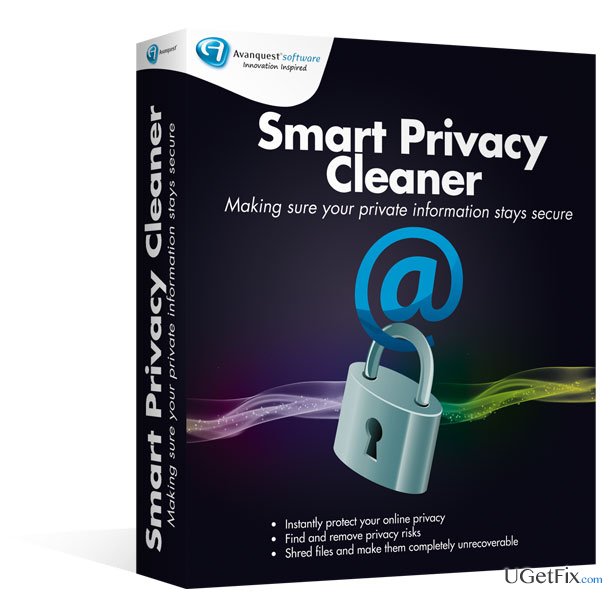
Smart Privacy Cleaner is a tool that can ensure the total privacy and security of your computer activities. Therefore, if privacy is your number one priority, you should purchase this tool. It can help you to delete all information you might find sensitive from your computer. If you want to make the files totally unrecoverable, it is also possible because of the shredding function embedded in this tool. You can get rid of everything from the basics of browsing history and the websites you visited to AOL, MSN, Skype or Yahoo chat history. Yes, you should be aware of the fact that your chatting history might be stored on your computer but now you can delete it once and for all. Smart Privacy Cleaner will delete cookies that enable tracking your online activities as well as all music, films and videos. It will also clean your Windows history including the documents you have just opened, remove the temp files and clear the Recycle Bin.
Another important feature of Smart Privacy Cleaner is its ability to shred files to the extent it will not be possible to recover it with the best software available. Shredding is the process, when important files are overwritten multiple times in order to make it impossible to recover them. There are three levels of shredding for you to choose with Smart Privacy Cleaner. This program is highly efficient and easy-to-use. Therefore, it will locate and remove everything that might potentially generate privacy issues. This program is constantly renewed, so it remains updated, relevant and efficient all the time. Therefore, if privacy and security are very important to you, Smart Privacy Cleaner is simply a must-have tool on your computer.
So, why should I select Smart Privacy Cleaner?
In this day and age, when almost everything and everyone is trying to take advantage of unprotected information, it is very important to be one step ahead. Smart Privacy Cleaner offers you the best solution available for your online and offline computer activities. While you may also remove most of the files manually, you might miss some really important files. Second of all, you might remove files that are of crucial importance to the processes on your computer, while Smart Privacy Cleaner excludes everything that might be important to the most essential operations. Finally, manual removal will not guarantee unrecoverability of these files. Smart Privacy Cleaner is very simple to use and you do not need to possess advanced knowledge about computers in order to operate it. You may also deselect everything you do not want to be removed, provided there are certain exclusions you want to make. You are several clicks and a few minutes away from the total privacy so take advantage of this offer and purchase Smart Privacy Cleaner right now!
Bottom line
Smart Privacy Cleaner effectively deletes sensitive information, chat history, tracking cookies, and cleans up temporary files and the Recycle Bin. It also offers a shredding function to make files unrecoverable. If these solutions do not resolve your privacy concerns, consider seeking additional software or professional assistance.
Frequently asked questions
Smart Privacy Cleaner scans your system for privacy risks and unwanted data, allowing you to tweak settings that enhance your privacy and optimize performance in Windows 10 and Windows 11.
Yes, Smart Privacy Cleaner is designed to be safe for Windows 10 and Windows 11 systems, as it only targets unnecessary files and settings without affecting critical system functions.
Yes, Smart Privacy Cleaner allows you to schedule regular scans and cleanups, ensuring your system remains optimized and your privacy protected on Windows 10 and Windows 11.
Microsoft 365Office troubleshootingOutlook errorsTeams and SharePoint issuesOneDrive sync
Tom Bradshaw focuses on Microsoft 365 and business software troubleshooting. His guides resolve the most common productivity-blocking issues in Word, Excel, Outlook, Teams, SharePoint, and OneDrive — the tools that professionals depend on daily. Tom draws on years of supporting business environments to provide solutions that work in real-world conditions: fixing Outlook profile corruption, recovering unsaved Excel files, resolving Teams audio failures, clearing SharePoint sync errors, and repairing broken Office installations. His guides are practical, tested, and written for users who need the fix fast.






Report an issue
What's wrong with this guide? We review every report and update or remove content.
Report received — thank you. We'll review and fix it.
You need a free account to submit a report.
Be the first to comment