How to fix
What is Other
on Windows
Discover how to free up space by managing "Other" storage in Windows 10 and 11. Expert-tested solutions for a clutter-free system, fixed in minutes.

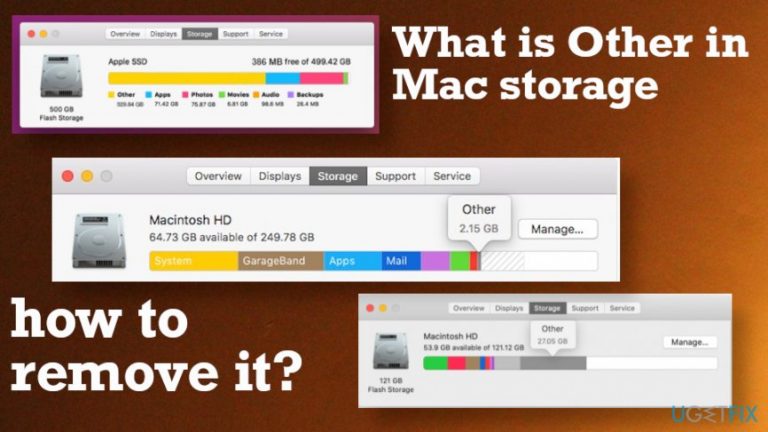
Why does What is Other in Mac storage and how to remove it occur?
- Storage section named Other is filled
- Files stored in the Other category are unclear
- Manual searching for deletable files is time-consuming
- Overfilling can reduce system performance
- Certain files in Other may cause unwanted consequences
Repairs Windows system files, removes malware, and restores a clean OS state — without reinstalling.
Hello. I can see that the storage section on my mac named Other is pretty much filled. It is annoying because I do not know what files are there and how to clean them without causing damage to other parts or programs. I would like to remove that storage if it is wasteful or even harmful. Can you tell me how?
Users[ref en-1] tend to search for answers about what is Other in Mac storage and how to remove it because when it takes up too much space on your drive it causes issues with speed and performance first. Searching manually what to delete to free up space can take hours, especially when there are many possible files that can be stored in the Other section.
This category in the Storage raises confusion because it consumes a lot of memory and prompts people to clear the storage, so the taken up space can be reduced. However, clearing anything from the machine can disturb the performance of the machine, and even deleting junk files may affect programs or the device. You need to clarify what types of files are stored in the Other category.
You shouldn't want to remove some of the files because some of them can cause unwanted consequences. For example:
- documents;
- compressed files;
- person data;
- files stored in system folders;
- temporary files;
- cache items;[ref en-2]
- fonts or application accessories;
- extensions, application plug-ins.
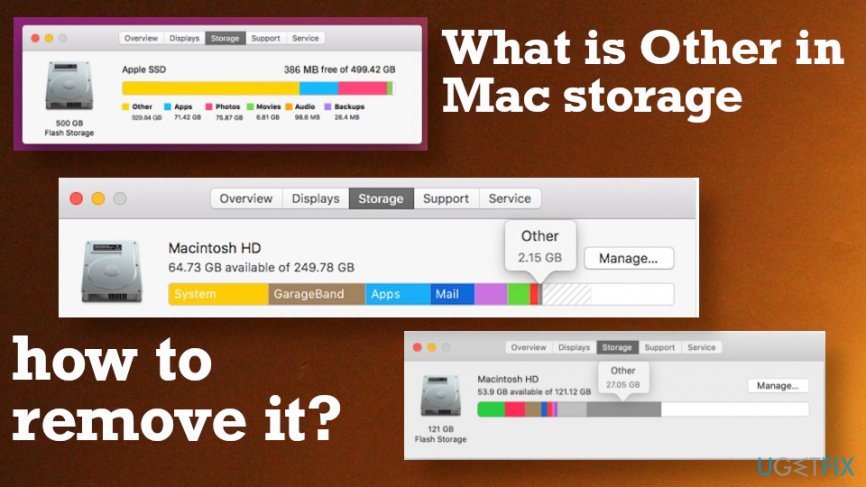
How to remove Other storage on Mac
Newer versions of the Mac OS have storage optimization functions and are better at optimizing storage. Overfilling can result in reduced system performance and cause other issues with the machine or particular programs. Mac OS Sierra and later versions include a feature called Optimized Storage.[ref en-3] This tool can be enabled, and Mac automatically cleans the hard drive from unused files and programs for you. You can read this guide and find out how to use Optimized Storage on macOS Sierra.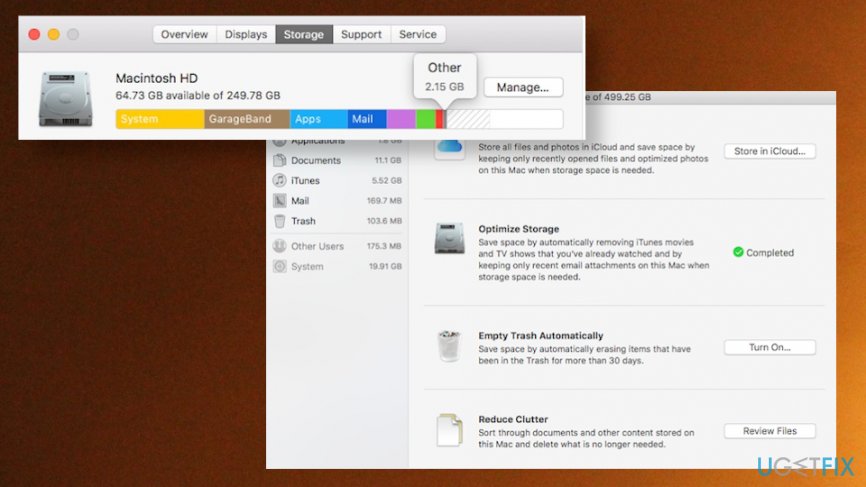
Find out how much storage is available to clear it
If your device is running low on storage space you need to check how much free space you have and what is the category that takes up the most. You need to check Mac hard drive usage by clicking the Apple logo in the top left corner of the screen and then choose About this Mac. Then select the Storage tab, and you will see the categories and usage.
Identify files via Finder to remove Other storage
- Click the Cmd and F at the same time on the keyboard.
- Choose This Mac to search the device.
- Select + on the right and identify search parameters.
- Choose Other from the menu.
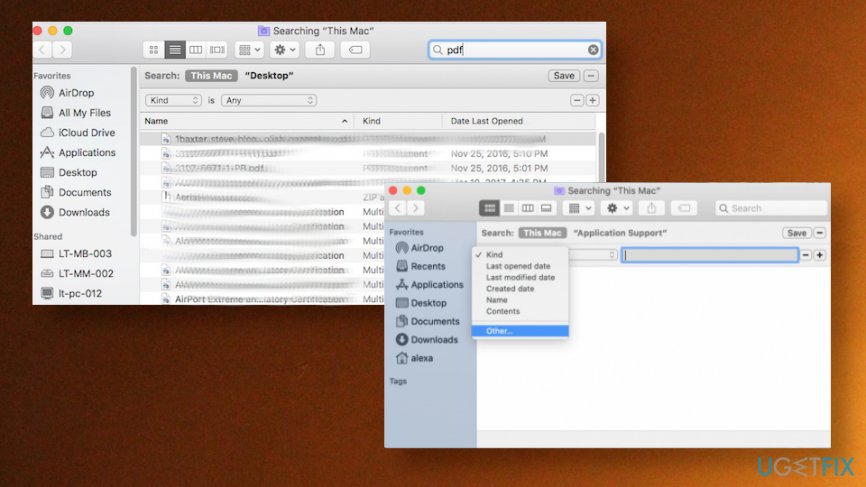
What is other in mac storage how to remove it search this mac - Select File size and File extension.
- Use the search to review types of files like .txt or .pdf. Identify unwanted files and delete them.
Delete old backups
- Launch the iTunes app on your Mac computer.
- Select Preferences or click command and , .
- Choose Devices and select the backup you want to delete.
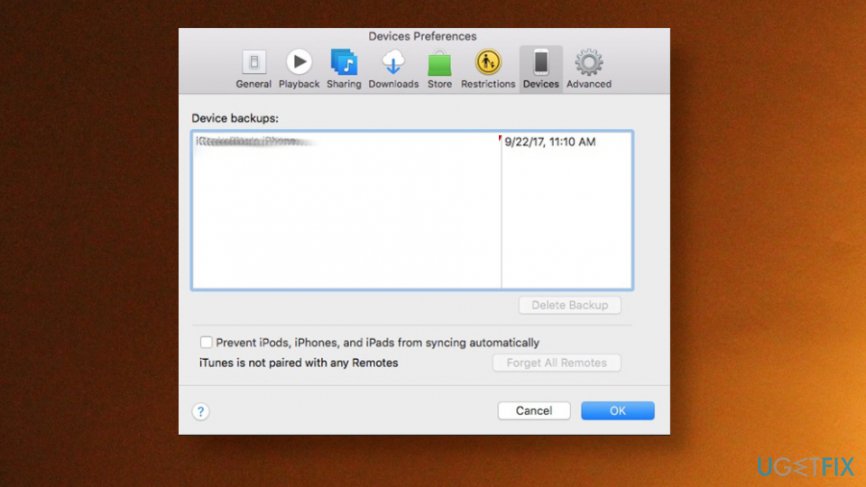
What is other in mac storage how to remove it itunes - Click on Delete Backup and verify your choice.
Delete cache files from Other storage
- Select the Finder icon from the dock.
- Choose the Go menu.
- Click Go to Folder option.
- Type ~/Library/caches into the search box.
- The list of files appears, and you can choose the app folder you wish to remove the cache from.
- Right-click on the folder.
- Select Move to Trash to delete.
Bottom line
To remove Other storage on a Mac, you can enable the Optimized Storage feature available in macOS Sierra and later versions, which automatically cleans unused files and programs. Additionally, it's important to check how much free space is available to manage storage effectively. If these methods do not work, consider seeking further assistance or exploring additional storage management tools.
Frequently asked questions
The 'Other' category in Mac storage typically includes files like system files, application caches, and temporary files that are not categorized under standard types like documents or media. When using Windows 10 or 11 with a Mac, these files can still take up space if you access your Mac's storage.
Yes, you can remove 'Other' files by accessing the Mac partition from Windows 10 or 11, but it's recommended to use MacOS tools for safe deletion. Tools like Disk Utility on Mac can help you manage and remove unnecessary files more effectively.
While direct optimization is limited, you can access shared folders and delete unnecessary files, or use a Mac to run storage management tools. For best results, regularly check your Mac's storage settings while booted into MacOS.




Report an issue
What's wrong with this guide? We review every report and update or remove content.
Report received — thank you. We'll review and fix it.
You need a free account to submit a report.
Be the first to comment