How to fix
What is WDAGUtilityAccount? Should I keep it or delete it
on Windows
Discover the purpose of WDAGUtilityAccount in Windows 10 and 11. Make the right choice for your system with our expert-tested insights.

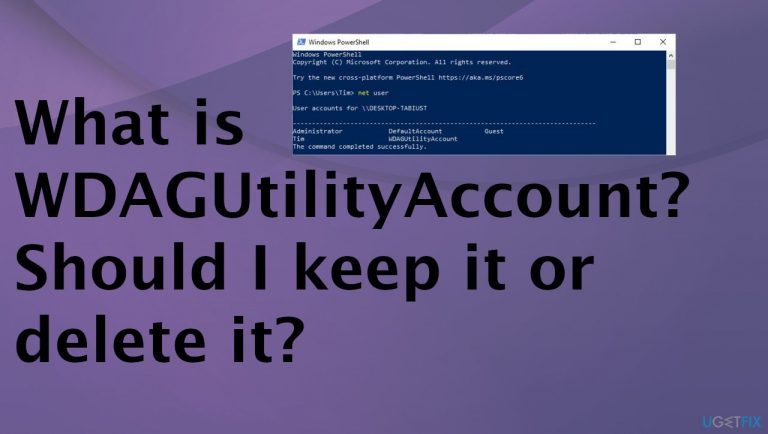
Why does What is WDAGUtilityAccount? Should I keep it or delete it occur?
- WDAGUtilityAccount is part of Windows Defender Application Guard
- Account is left disabled until the program is enabled
- Account may be active on Enterprise edition Windows 10 machines
- It is a built-in account in Windows
- Account may cause warnings about denied access or permissions needed
- Issues may arise from updates or suspicious files
Repairs Windows system files, removes malware, and restores a clean OS state — without reinstalling.
Hello. I came across the user accounts on the computer and noticed some strange things. What is WDAGUtilityAccount? Should I keep it or delete it? I have no idea what that is and what I should know about it. Can you inform me what I should do with it or why it is there in the first place?
The particular WDAGUtilityAccount is the part of the Windows Defender Application Guard that was introduced with the particular Windows update - 1709. The account is left disabled until the program is enabled on the device.[ref en-1] The account can be active on some Enterprise edition Windows 10 machines, but this is not considered anything dangerous or malware[ref en-2] of any sort. This is one of the accounts that come built into Windows.
People find the account listed when the Local Users get opened or the specific user command gets added in Command Prompt. The role and the reason for the account are unknown, so users may have a lot of questions. The working and active account might cause the warning that you cannot delete the particular file. Some issues may come with the message about denied access, administration permissions needed.
When the user visits a virus-filled site, and the WDAGUtilityAccount is active on the machine, the site can be opened on a separate virtual container. If the attack is attempted, the infection cannot happen because the space is based on virtualization where the website is opened.
It might be the issue that this account some in your way and shows up on the screen with warnings and alerts about suspicious problems. However, this is part of the Windows operating system, so removing the account is not recommended. It can cause some issues with the machine's functions. it is safe to keep the account disabled as it was before, but keeping it enabled can help secure the computer system.
The appearance of the WDAGUtilityAccount is completely normal. However, having issues with your machine due to updates,[ref en-3] or suspicious files can also be common but not wanted. You can see some issues and think that the suspicious account is responsible for them, but some simple things like buggy updates, corrupted data, and application compatibility issues can trigger some crashes or speed issues.
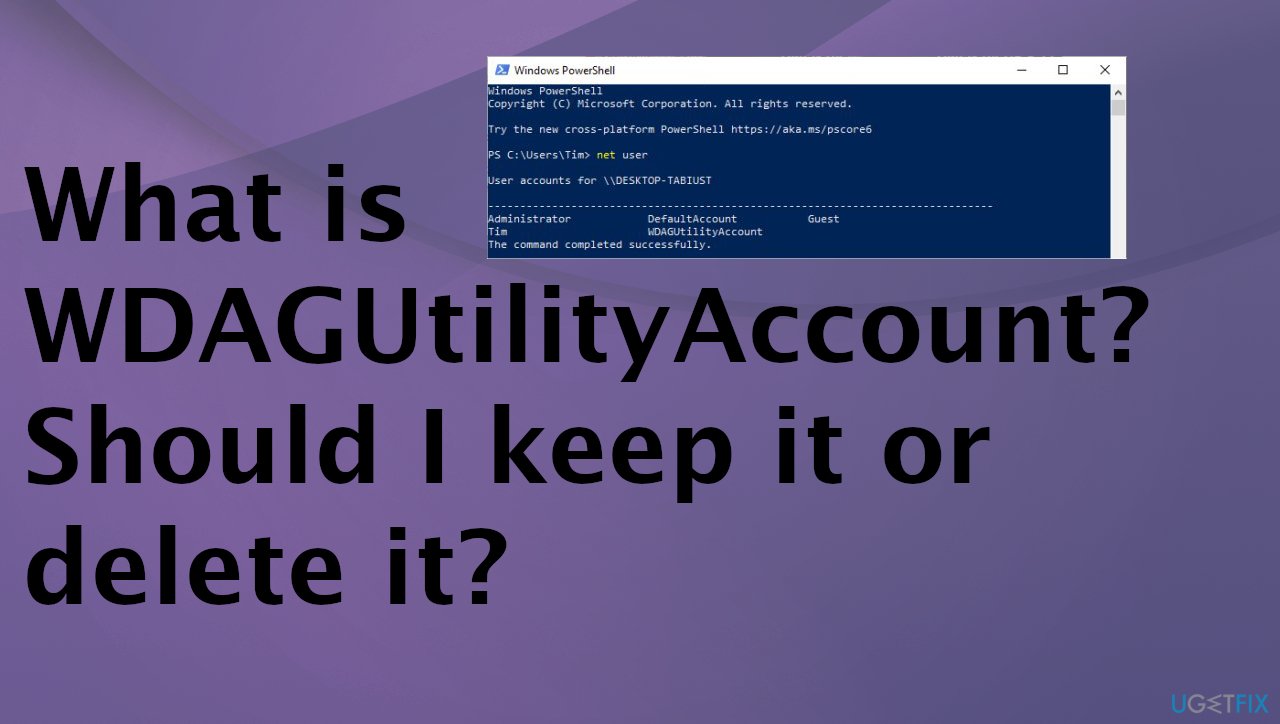
Should I delete the account or keep it?
The account is a part of the Windows operating system, and there are many accounts created by the OS automatically. It is not recommended to move or alter these user accounts in any way.
It is not okay to delete the WDAGUtilityAccount, but you can find problems with the machine using an app like [d1] that scans the machine and locates affected, altered, damaged pieces in directories, system folders. The program can thoroughly clean this damage and help improve the performance of the computer significantly.
Verify if the account is active on the system
You might want to check if the account is enabled and disable it. Sometimes when it is active it can deliver warnings or errors when you try to delete files or different pieces.
Access is denied, administrator permission is required
or
You need permission of another account – WDAGUtilityAccount
- Open Windows Menu by right-clicking the Start.
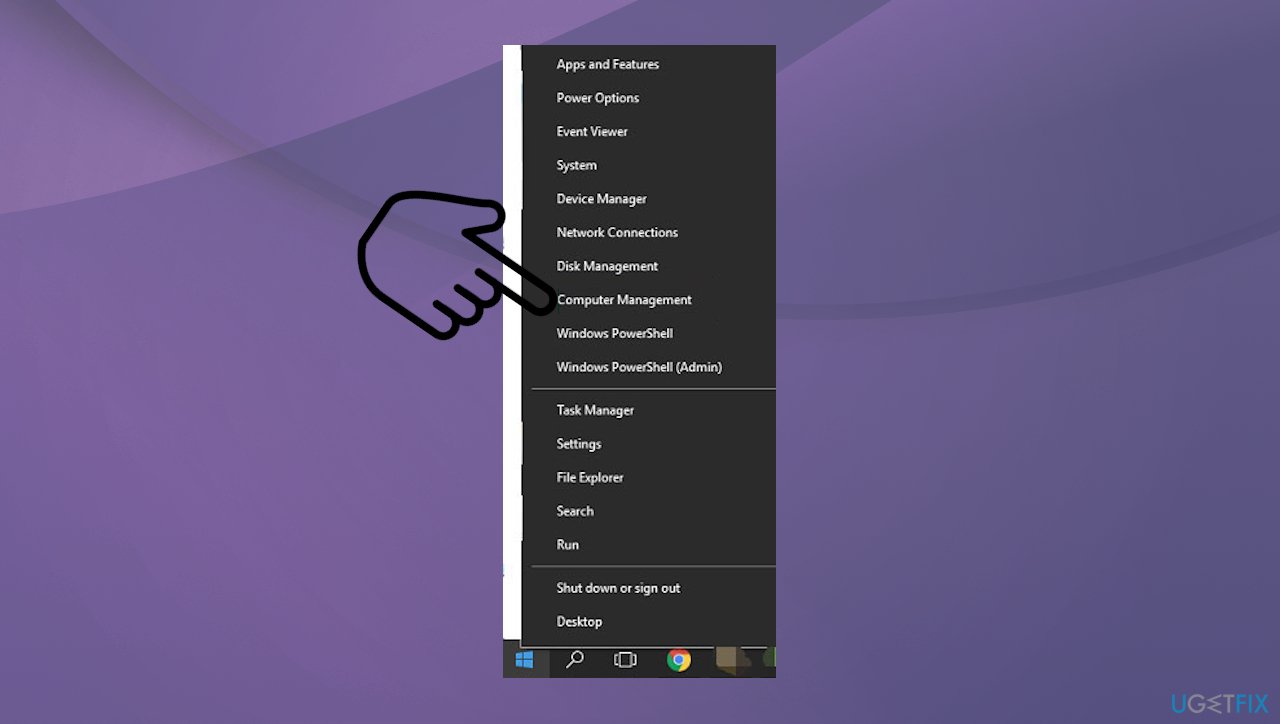
Wdagutilityaccount is what should i delete it computer management - Select Computer Management.
- Expand System Tools.
- Expand Local Users and Groups.
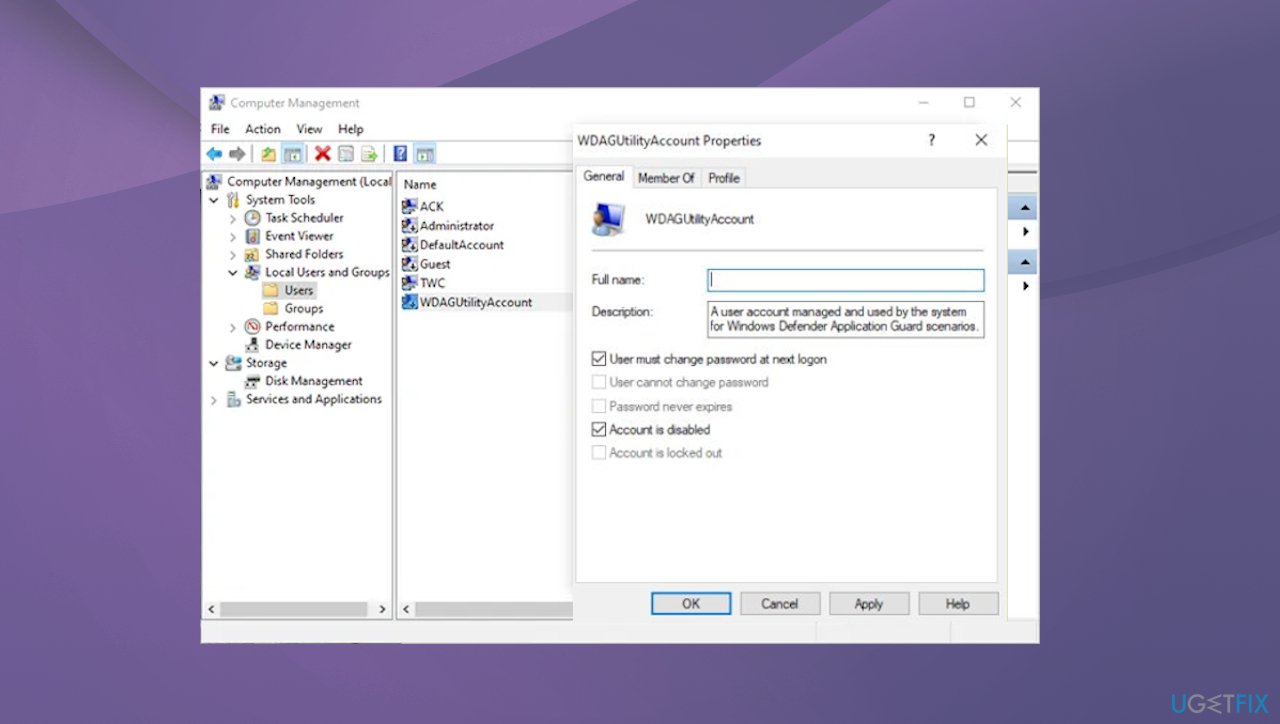
Wdagutilityaccount is what should i delete it account properties - Double-click the Users folder to expand.
- Double-click the user account and check the General tab in Properties to see if the account is active or not.
- You can disable it by checking the box of the option or rename the user here.
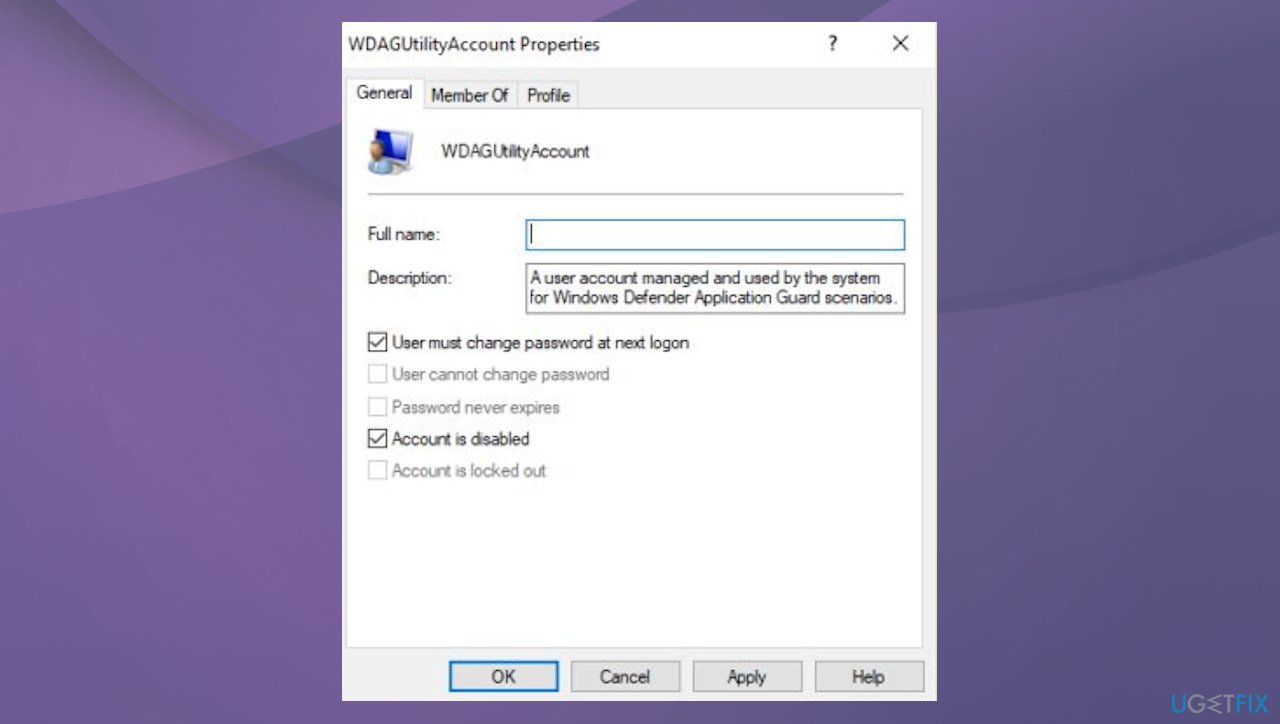
Wdagutilityaccount is what should i delete it account
Bottom line
Removing the WDAGUtilityAccount is not recommended as it can cause issues with the machine's functions. Keeping it disabled is safe, but enabling it can enhance security. If you encounter problems despite these measures, consider seeking further technical assistance.
Frequently asked questions
The WDAGUtilityAccount is a built-in account used by Windows Defender Application Guard to isolate untrusted websites and protect your device. It helps enhance security by running these sites in a separate virtual container.
Yes, if you do not use Windows Defender Application Guard, you can delete the WDAGUtilityAccount to optimize your system. However, be aware that removing it may impact the security features provided by this application.
You can check the status of the WDAGUtilityAccount by opening the Command Prompt and typing 'net user WDAGUtilityAccount'. This will display information about the account and its current status.




Report an issue
What's wrong with this guide? We review every report and update or remove content.
Report received — thank you. We'll review and fix it.
You need a free account to submit a report.
Be the first to comment