How to recover
.dmay ransomware files
from Windows
Recover your .dmay ransomware files quickly on Windows 10 or 11 with our expert-tested guide. Restore your data securely and efficiently today!

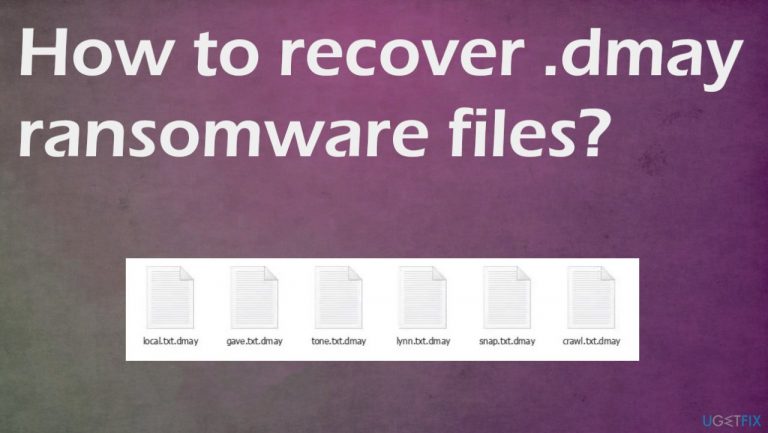
What leads to How to recover .dmay ransomware files?
- Malicious macros
- Pirating platforms
- Other malware
- Trojans
- Weak antivirus protection
Repairs Windows system files, removes malware, and restores a clean OS state — without reinstalling.
My files got locked with .dmay extension. I haven't seen the ransom note yet, but I try to interact with the machine less. I know this is ransomware. What kind? Is there possible decryption or am I cursed? I had something like this before and needed to reinstall OS fully. Would like to avoid that. Help!
Dmay ransomware is a powerful file-locker. There are ways this threat manages to infect the machine and affect commonly used data. This threat affects documents, images, audio, and video files to have the option for a ransom demand.[ref en-1] The threat is affecting much more than this, but these markers that appear after the original names indicate directly damaged pieces.
Ransomware is capable of infiltrating and running the encryption unnoticed. It is because these criminals behind the infection rely on particular methods including the malicious macros, pirating platforms, other malware, trojans, and other similar vectors.
This threat is one of the most dangerous because the Dmay ransomware virus uses a powerful algorithm for file-locking. Unfortunately, that means that users don't have the proper option for file recovery. This is the worst thing, but there are other alternatives that might help to deal with these locked files. Backups could be the best, but remember to remove the virus before doing anything. Follow all the steps below.
1. Removing the active virus
The recent versions of this particular ransomware get released weekly like the latest Ygvb, Nuhb, Dwqs. These pieces are altered and made more powerful than other file viruses that got released last year or the year before. These criminals behind the threat are greedy and want money, so contacting them is dangerous.
You need to remove Dmay ransomware to keep the machine virus-free and safe to use again. Detection rates[ref en-2] indicate that these tools like antivirus or anti-malware programs can find the infection, possibly malicious files, and related viruses. There are other malware pieces that can keep the persistence up.
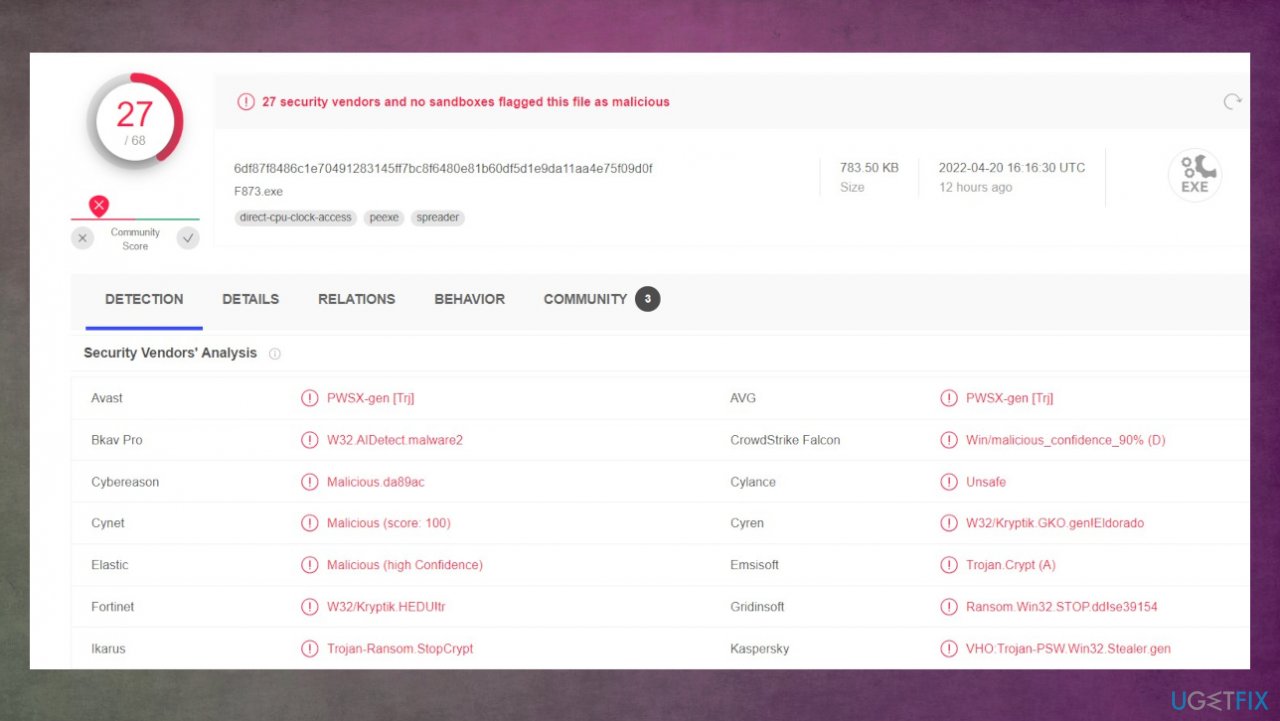
Make sure to rely on a trustworthy anti-malware tool and run the full system scan. Then the machine is checked fully and all dangerous files get indicated. Stopping the active virus is not recovering those encoded files, and system damage. Nevertheless, this is crucial because ransomware controls the various process and it needs to be removed fully before you move on with file recovery.
2. Decrypting encoded data
Djvu ransomware family is the particular one this Dmay file virus is coming from. This family is one of the most dangerous and notorious versions of the file-locker threats. The creator is ensuring the powerful encryption[ref en-3] method can be used and files get locked without the opportunity to restore data easily.
The particular newer versions use the online IDs that determine the impossible decryption. These keys are unique for each affected device, so the user is not capable of recovering data without decryption tools. There are no official options that could guarantee the full-on restoration.
However, there are instances when the procedure is interrupted, so offline keys get used. These keys are universal for all devices affected by the same version, so one decryption key helps to restore files for many victims. The decryption tool checks if this is possible and indicates what can be done from there.
- Download the app on official Emsisoft website.
- Once decrypt_STOPDjvu.exe shows up – click it.
- Follow the steps on the screen.
- The tool should locate the affected folders.
- You can also do it by pressing Add folder at the bottom.
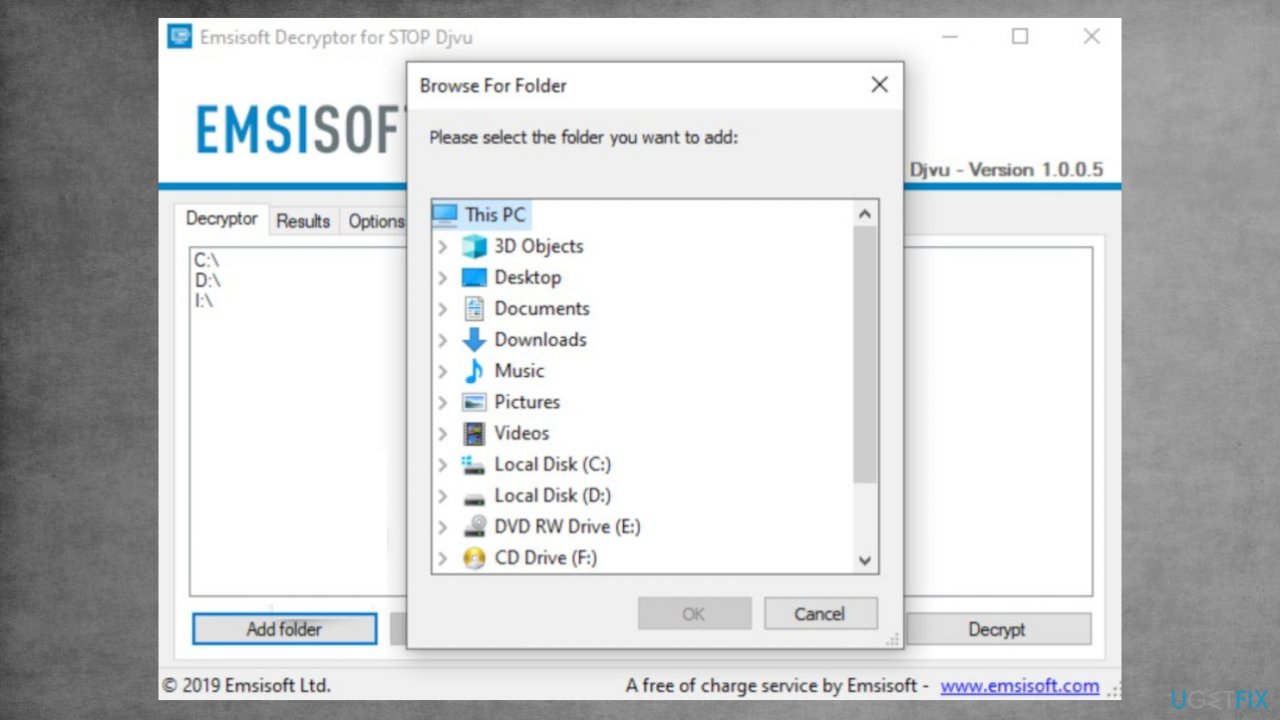
Recover dmay files fix decrypt - Press Decrypt.
- Results determine decryption options.
3. Repairing system files
- Install [d1].
- Run the full system scan and wait for the analysis.
- Follow the on-screen instructions.
- Allow the machine to get checked.
- Check the Summary.
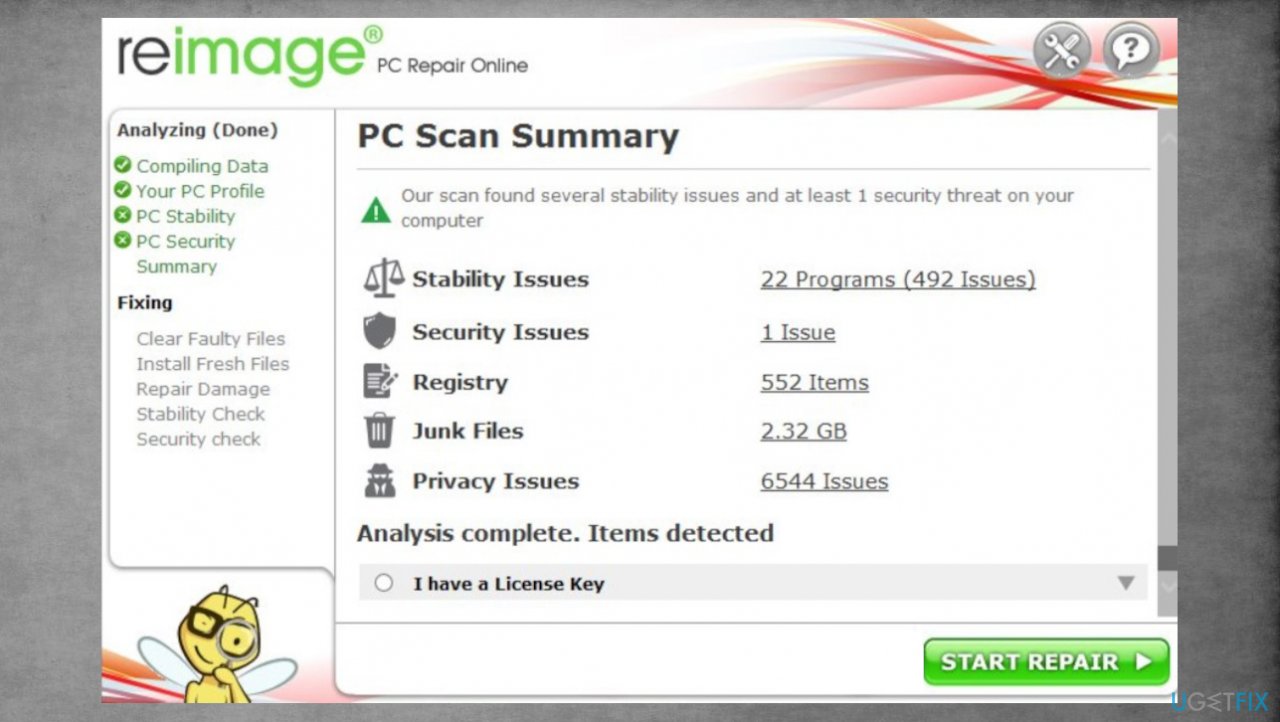
Djvu reimage repair dmay - You can fix issues manually from the list.
- Purchasing a licensed version can help repair serious issues.
4. Restoring the data
- Get a tool for file repair. We can recommend [rev id="Data Recovery Pro"].
- Download from a trustworthy source.
- Follow installations until it is complete.
- Once that is finished, run the application.
- Select Everything or pick individual folders/ files to recover.
- Press Next.
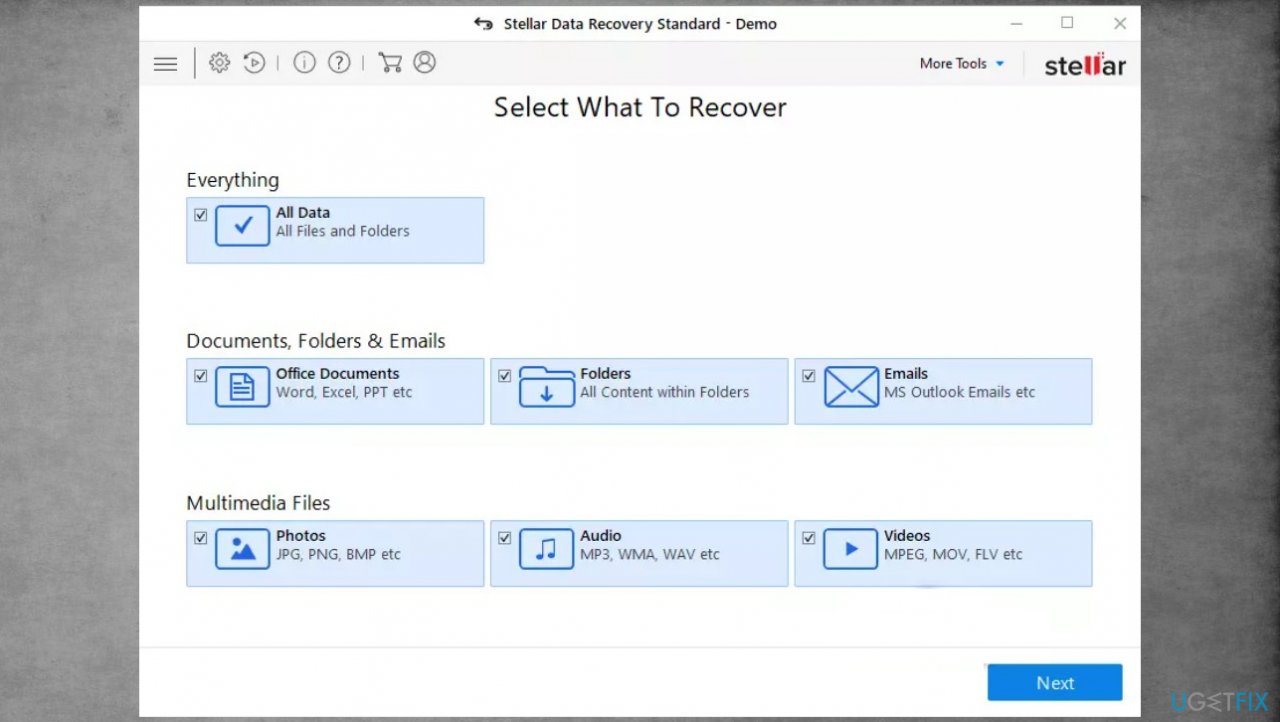
Djvu stellar data recovery dmay - Enable Deep scan at the bottom.
- Pick which Disk you want to be scanned.
- Scan.
- Hit Recover to restore files.
Bottom line
To recover from the Dmay ransomware infection, it is crucial to remove the active virus using a trustworthy anti-malware tool and perform a full system scan. Backups can be a solution, but ensure the virus is eliminated before restoring any files. If these methods do not work, consider seeking professional help.
Frequently asked questions
Begin by isolating the infected system from the network to prevent further encryption, then use a reliable antivirus program to remove the ransomware. After cleaning your system, check for backups or restore points that may contain unencrypted versions of your files.
Yes, you can try using reputable file recovery software, but success is not guaranteed as the data may be irreversibly altered. It's best to initiate these tools as soon as possible after the attack.
There are decryption tools available for some ransomware variants, but as of now, there may not be a public decryption solution for .dmay specifically. Always keep your system updated and maintain regular backups to minimize the risk of data loss.




Report an issue
What's wrong with this guide? We review every report and update or remove content.
Report received — thank you. We'll review and fix it.
You need a free account to submit a report.
Be the first to comment