How to recover
.hhjk files
from Windows
Easily recover .hhjk files on Windows 10 or 11 with proven methods. Get back your lost data quickly and without hassle—expert-tested and reliable!

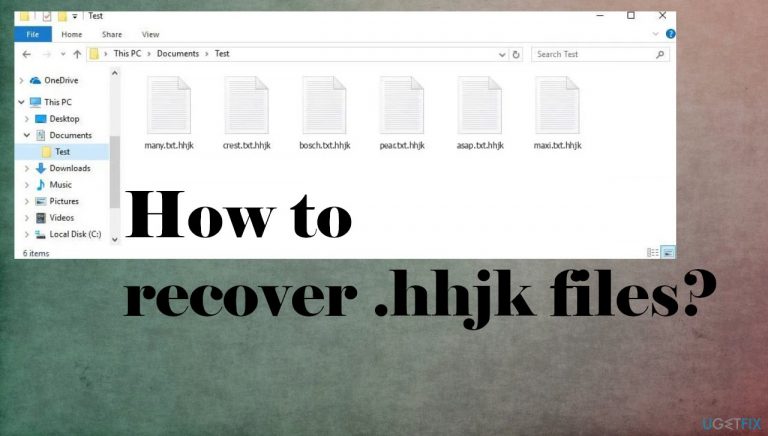
What leads to How to recover .hhjk files?
- Ransomware attack
- Malicious files
- Infiltration by criminals
- Use of pirating platforms
- Licensed software cracking
Repairs Windows system files, removes malware, and restores a clean OS state — without reinstalling.
Hello. All of my files are locked with .hhjk and the system runs very slow. I need to recover these files and the machine. It is ransomware? Are there any solutions available?
Unfortunately, ransomware attacks are still very common, and attackers make these threats more and more dangerous, and damaging. These threats are developed by financially motivated criminals. There is nothing about the ransomware that is truthful. Especially the contents of the direct message from creators - _readme.txt ransom note.
Criminals focus on the infiltration and then lock commonly used and valuable data on the machine once the Hhjk ransomware virus finds all the files chosen for this procedure. These infections are deceptive and particularly scary to encourage people to pay up when victims believe that there are no other solutions but to pay the ransom.
The cryptocurrency extortionists can offer a discount or promise additional benefits, so people contact them as soon as the ransom note is presented. This is the family known for quite some time, so there are no guarantees that people can get those files fully recovered. It is less likely, so do not trust criminals and stay away from them.
There are no official decryption tools for the Hhjk file virus, so these alternate options are limited. However, there is no need to believe the lies and claims in the ransom demanding message. If you have proper data backups - trust them and replace locked data with copies of safe documents and images. If not, rely on the tips we list here.
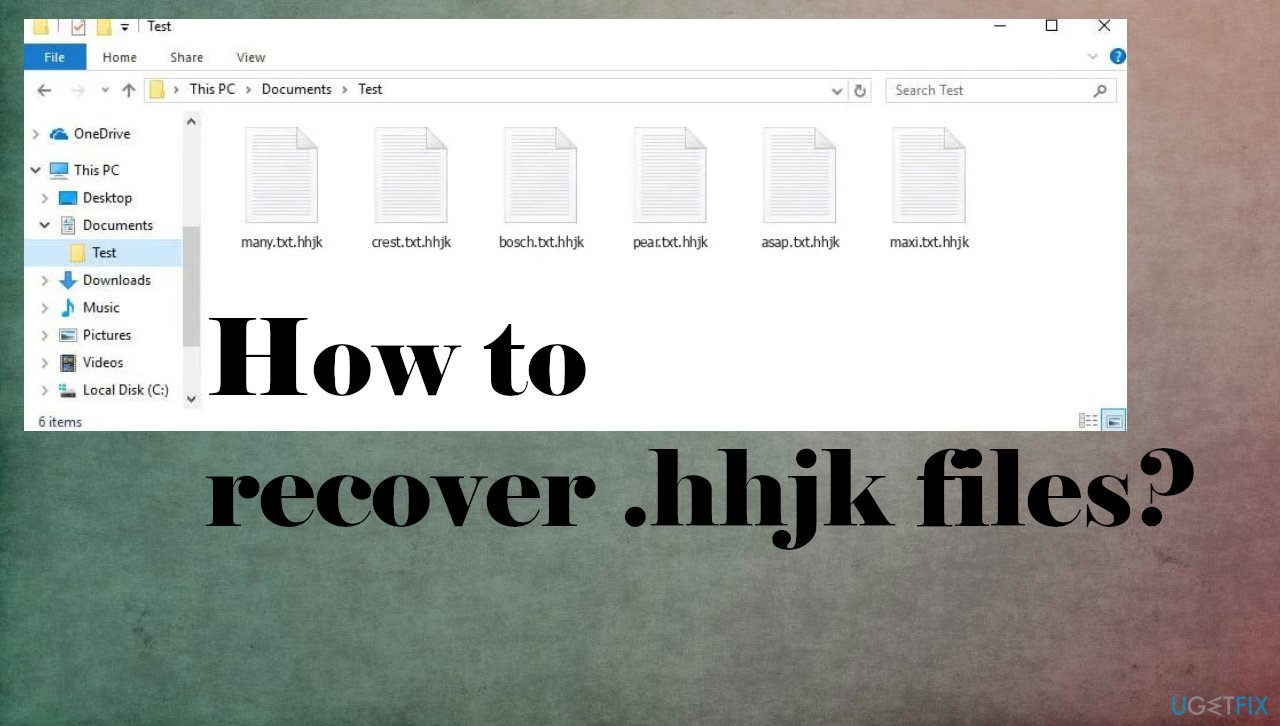
1. Terminate the active ransomware
Malware has various types, and these computer threats are spread around via malicious files, platforms, pages, or even email messages. The threat actors rely on various methods, but the more common ways to deliver the file-locking threats like this Hhjk ransomware virus can include other threats like trojans or botnets.[ref en-1]
The more common way that the particular family this virus derives from is known for using is the pirating platforms and licensed software cracking, cheatcodes for popular games like NBA or FIBA. These packages include the payload file with ransomware that gets executed on the machine once files are downloaded. users skip through steps and cannot notice the hidden EXE file.
You need to rely on the anti-malware tool and scan the machine fully, so all of the related files and programs can be detected[ref en-2] and fully terminated. This is the way to clear the machine properly and eliminate all possibly malicious applications, and malware programs. It is not the same as file repair or virus decryption, so do not expect to have data recovered after one AV scan.
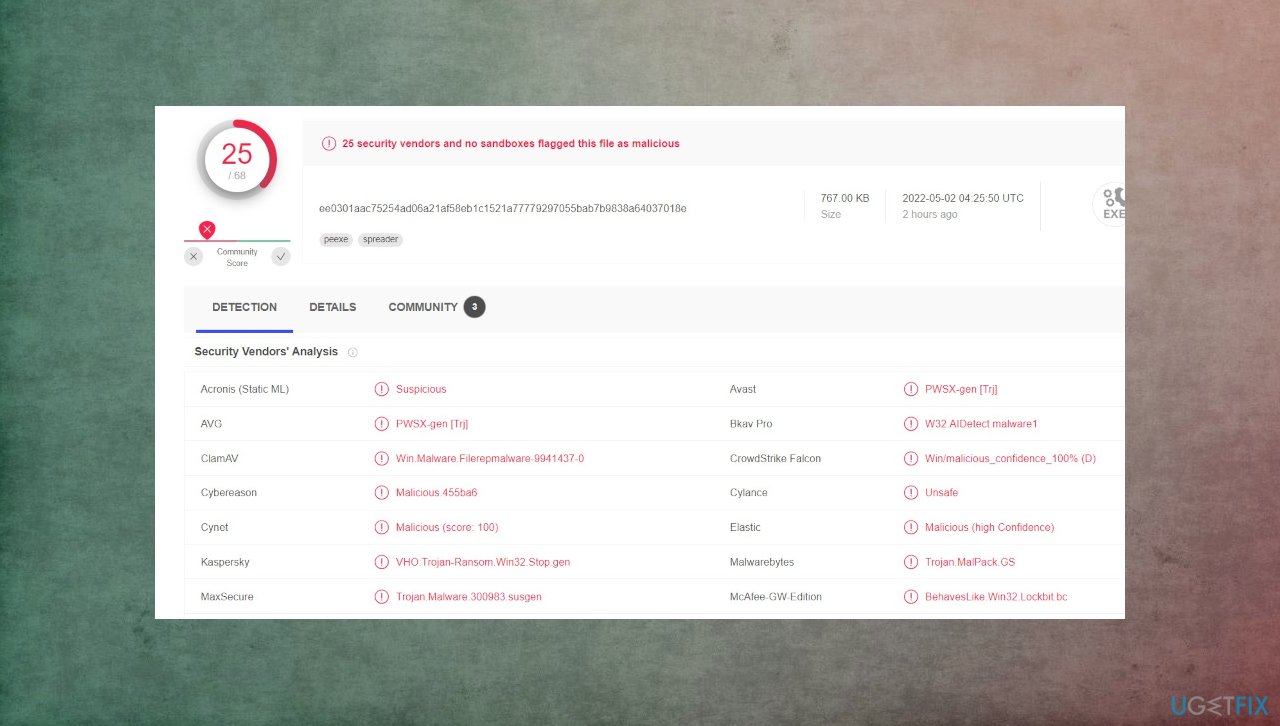
2. Repair system files damaged by the virus
Computer infections affect the machine and the performance of the infected device significantly because there are various operations that might be disabled or corrupted once the malware is present on the machine. Windows registry, DLL files, and other sections related to boot up and startup preferences can be damaged, so the persistence of the virus is ensured.
Users can experience stability issues and even damage the machine further if manual changes are introduced. It can be dangerous and lead to full Windows OS reinstallation due to permanent damage to the computer.[ref en-3] You need to take care of this issue, and PC repair tools can be helpful.
- Install [d1].
- Run the full system scan and wait for the complete analysis.
- Follow the on-screen steps.
- Allow the machine to get checked.
- Check the Summary.
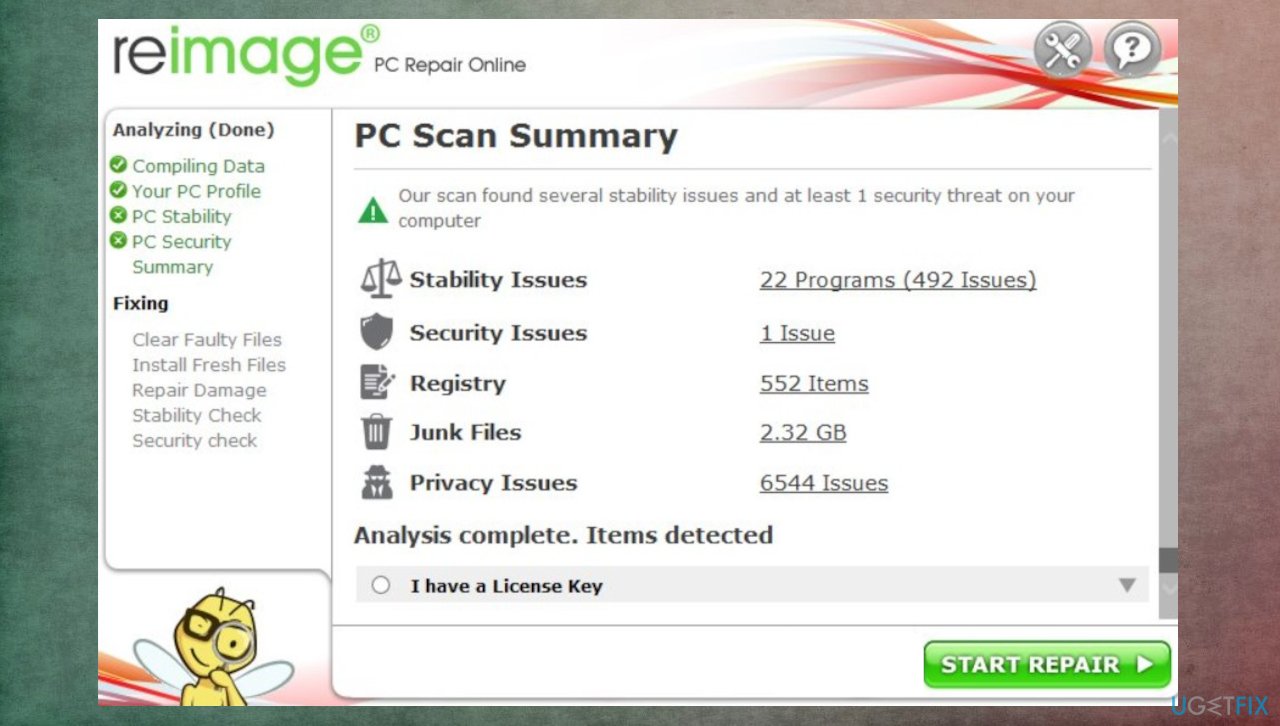
Recover hhjk ransomware files - You can fix issues manually from the list.
- Purchasing a licensed version can help repair serious issues.
3. Decrypt files with the available tool
This Hhjk virus is coming from the Djvu ransomware family that is known since 2018 and is not decryptable since the summer of 2019. The changes implemented back then caused issues with decryption because of the method that creators use. The offline keys used during encryption provided the option of recovering files for many of the victims when the particular virus affected these machines.
However, the more recent versions like Dewd, Jhdd, Jhbg, and Jhgn rely on online keys only. This technique makes the decryption impossible because these file locking threats form a unique ID for each device that is infiltrated and suffers the file-locking. The tool below can work with offline ids when these encryption processes are not going according to the plan of ransomware developers.
- Download the app on official Emsisoft website.
- Once decrypt_STOPDjvu.exe shows up – click it.
- Follow the steps on the screen.
- The tool should locate the affected folders.
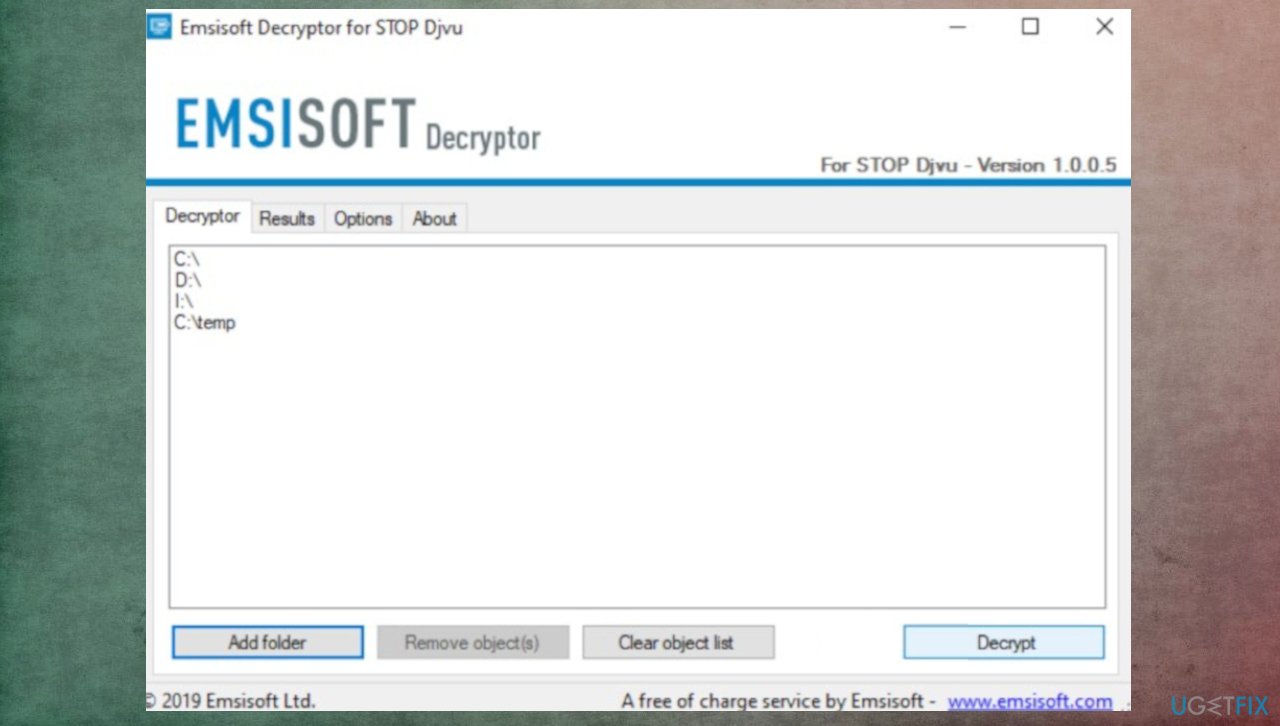
Recover hhjk ransomware files decrypt - You can also do it by pressing Add folder at the bottom.
- Press Decrypt.
- There are particular results that can occur indicating if the decryption is possible.
4. Recover files with the file repair program
- Get a tool like [rev id="Data Recovery Pro"] from a trustworthy source.
- Follow installation instructions.
- Once that is finished, use the application.
- Select Everything or pick individual folders to recover.
- Press Next.
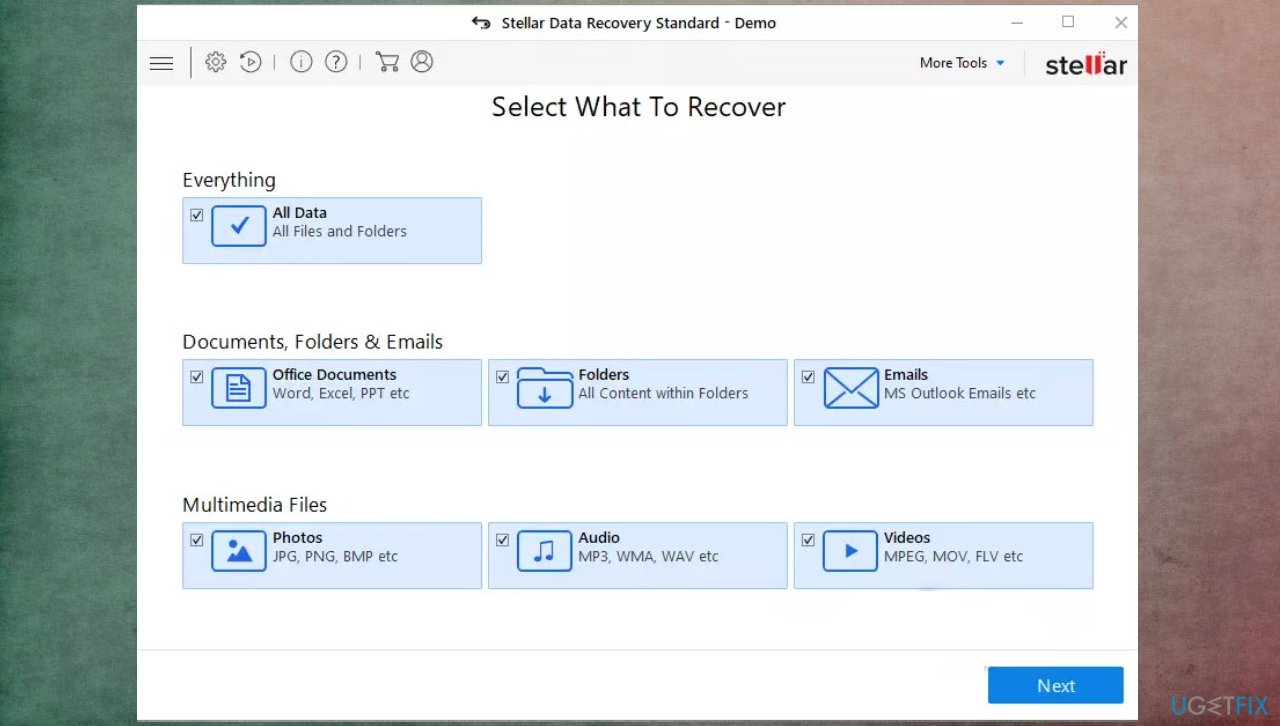
Recover hhjk ransomware files date recovery - Enable Deep scan at the bottom.
- Pick which Disk you want to be scanned.
- Scan.
- Hit Recover to restore files.
Bottom line
To recover .hhjk files, it is essential to terminate the active ransomware and rely on proper data backups if available. If backups are not an option, follow the provided tips to address the situation. If none of these solutions work, it is advised to avoid contacting the criminals.
Frequently asked questions
To recover .hhjk files on Windows 10, first check the Recycle Bin for deleted files, and use File History if it’s enabled. If these methods fail, consider using a third-party file recovery tool that supports .hhjk file types.
Yes, if you have a backup created with Windows Backup or another backup solution, you can restore .hhjk files by navigating to the backup location and following the restore instructions. Make sure to select the correct date when the files were intact.
For recovering .hhjk files on Windows, tools like Recuva, EaseUS Data Recovery Wizard, or Disk Drill are recommended as they can effectively scan for and restore lost files. Ensure you download these tools from their official websites to avoid potential malware.




Report an issue
What's wrong with this guide? We review every report and update or remove content.
Report received — thank you. We'll review and fix it.
You need a free account to submit a report.
Be the first to comment