How to recover
.qpss files
from Windows
Recover lost .qpss files effortlessly on Windows 10 and Windows 11. Follow our expert-tested guide for quick and reliable solutions. Fixed in minutes!

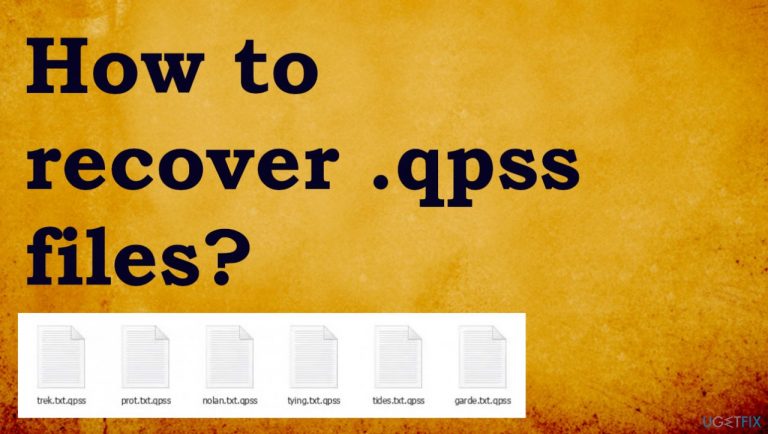
What leads to How to recover .qpss files?
- Spammy email messages
- Malware payloads in links or attachments
- Infected files from torrent sites
- Bundled programs with malware
- Cracks for licensed applications
Repairs Windows system files, removes malware, and restores a clean OS state — without reinstalling.
Hello. Help! Most of the files on my computer are locked with .qpss extension. I did the worst thing by pirating Adobe Photoshop. I have no backups or money to pay for the decryption. Can I solve this somehow without paying? Is it possible to solve the infection at least without reinstalling the OS?
Qpss ransomware is an infection that uses various infiltration methods to attack computers. This includes the spammy email message, and adding malware payload as a link or file attachment on your computer. Pieces with malware inside them for example could be anything from pictures to documents and PDF files.
It might also come through torrent sites where they'll offer bundle packages containing different programs designed specifically to lure with popular tool offers. Victims do not pay enough attention and allow the payload to be dropped on the machine. These packages include NBA video games, Adobe software packages, and cracks for licensed versions of the applications. Ransomware is a serious threat that affects much more than common data, however.[ref en-1]
Cryptovirus damage in detail
When you receive a ransom note file _readme.txt containing instructions about the payment, Qpss ransomware is done with primary functions already. It is not guaranteed that your files can get back to the previous state. The only thing criminals care for is money. Decryption tools are difficult to develop, and there are additional issues related to the infection.
Cybercriminals are constantly releasing new versions of the Djvu ransomware virus with more sophisticated features to make it harder for researchers and security experts. Qpss file virus is the newest version on the list. This information about the well-known threat should encourage you to stay away from these criminals.
We try to note that there's no guarantee that any response will come from contacting criminals via email. Decryption officially is not possible too, so these options are very limited. It is understandable that file recovery is the most important thing for victims, but restoring files when the virus is still active can lead to an unrecoverable damage.
1. Remove the ransomware
Malware like this is not easy to remove or locate on the machine. this is not a browser extension that can be manually terminated from the system. This is a great opportunity for the anti-malware tools based on AV detection functions[ref en-2] to help users. These threats can be found on the machine and properly removed without any traces.
These tools that are capable of finding ransomware pieces can detect and remove the infection that causes all the issues with the machine and performance. Trojans[ref en-3] and other malware can be used to distribute the virus, so those pieces should be properly removed to stop the malicious activity.
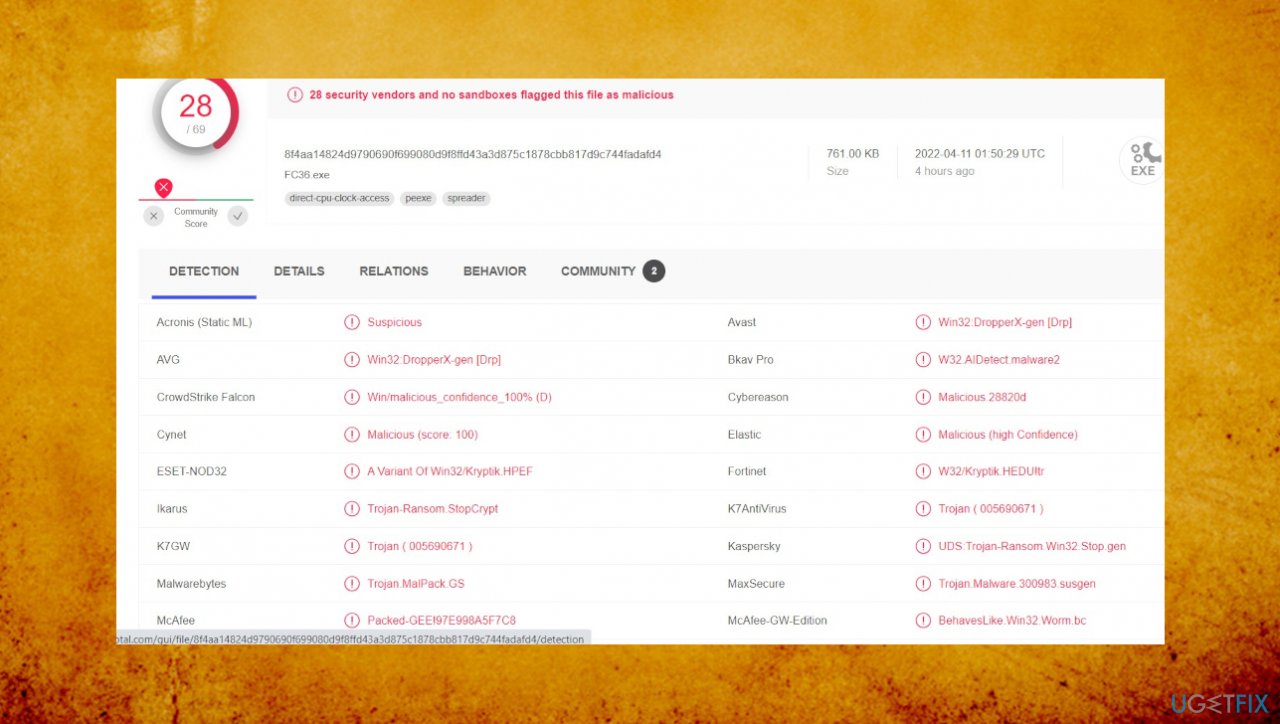
Remember that active virus removal is not the same as file decryption, and anti-malware tools or PC repair software is not going to restore encrypted files for you. This is the worst thing about the cryptovirus, but there are possible alternatives for decryption.
2. Repair damaged system components
- Install the PC repair tool like [d1].
- Run the installation and launch a tool after that.
- Follow instructions for the system check.
- Once it is successful, review the results.
- Check the Summary of the found issues.
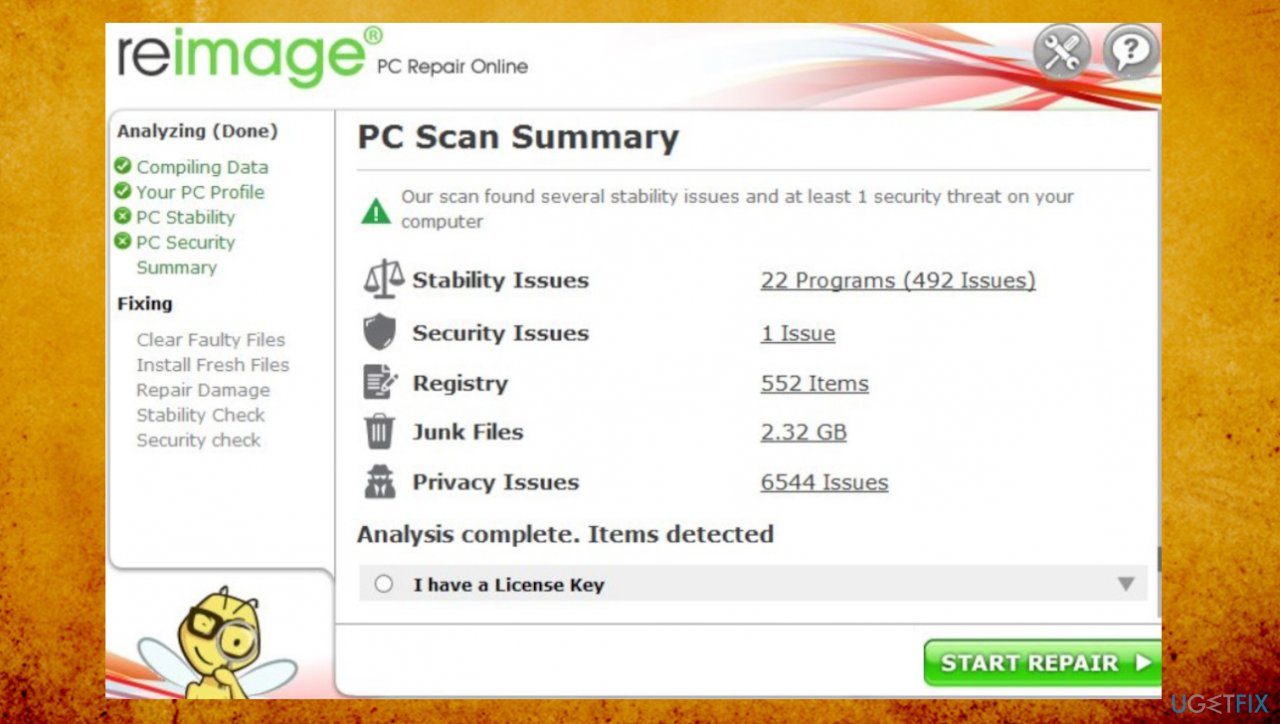
Qpss ransomware file recover remage - Fix any problems manually.
- You can also purchase the license for more in-depth help.
3. Try the decryption option
Researchers managed to help most of the victims when the family used different methods for file encryption and key forming. This tool still can recover data for some of the users that receive the threat version based on offline IDs. This technique means that all devices affected by one variant get the same key needed for decryption. Otherwise, online IDs are formed for each system separately. These methods are used more frequently with the latest versions like Tuid, Gtys, Mpag, Voom. You can still check for the possibility.
- Download the app on official Emsisoft website.
- Once decrypt_STOPDjvu.exe shows up, launch the installation.
- The tool should locate the affected folders once the system check is initiated.
- You can also press Add folder at the bottom.
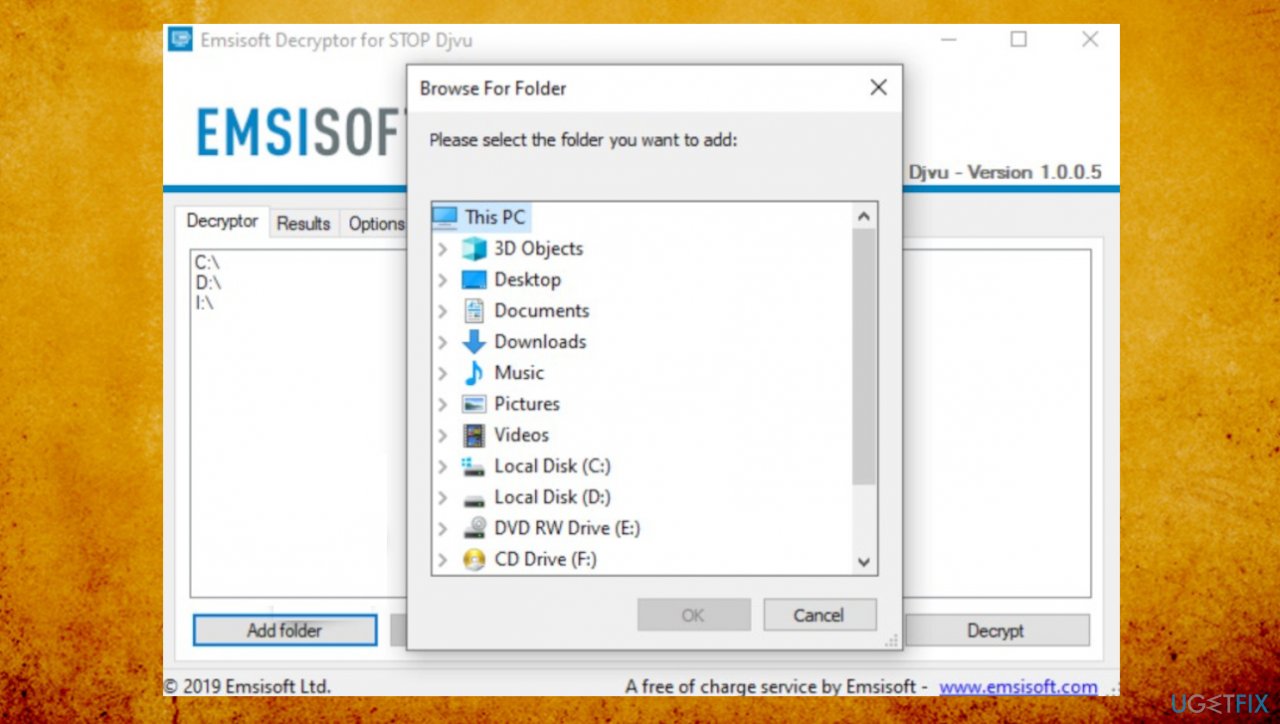
Qpss ransomware file recover decryption - Press Decrypt.
- Results after the check determine if your files can be decrypted.
4. Recover files with existing tools
- Get a tool for file recovery like [rev id="Data Recovery Pro"].
- Follow installations.
- Use the application once it is done.
- Select Everything or pick individual folders to recover.
- Press Next.
- Run the Deep scan.
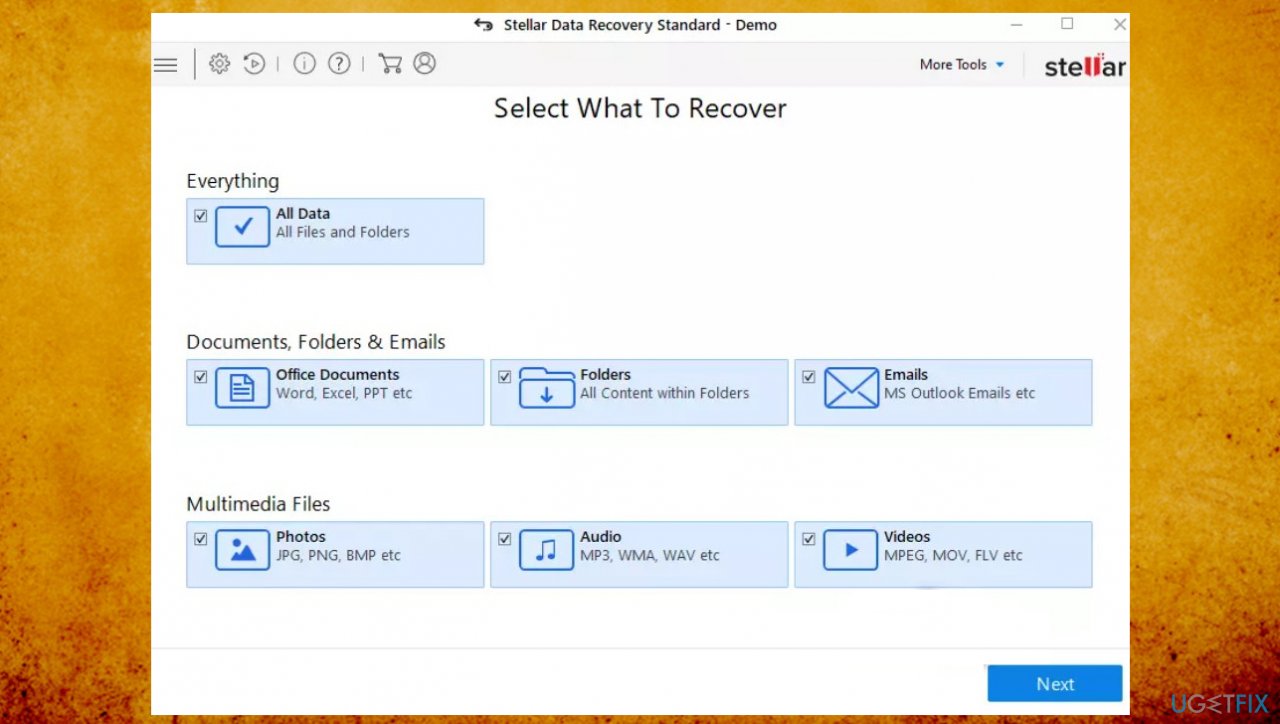
Qpss ransomware file recover stellar - Pick which Disk you want to be scanned.
- Hit Scan.
- Hit Recover to restore files.
5. Additional tips for Qpss ransomware termination
This ransomware is affecting more functions of the machine to stop the easy removal and file repair options fully. The threat family is known for modifying hosts files, so users cannot access solutions online. You can restore access to these websites. You can delete the file when locating the piece in the following location: C:\\\\Windows\\\\System32\\\\drivers\\\\etc\\\\.
There are options for particular file type recovery. Researchers released a tool for the particular virus family. The Disktuna media file repair tool restores data in certain formats after the ransomware infection and file-locking procedures. You might recover some of the files this way.
Bottom line
To recover .qpss files, it is crucial to remove the ransomware and ensure that the virus is no longer active. Unfortunately, decryption is not officially possible, and contacting criminals may not yield any results. If none of the recovery methods work, consider seeking professional help or reinstalling the operating system.
Frequently asked questions
To recover .qpss files on Windows 10, use a reliable file recovery software that supports this file type, and run a scan on the drive where the files were last stored.
While it’s challenging to recover .qpss files without software, you can check the Recycle Bin or use Windows File History if it was previously enabled.
If your .qpss files are corrupted on Windows 10 or 11, try using file repair tools that specialize in recovering damaged files or restoring from a backup if available.




Report an issue
What's wrong with this guide? We review every report and update or remove content.
Report received — thank you. We'll review and fix it.
You need a free account to submit a report.
Be the first to comment