How to recover
Files after Msjd ransomware attack
from Windows
Recover lost files from a Msjd ransomware attack on Windows 10 or 11 with proven methods. Expert-tested solutions to restore your data quickly.

What leads to How to recover files after Msjd ransomware attack?
- Files locked with .msjd extension
- Intrusive process of ransomware
- Stealthy methods of infiltration
- Damage to system files
- Installation of additional malicious files
Repairs Windows system files, removes malware, and restores a clean OS state — without reinstalling.
Files on Windows got locked and marked with .msjd extension. I don't want to pay the wanted $980 in Bitcoin, but I think there is no other way to get these files without decryption. Can you decrypt files for me?
The problem with ransomware infections is the intrusive process and issues with files that are visibly altered and get locked by the virus. The process of infiltration is quick and can be unnoticed for a while because threat actors rely on stealthy methods involving malicious files and other threats.[ref en-1]
The Msjd file virus is created with the purpose of affecting the commonly used files on the machine, so users are more eager to pay for the possible recovery when asked. The ransom note _readme.txt appears in various folders and on the desktop to inform people about the process and procedures that could help with the file repair.
However, the solution these criminals list as the only one is contacting them via emails like [email protected], [email protected]. This contact between you and the virus creator might end with total data damage and permanent issues with the machine. The official decryption tool is not available, so the alternate options are the best here.
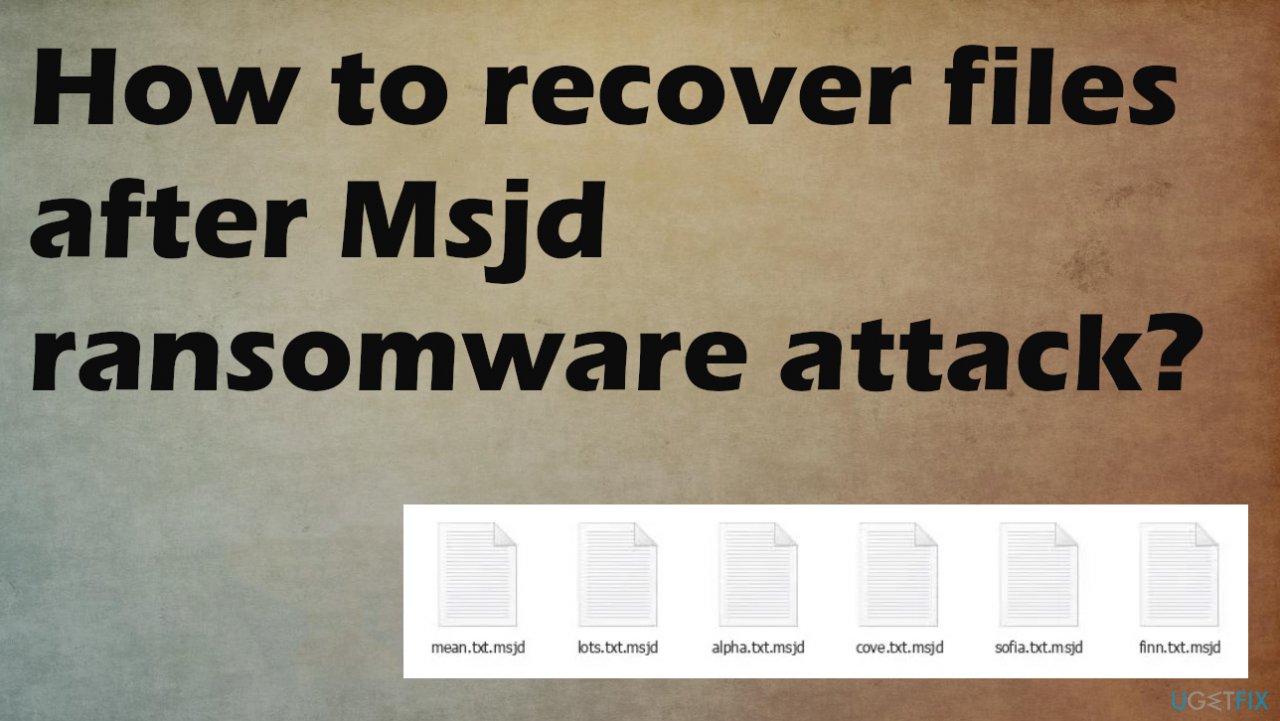
Data marked using the unique .msjd appendix is locked and no longer useable, so the victim cannot check what is in the document or the video. The appendix indicates which files got affected directly, but there are additional issues that these infections cause. Ransomware can damage system files to ensure the persistence of the virus.
1. Removing the active virus
Anti-malware tools are based on detection engines[ref en-2] and can locate all cyber threats on the machine. These applications can find all viruses and possibly malicious files that create a risk for the machine. The issue with the file locking virus is the persistence and possible installation of other files and programs. The recent versions get released weekly like the latest Ygvb, Hajd, Qall, Nuhb, Dwqs.
These ransomware infections like the Msjd virus, can rely on trojans and other threats that run in the background and make the system affected further. You need to stop the infection properly before moving to any of the file repair and data recovery procedures. The removal of the cryptovirus helps to avoid secondary encryption rounds and other malicious processes.
You remove the ransomware, double-check for other malware, restore system performance, and then can worry about those encrypted files. There are options, so try the mentioned solutions below.
2. Decrypting ransomware files
Files locked and affected by the Msjd file virus need to be fully restored or replaced with the proper copies of the file from the backup. The infection damages various parts of the system just to keep the machine affected by the threat. Djvu ransomware family this virus belongs to is known for being not decryptable.
The creator is ensuring the powerful encryption method damages files without the opportunity to restore data easily. The usage of the online id helps the virus to lock files. The online key is formed during each encryption process on a particular device, so those are unique per machine.
Often the connection to the C&C server[ref en-3] is interrupted, so offline keys get used. These are universal for all victims of the same version, so you might get your files restored and decrypted using the tool below. It is helpful when the researchers obtain the decryption key from other victims or the virus creators. Check if this option can be used.
- Download the app on official Emsisoft website.
- Once decrypt_STOPDjvu.exe shows up – click it.
- Follow the steps on the screen.
- The tool should locate the affected folders.
- You can also do it by pressing Add folder at the bottom.
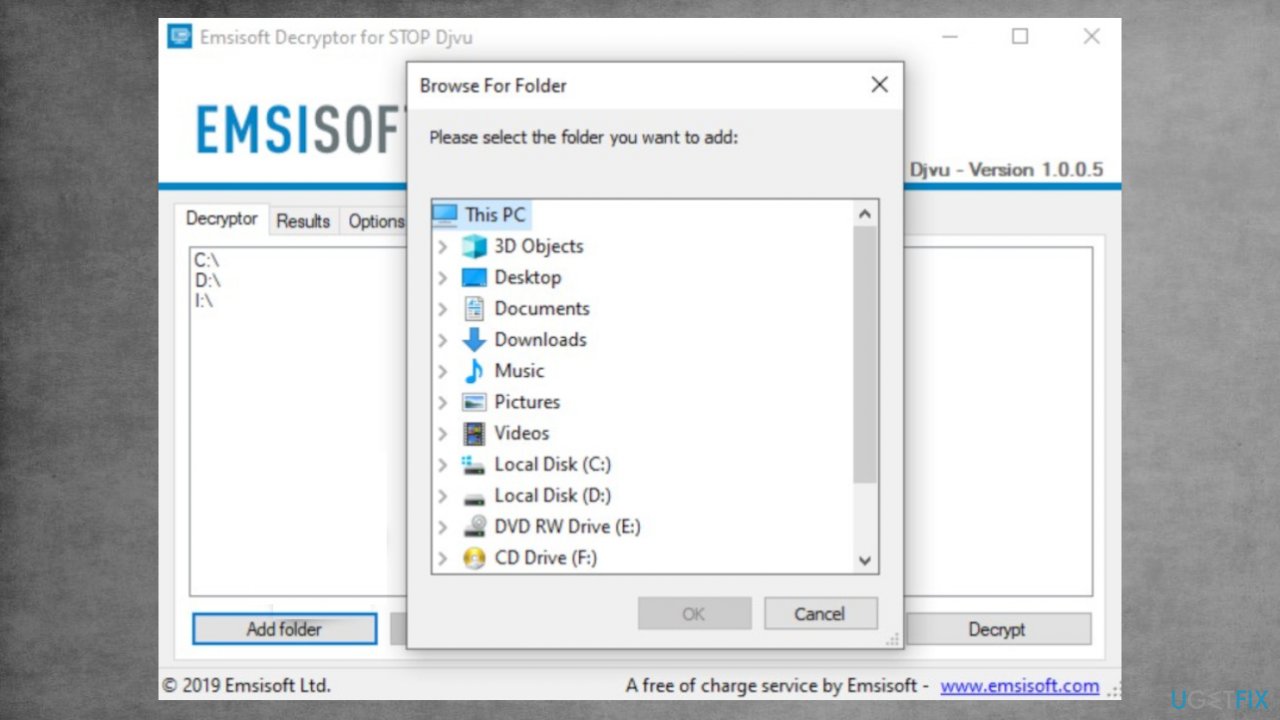
Recover msjd files fix decrypt - Press Decrypt.
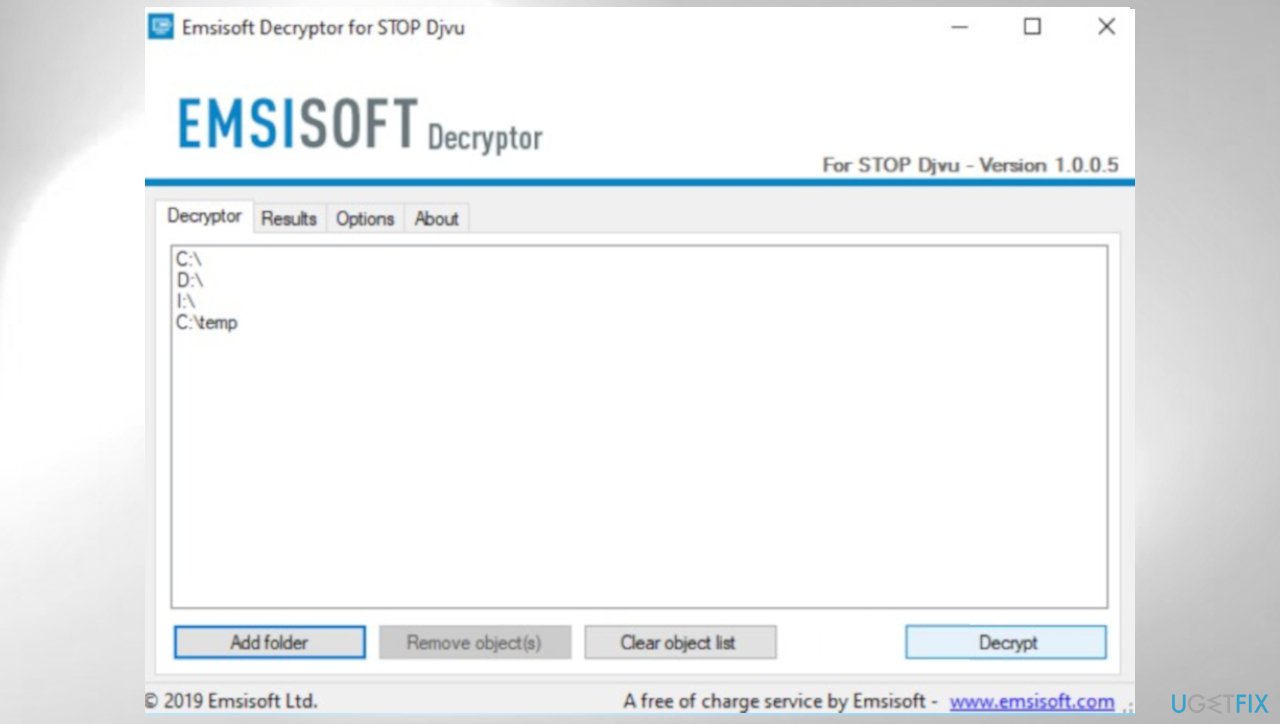
Djvu decrypt emsisoft msjd - Results determine decryption options.
3. Repairing affected system files
- Install [d1].
- Run the full system scan and wait for the analysis.
- Follow the on-screen instructions.
- Allow the machine to get checked.
- Check the Summary.
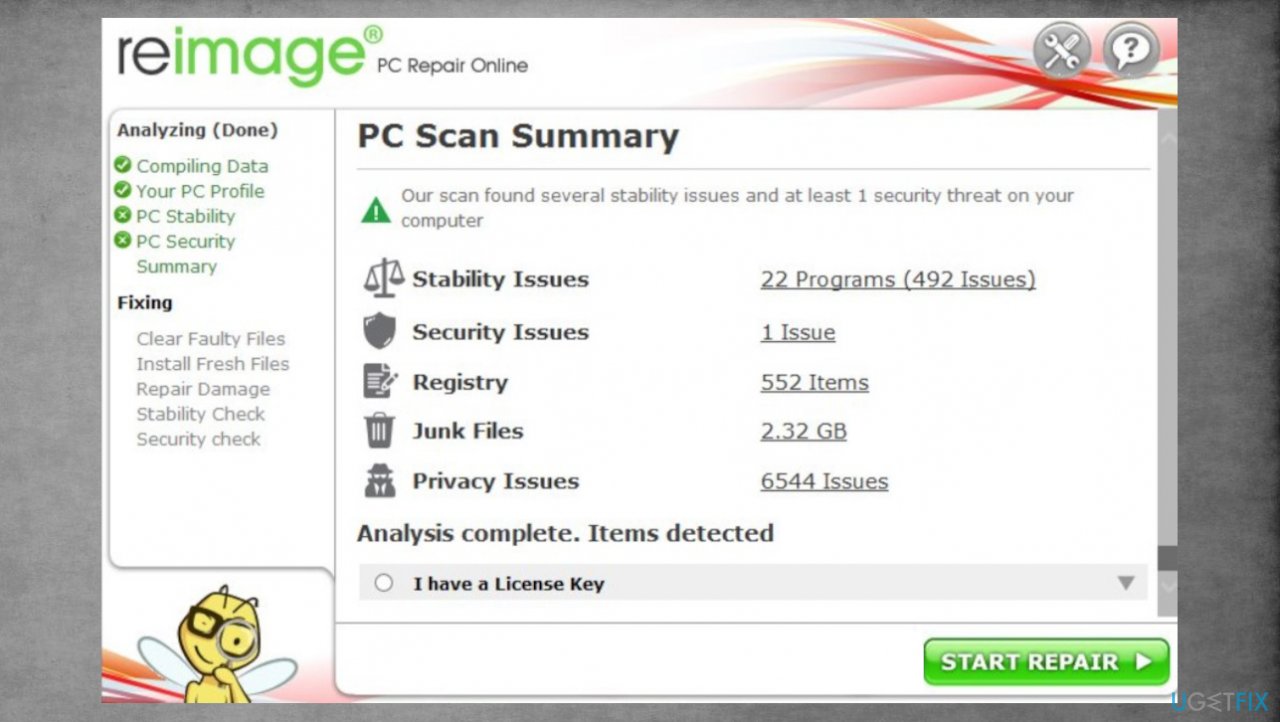
Djvu reimage repair msjd - You can fix issues manually from the list.
- Purchasing a licensed version can help repair serious issues.
4. Recovering data with a proper tool
- Get a tool for the file repair. We can recommend [rev id="Data Recovery Pro"].
- Download from a trustworthy source.
- Follow installations until it is complete.
- Once that is finished, run the application.
- Select Everything or pick individual folders/ files to recover.
- Press Next.
- Enable Deep scan at the bottom.
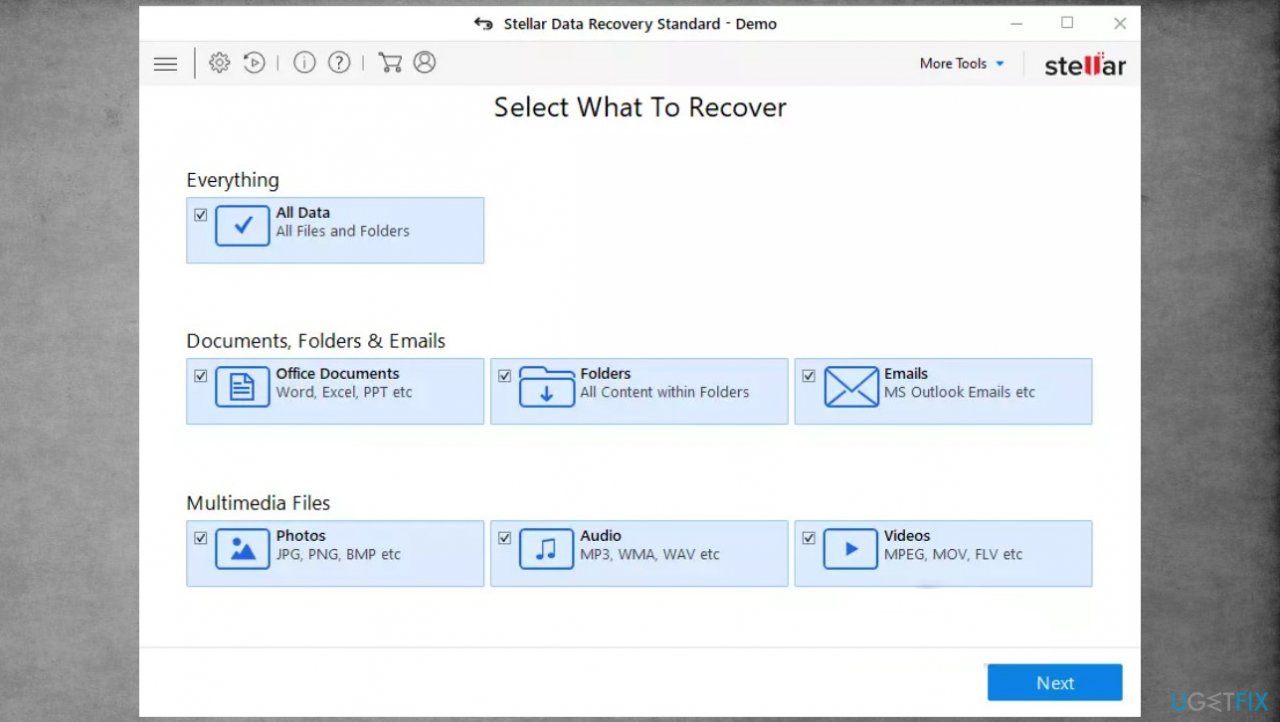
Djvu stellar data recovery msjd - Pick which Disk you want to be scanned.
- Scan.
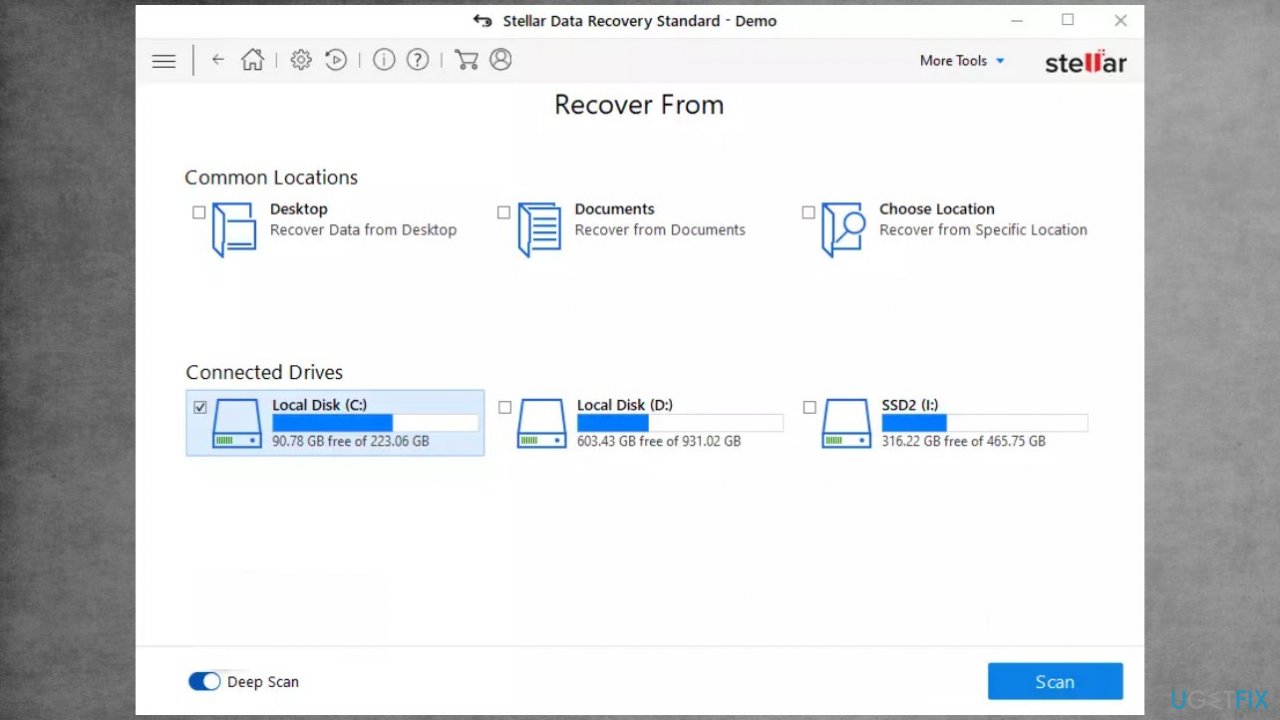
Recover msjd files fix recovery - Hit Recover to restore files.
Bottom line
To recover files after a Msjd ransomware attack, it is essential to remove the active virus using anti-malware tools and to avoid contacting the ransomware creators. If these methods do not work, consider seeking professional data recovery services or backups if available.
Frequently asked questions
First, disconnect your device from the internet to prevent further encryption. Then, use a reputable anti-malware tool to remove the ransomware and check for any available backups or shadow copies to restore your lost files.
Yes, tools like Recuva, EaseUS Data Recovery Wizard, and Stellar Data Recovery are often recommended for file recovery after ransomware attacks on Windows 11.
You may need to reset your Windows 10 or Windows 11 system to a previous restore point if available, or perform a clean installation to restore your settings, as ransomware typically affects system configurations.




Report an issue
What's wrong with this guide? We review every report and update or remove content.
Report received — thank you. We'll review and fix it.
You need a free account to submit a report.
Be the first to comment