How to fix
Epic Games Store error code E200-0: Product Activation Failed
on Windows
Resolve Epic Games Store error code E200-0 quickly on Windows 10 or 11. Follow our expert-tested guide for a seamless gaming experience. Fixed in minutes!

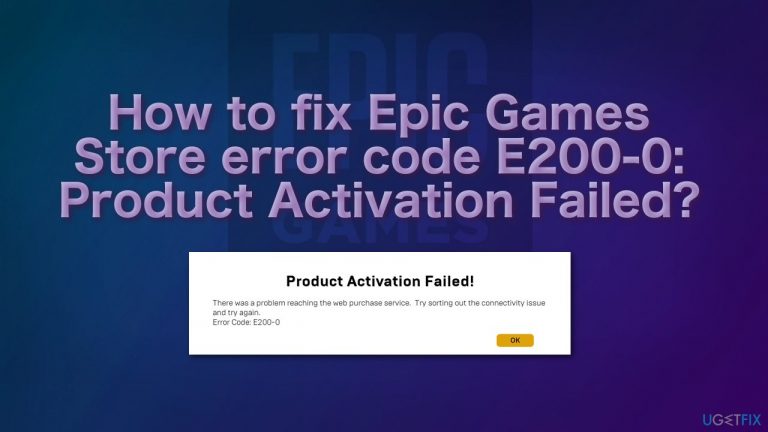
What causes How to fix Epic Games Store error code E200-0: Product Activation Failed?
- Connectivity issue with Wifi
- Problem with Epic Games servers
- Overloading of Epic Games servers
- Error during web purchase service access
Repairs Windows system files, removes malware, and restores a clean OS state — without reinstalling.
Hello. I cannot buy anything in the Epic Games marketplace anymore, and I get the error code E200-0. Does anyone know how to solve this problem?
Epic Games is an American video game, software developer, and publisher. The Epic Games Store, which launched in late 2018, is one of the most popular gaming distribution platforms. Users choose to get their games from online stores more frequently than ever because of its convenience, and because of its popularity, sometimes gamers can have issues with the platform.
Many users have reported that they have encountered the Epic Games Store "Product Activation Failed!" notice when trying to download or install free games. On some occasions, users could not install games that had to be paid for too.
Video game enthusiasts previously came across the error code E200-0 last year, when there was a discount week that let users redeem paid games free of charge on the Epic Games Store. At that time, they offered Grand Theft Auto V for free. It brought more than 7 million new users to its online marketplace. The promotion was so popular that it took down the store for more than eight hours.[ref en-1]
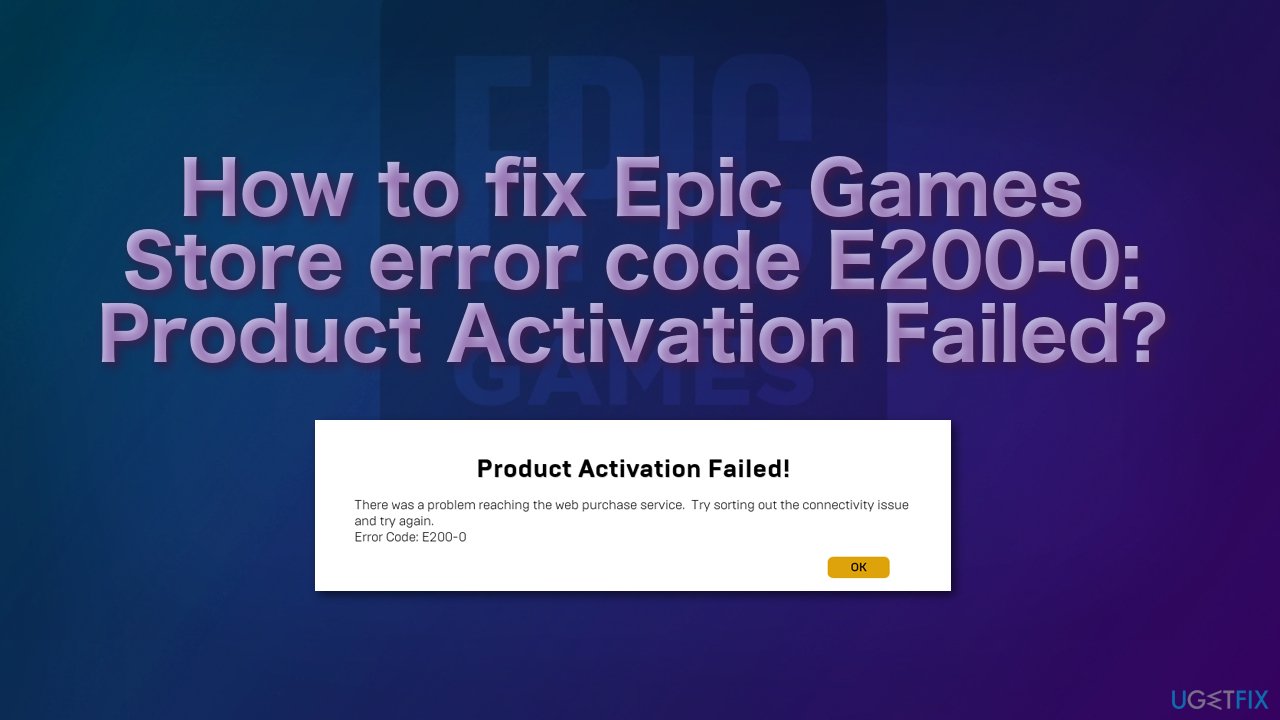
Recently, some users have started receiving the E200-0 error once again, and users are not happy because the Epic Games Store is giving away free games each week, and they might miss the deal. To be precise, this specific error notice says:
Product Activation Failed!
There was a problem reaching the web purchase service. Try sorting out the connectivity issue and try again.
Error Code: E200-0
There are many reasons why you could be experiencing the "Product Activation Failed!" error on the Epic Games Store. It can be an issue with your Wifi or a problem with the Epic Games servers.
The most likely reason is that the Epic games server is at fault here - in which case you will not be able to fix the issue. The sheer amount of active users could be overloading the servers, so you will have just simply to wait for a while and try again
You can check whether the Epic Games systems are operational by visiting the official Epic Games Status page.[ref en-2] If there is an issue with the server downtime or outage, then you should have to wait further and try again after a couple of hours.
In case you keep getting this error because of your issues at your end, use a repair tool [d1] that can fix corrupted files, various WIndows errors like BSODs,[ref en-3] clean all the junk, and much more. In the meantime, you can try a couple of manual methods that have helped some users get rid of the error.
Method 1. Use the web version
There could be an issue with your Epic Games Launcher, so try using the official website to download the games you want:
- Go to the Epic Games website
- Click on Sign in at the right top corner of the page
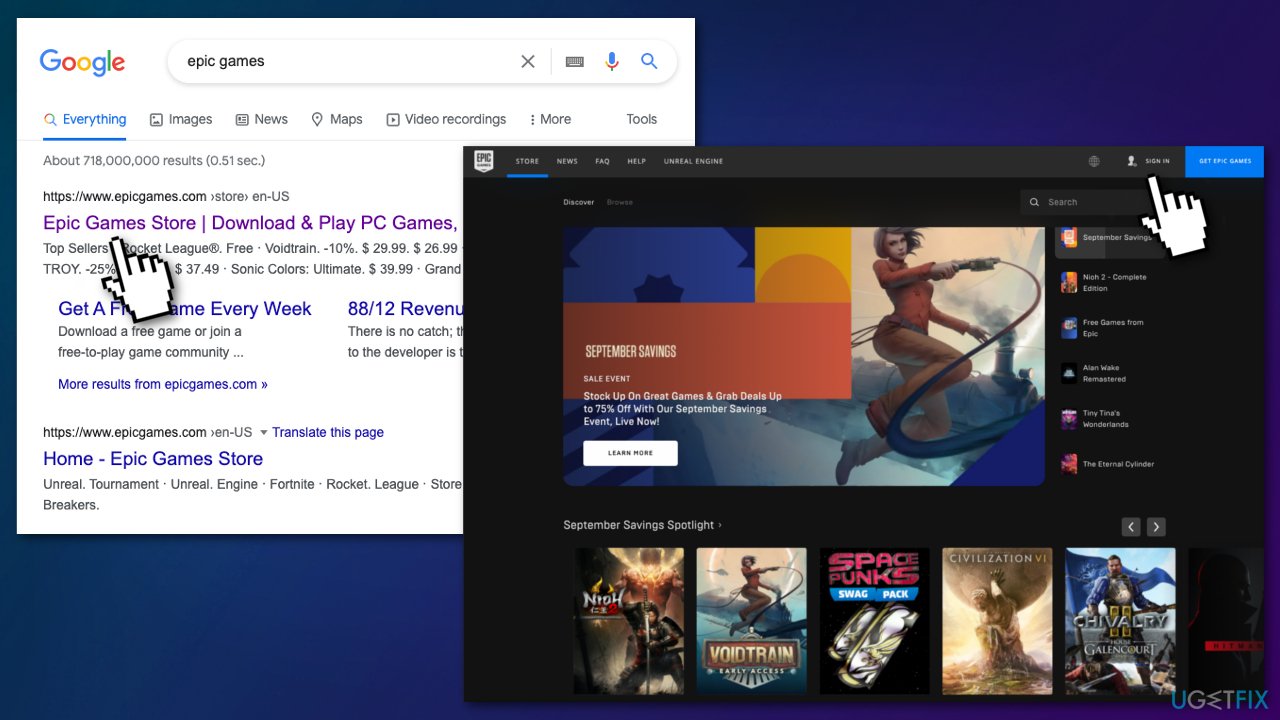
- See if you can download any games this way
Method 2. Sign out and Sign in again
- Click on your username at the bottom of the screen
- Select Sign out
- Close the Epic Games app or website
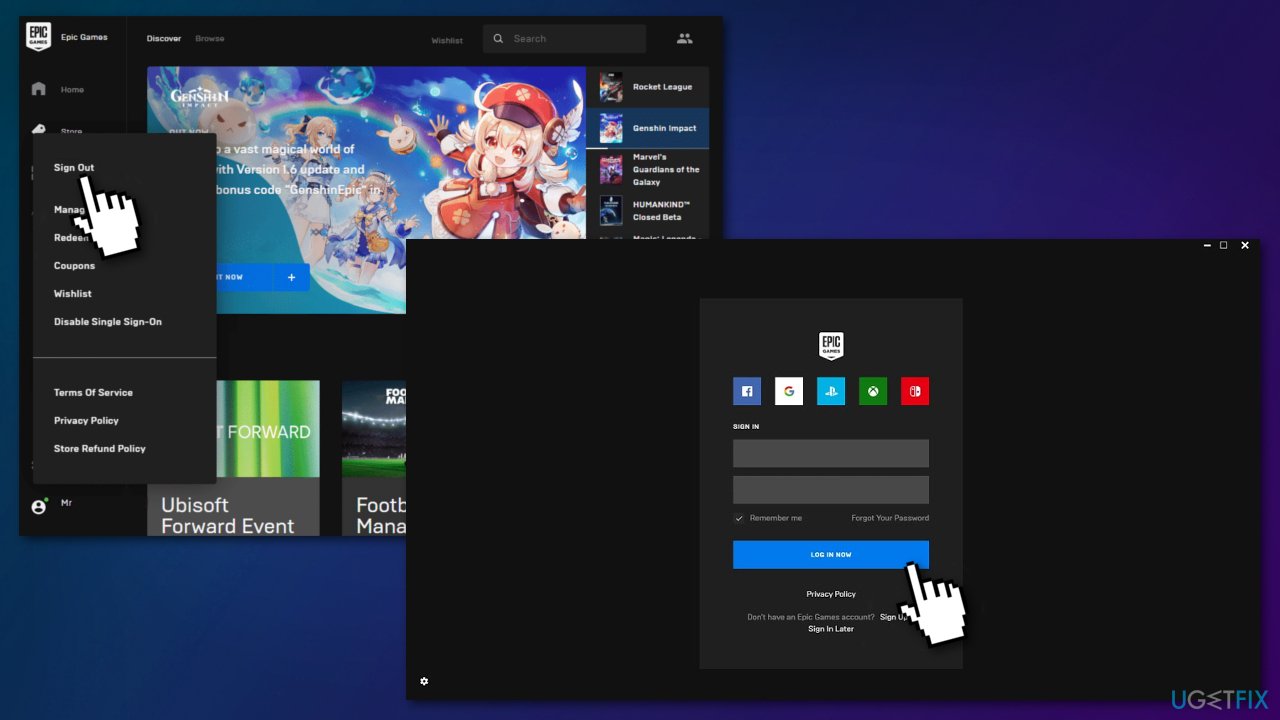
- Wait for a few moments before relaunching the website or app
- Sign back in and try again
Method 3. Use a VPN
Some users reported that using VPN software or extension fixed the issue. While there are plenty of free VPNs available, we strongly discourage using those. Instead of guaranteeing user privacy, free apps collect user data and insert their own ads. Thus, we recommend using [rev id="Private Internet Access"] which has a strict no-logs policy, guaranteeing user privacy and providing many servers to choose from.
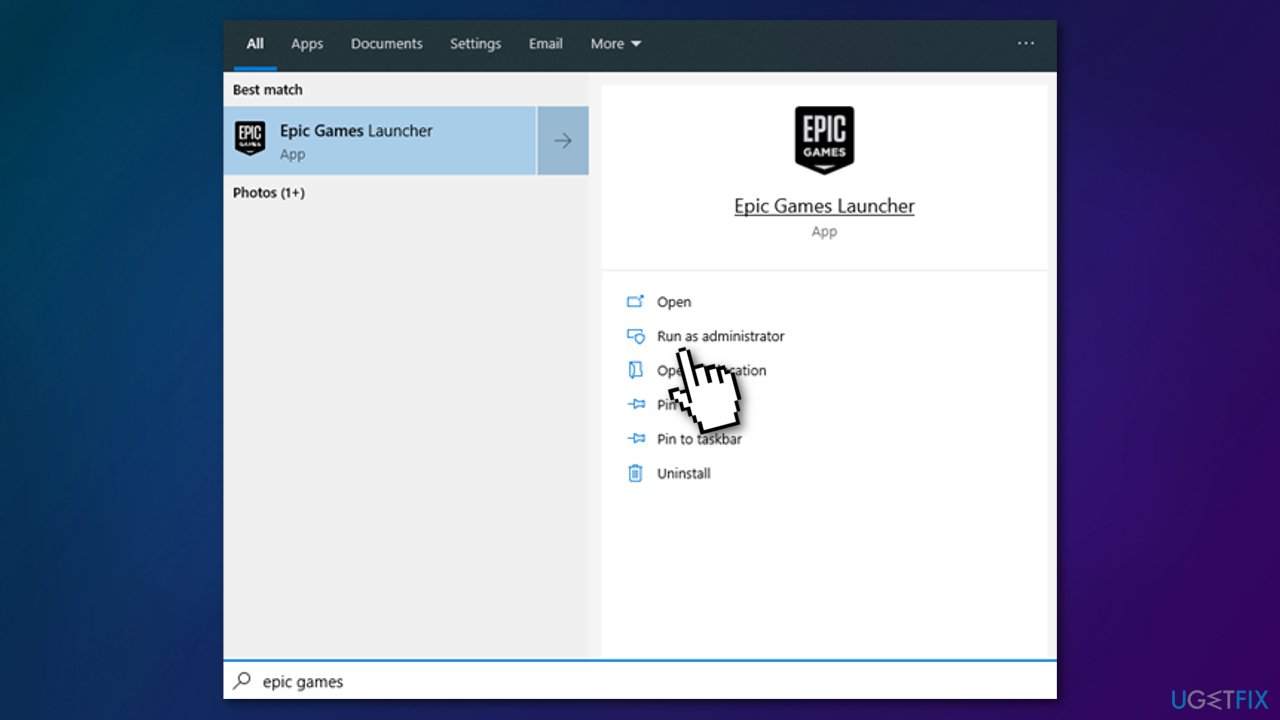
Method 4. Run Epic Games as Administrator
Running the launcher as an administrator elevates its permissions so it can avoid problems with downloading games:
- Click the Start button and use the search option to look for Epic Games Launcher
- Select Run as administrator
You might also be interested in these topics:
Bottom line
To resolve the E200-0 error, users should check their internet connection, verify the status of Epic Games servers, and try again after some time if the servers are overloaded. If none of these solutions work, users may need to wait for the issue to be resolved on Epic Games' end.
Frequently asked questions
Error code E200-0 indicates a product activation failure, often due to issues with the game license or internet connectivity.
To fix the E200-0 error, try restarting the Epic Games Launcher, verifying your game files, and ensuring your internet connection is stable.
Yes, disabling any VPNs or firewalls temporarily and ensuring that Windows is fully updated can help resolve the E200-0 error in the Epic Games Store.




Report an issue
What's wrong with this guide? We review every report and update or remove content.
Report received — thank you. We'll review and fix it.
You need a free account to submit a report.
Be the first to comment