Windows update news

Windows 10 and 11 releases, cumulative updates, known issues and Microsoft's fixes, with what each change means for your PC.

7 followers
Pro, VIP and Partner members post to rubrics – every follower of the rubric sees the post.Log in

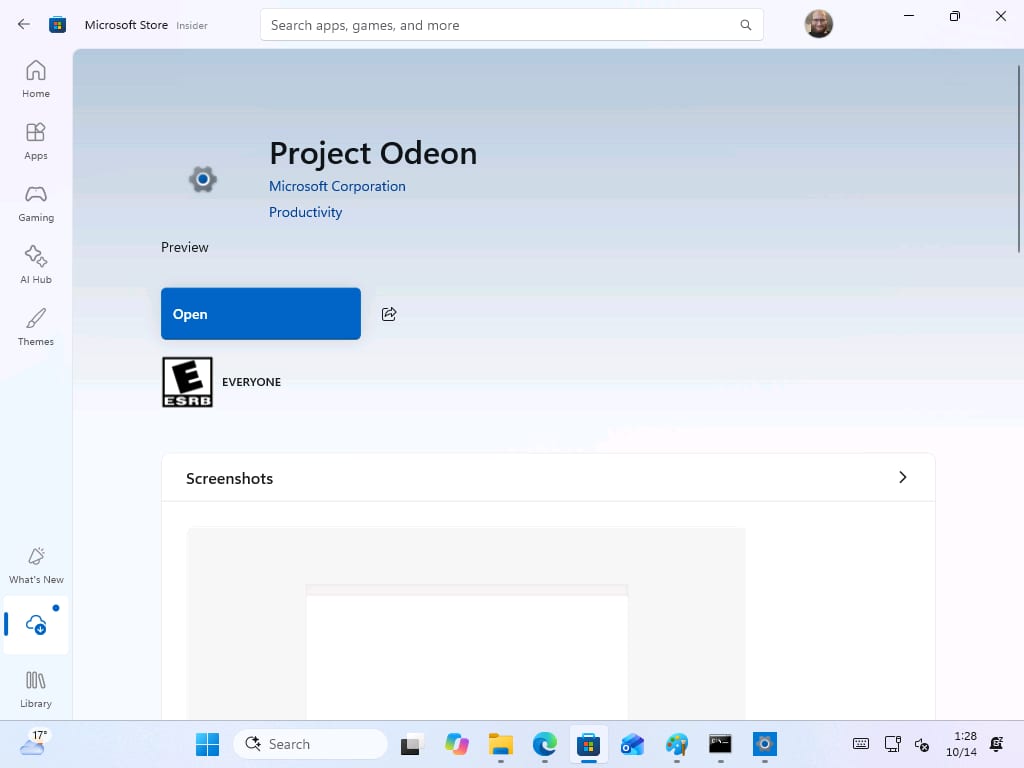
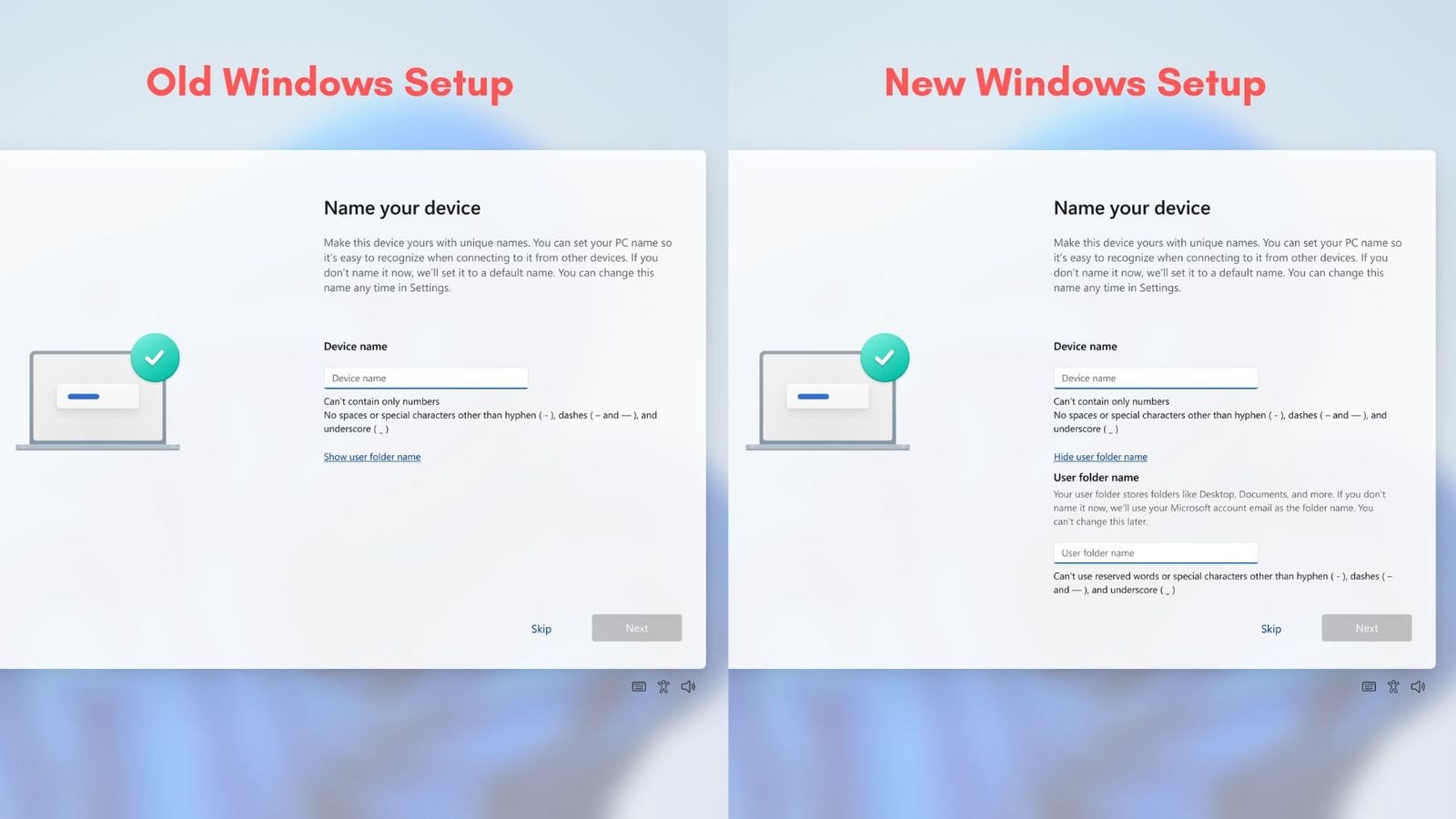
Microsoft is testing a new Settings app for Windows 11 in the Microsoft Store, and it could help speed up fixes for Settings and the move away from Control Panel. The preview build includes helper tools for tasks like renaming a PC and is currently aimed at Insider PCs. If you are not on the Insider program, there is nothing to do yet.
Source: windowslatest.com
Microsoft says a Windows 11 bug is causing stutter in games, and it is not your mouse or GPU drivers. The issue affects players who have been seeing lag in games such as SWTOR, Final Fantasy XIV and The Division 2. Microsoft’s October changelog points to Windows itself. If the stutter continues, readers should follow the troubleshooting steps the post recommends and watch for Microsoft’s fix.

Source: windowslatest.com
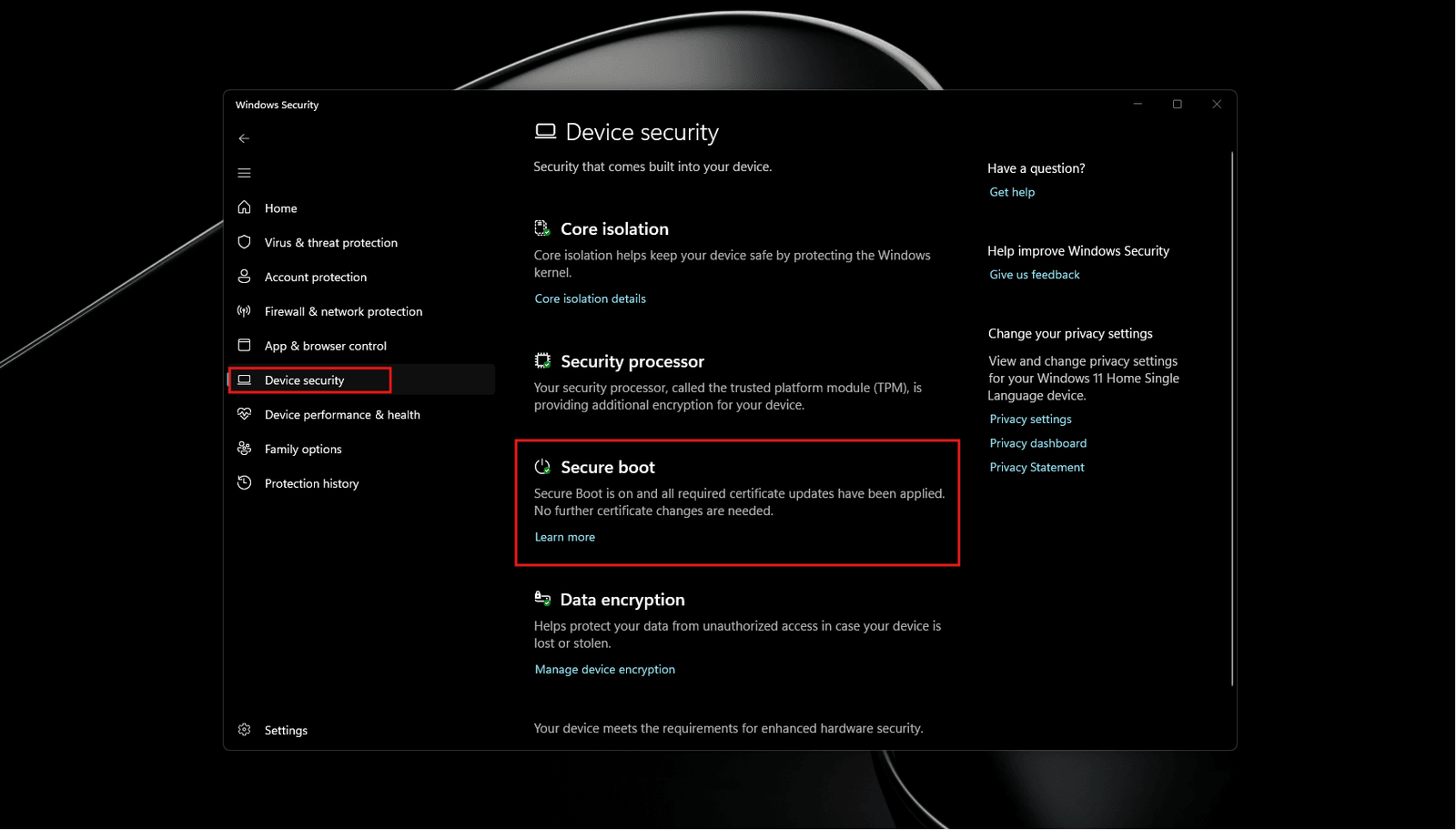
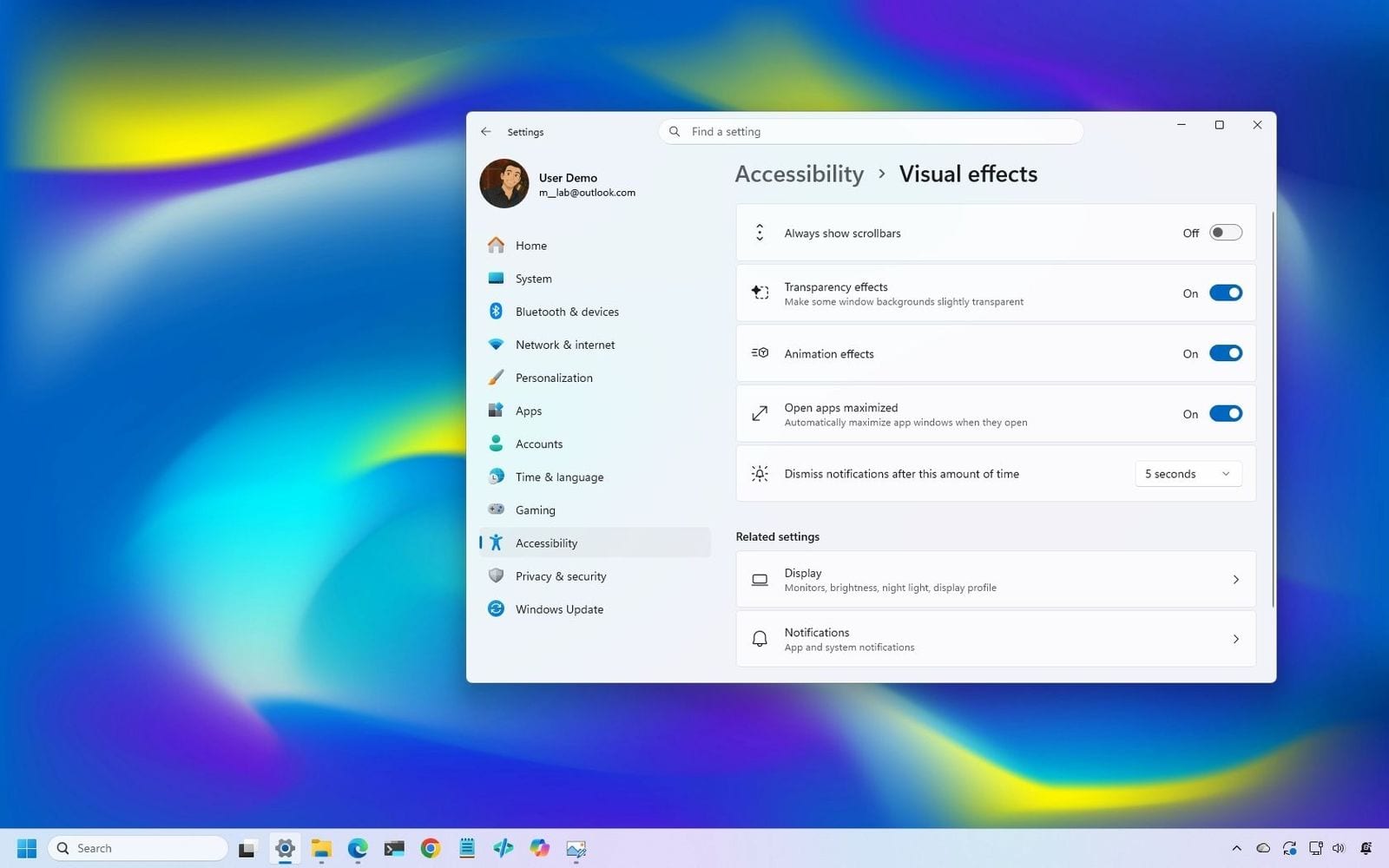
Microsoft has released the Windows 11 October 2026 Update for 24H2 Home and Pro. It bundles KB5124010 and adds Open apps maximized, new touchpad gestures, a Tips widget, plus fixes for File History and domain trust. People on Windows 11 24H2 Home and Pro can install it now if they want the new features and fixes. The post also says it covers the Secure Boot deadline and how to move to 26H2.

Source: windowslatest.com
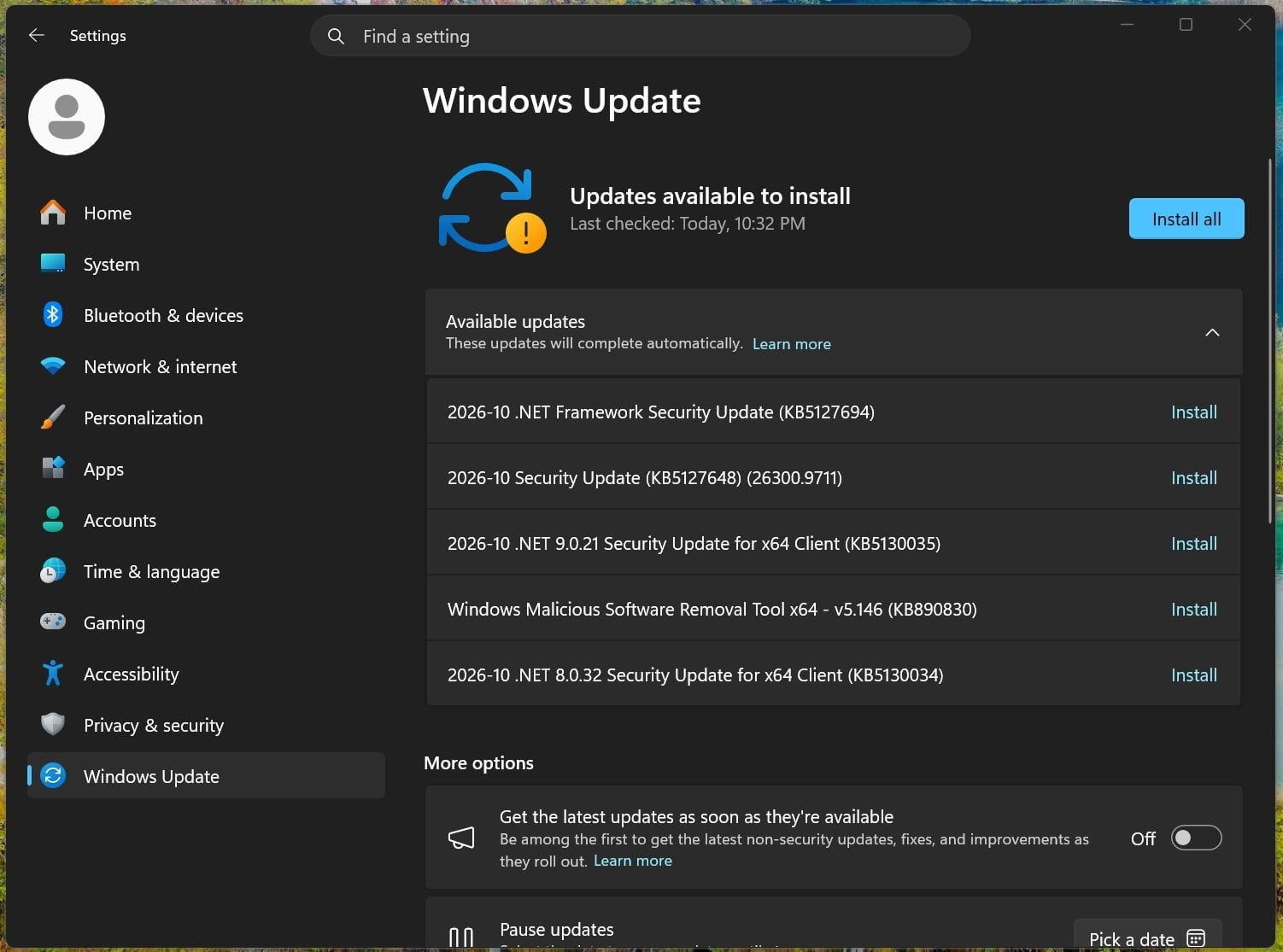
Windows 11 KB5127648 is rolling out now for Windows 11 26H2. Microsoft says it is the first cumulative update for that release and it brings Bluetooth improvements and Emoji 17.0 support, along with other changes. It is available through Windows Update, and Microsoft has also posted direct download links for the offline installer.

Source: windowslatest.com
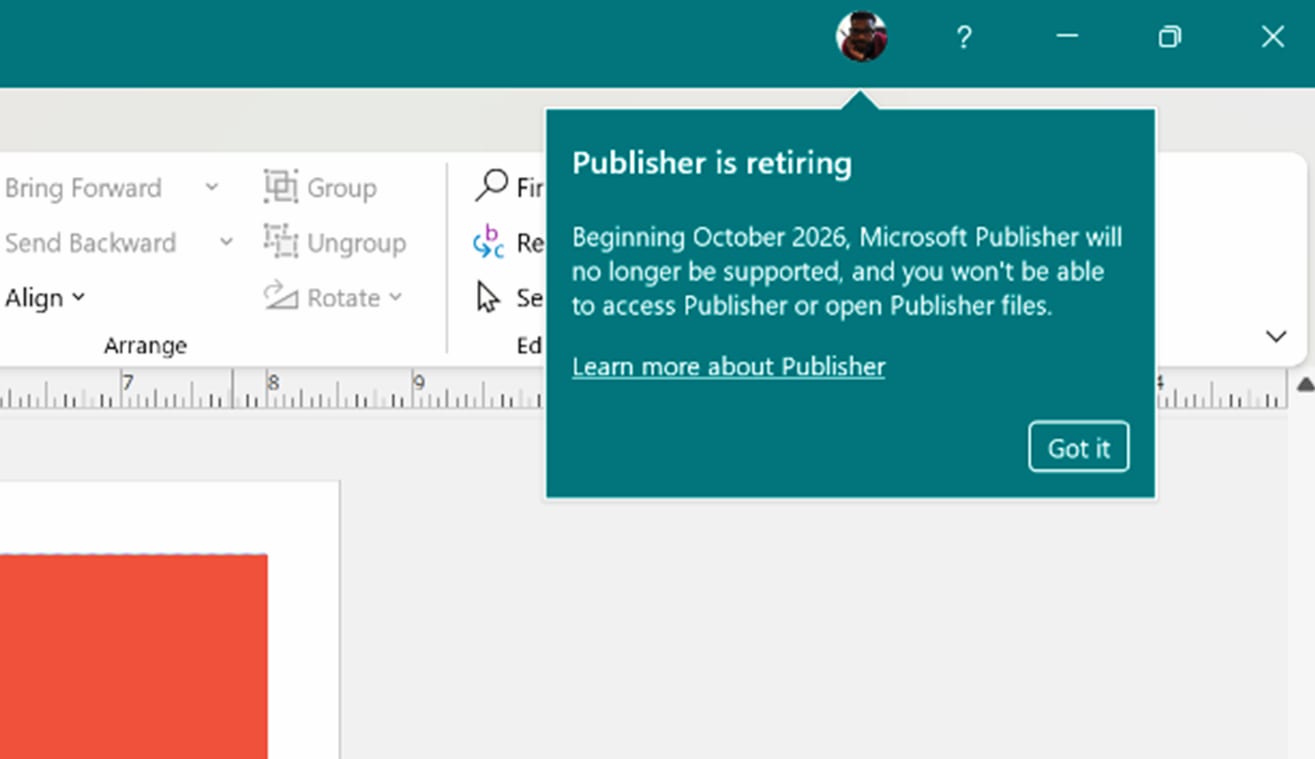
Microsoft Publisher has been retired and is already stopping working on some PCs. People who still use Publisher or open .pub files in Microsoft 365 for Windows are affected, and those files will no longer open there. If you still rely on Publisher, check your PC now and move your files to another format or app.

Source: windowslatest.com
Windows 11 is getting a UI rejuvenation in the coming months. Microsoft’s design boss said the company cannot make every one of its billion users happy with the same design choices, so people should expect more changes to legacy features and the Start menu area. This affects Windows 11 users who want the interface to look and work differently. Microsoft has not given a way to opt out in the candidate summary, so readers should watch for the upcoming changes and check how they affect their setup.

Source: windowslatest.com
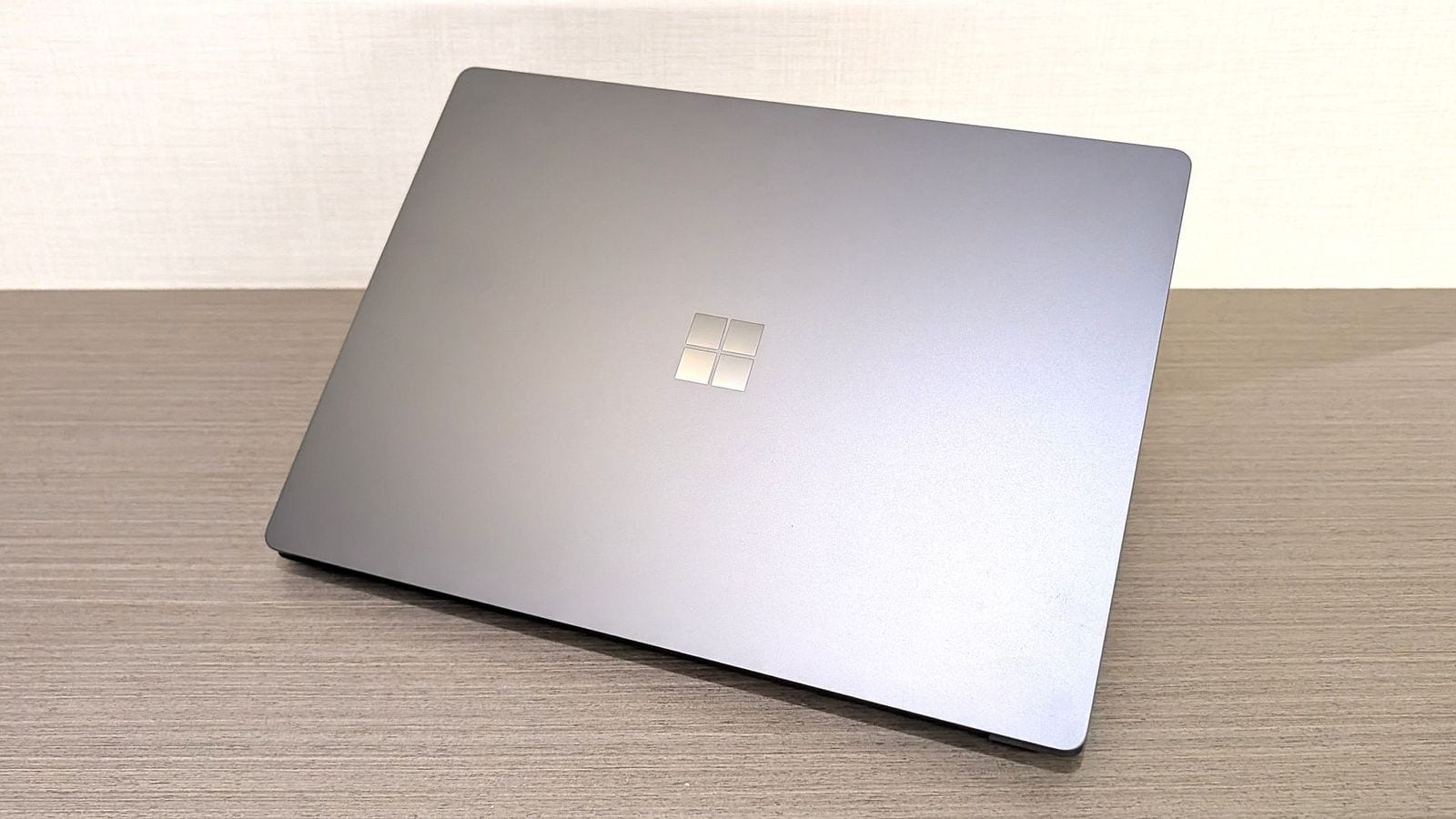
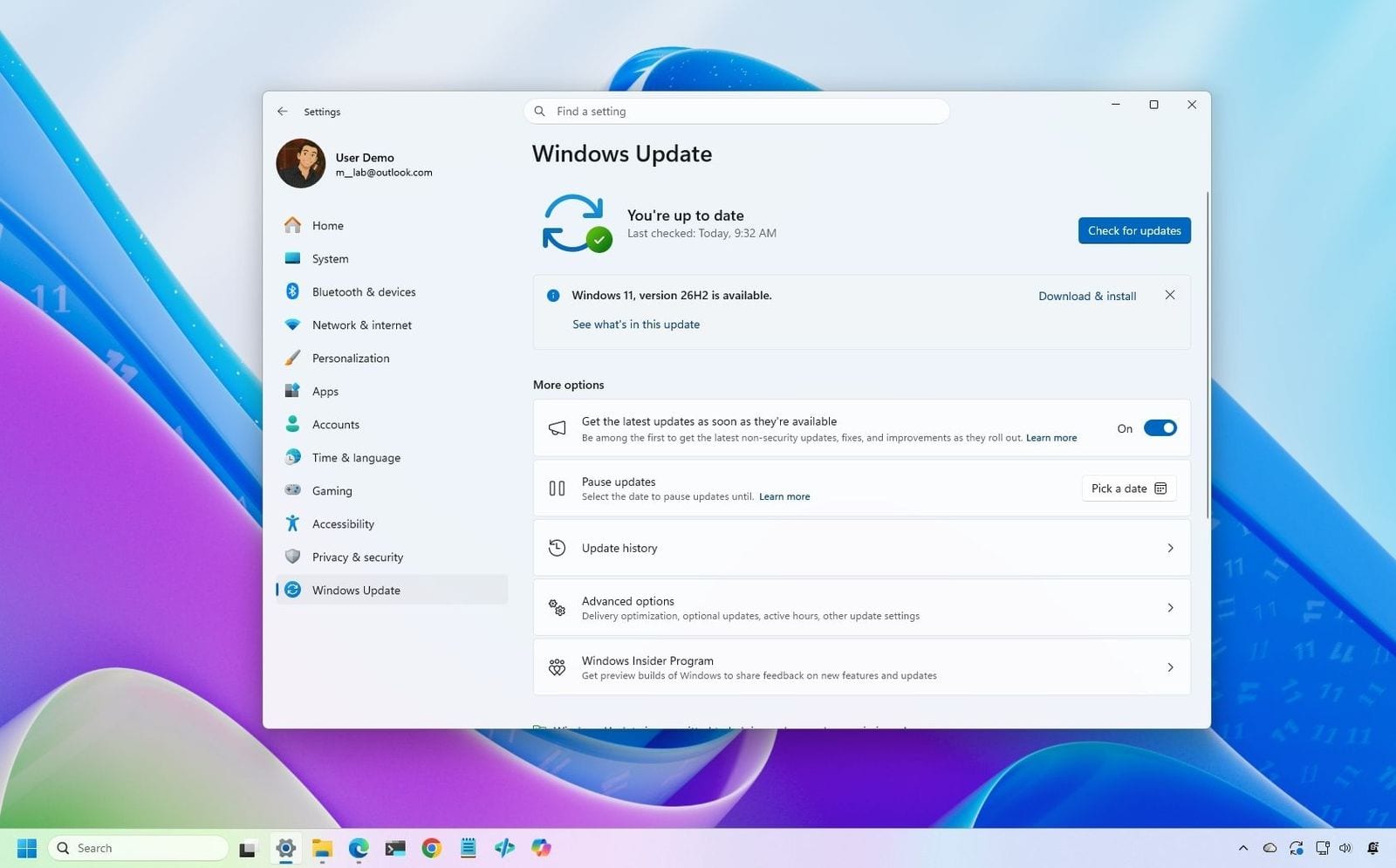
Windows 11 26H2 is rolling out now, and Microsoft says you do not have to wait for it to reach your PC. Users can install the 2026 Update through Windows Update, the Installation Assistant, an ISO, or USB media. This affects Windows 11 users who want the update sooner. If you plan to upgrade, choose the method that fits your setup and make sure you are ready before starting.

Source: windowscentral.com

Microsoft is adding dark mode to more of Windows 11’s legacy UI, including Hyper-V. The change affects parts of the system that still use older interfaces, and Microsoft is choosing to improve them instead of removing them for now. Users who rely on these features should expect the older Windows 11 look to become darker and more consistent over time.

Source: windowslatest.com
Microsoft says one bad driver can crash all of Windows, and Intel’s Windows 11 26H2-ready GPU drivers are next to get the fix. The issue affects Windows PCs that rely on Intel graphics drivers. Microsoft is also updating its driver quality checks, so users should keep Windows Update and Intel’s driver updates installed when they become available.

Source: windowslatest.com
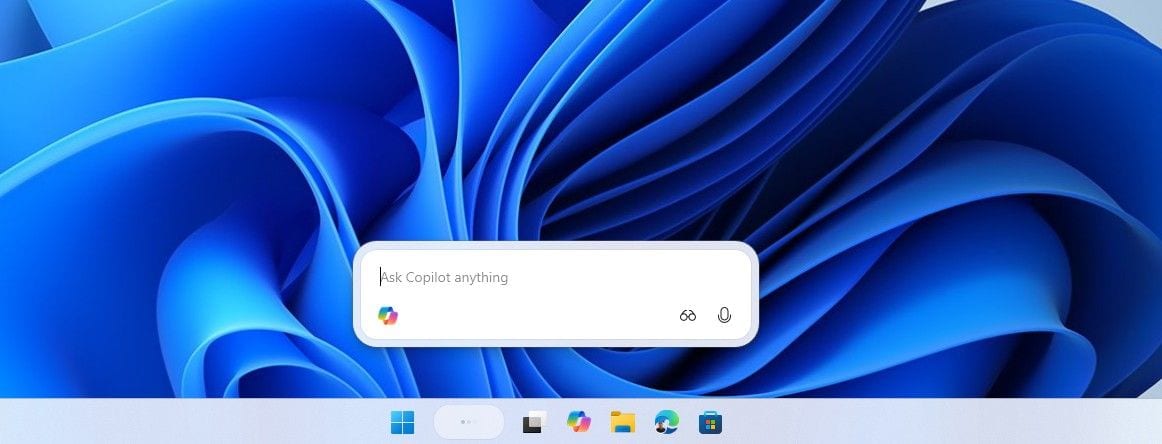
Microsoft has paused the Copilot entry on the Windows 11 taskbar. The change affects people who use the Search box, which had been turned into an Ask Copilot shortcut. Microsoft says it is doing this to incorporate feedback. Windows 11 users who saw the Copilot button in Search should no longer see it while the company works on the change.

Source: windowslatest.com
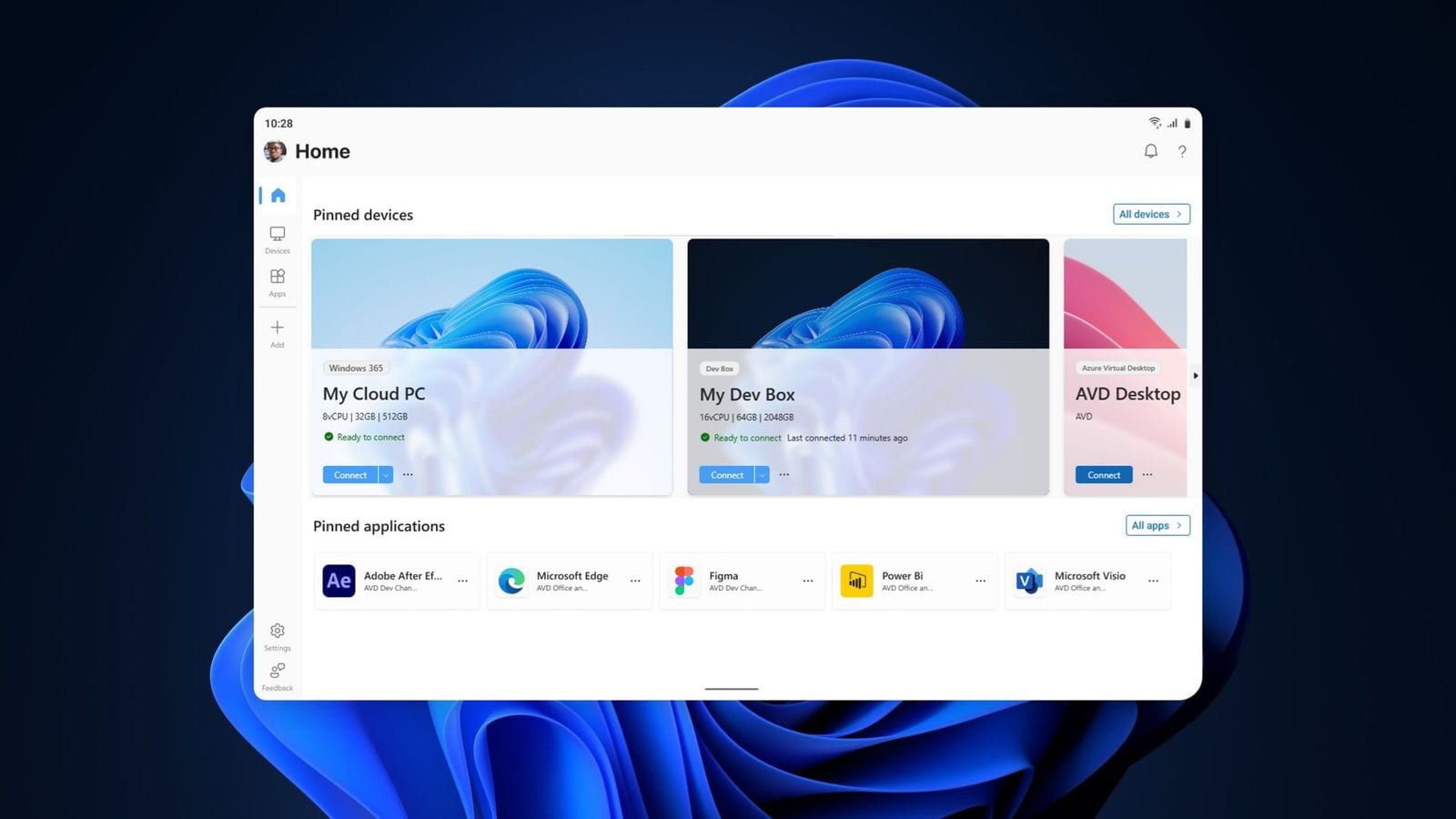
Microsoft’s Windows App can now connect directly to remote PCs, closing a major gap left by the move away from Remote Desktop. The change affects Windows users who rely on remote access, especially people connecting to work PCs or home machines. If you use the app, you can now try the direct connection feature instead of relying on the older Remote Desktop path.

Source: windowscentral.com

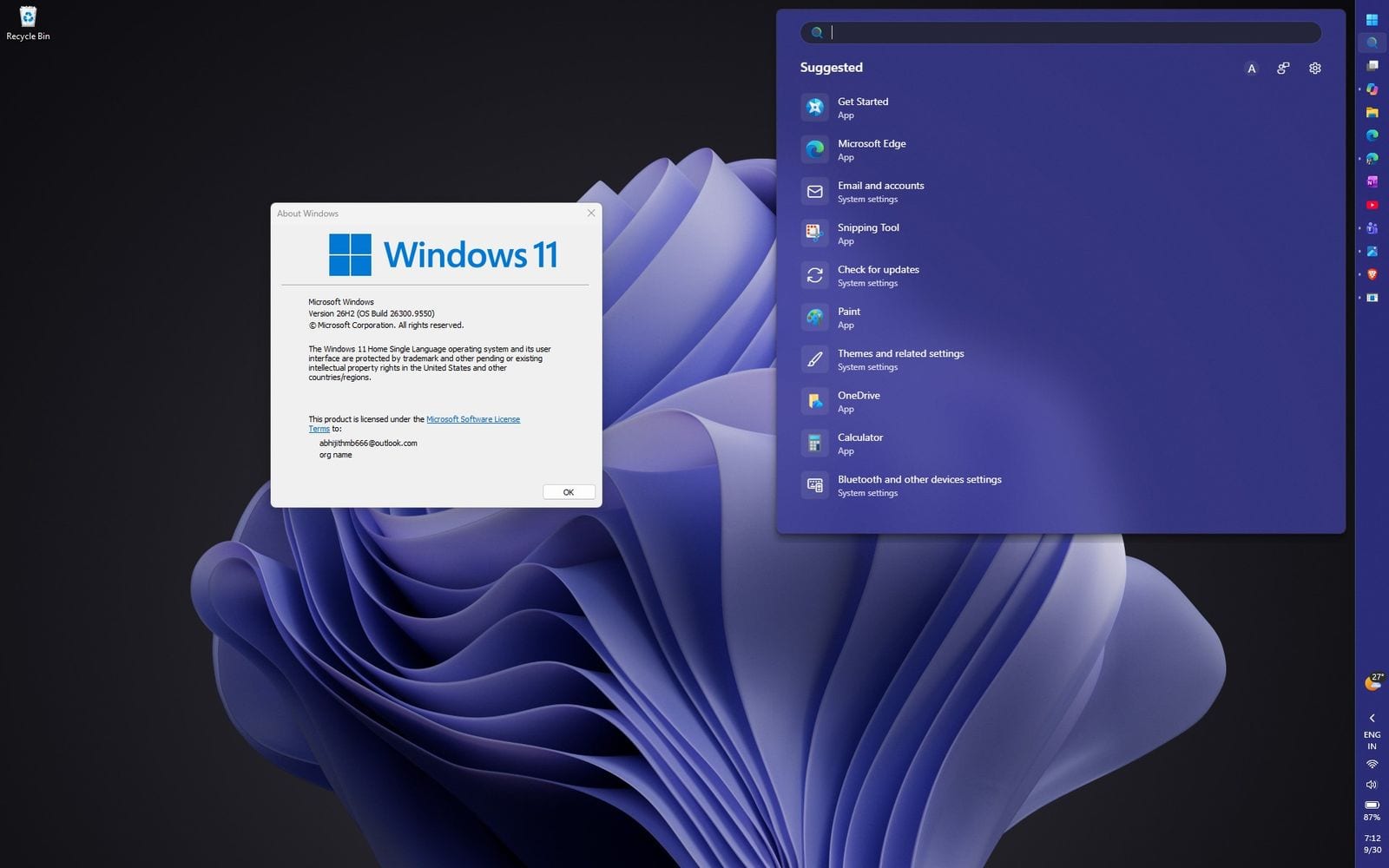
Microsoft has explained what is actually new in Windows 11 26H2 and how to check it. The update mostly turns on features your PC may already have received through monthly updates, and it also changes some defaults on work PCs. If you want to verify the update, check build 26300 in Settings or with winver.

Source: windowslatest.com
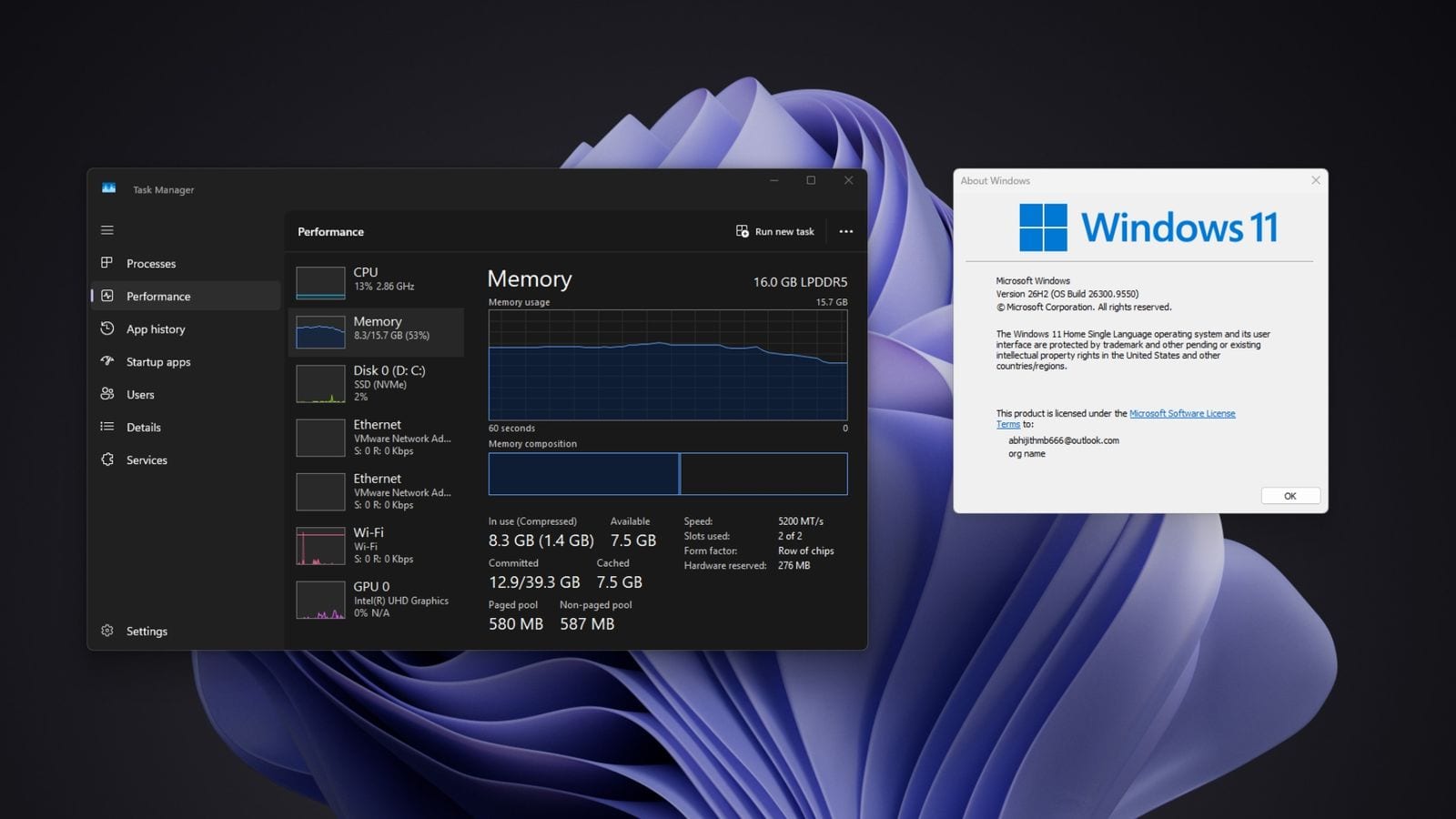
Windows 11 26H2 has quietly shipped with a performance boost. Microsoft rolled up months of performance work into the update, including a Low Latency Profile for app launches. The change affects Windows 11 users on 26H2, and the summary says apps such as WhatsApp, Teams, Outlook and 4K YouTube stayed under 90% RAM use in testing. No action is mentioned, but the update is the one to watch if you want better responsiveness.

Source: windowslatest.com

Windows 11’s File Explorer is getting a new shortcut that sends the squiggly ~ key straight to the user folder. The update will let people open folders like their user profile, Documents, Downloads, and sometimes AppData more quickly. This affects Windows 11 users who work with file paths in File Explorer. If you use AppData often, the change should make it easier to reach without typing the full path.

Source: windowslatest.com

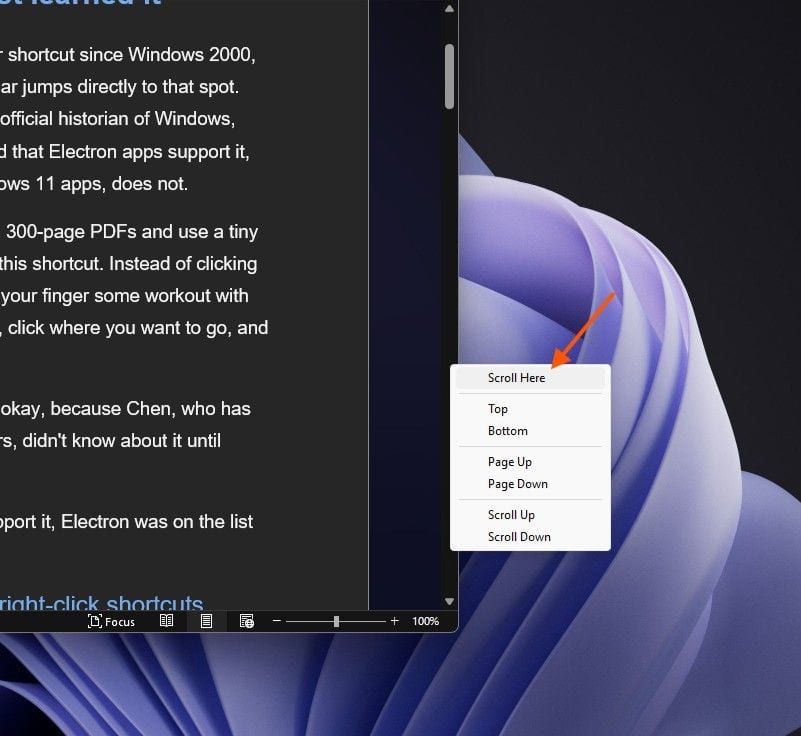
Windows 11 has broken a long-standing Shift+click scrollbar shortcut in WinUI apps, including Notepad. The issue affects users of Windows 11 and apps built on WinUI, while Electron, Win32 and WPF still support the shortcut. A GitHub bug is open, and Microsoft is still patching missing WinUI basics.

Source: windowslatest.com

Microsoft says Windows 11 will use less RAM as it responds to rising memory costs. The change affects Windows 11 users, especially on PCs with 8GB of RAM, and Microsoft has made 8GB PC optimization official. Microsoft also explained why Windows 11 uses so much memory and said it is working on fixes.

Source: windowslatest.com

4,322 members already hereThey read, write, comment and vote. 0 verified · 31 joined this year